iPad Pro GPS Guide: Wi-Fi vs Cellular and 10 Navigation Options
iPad Pro navigation decision guide
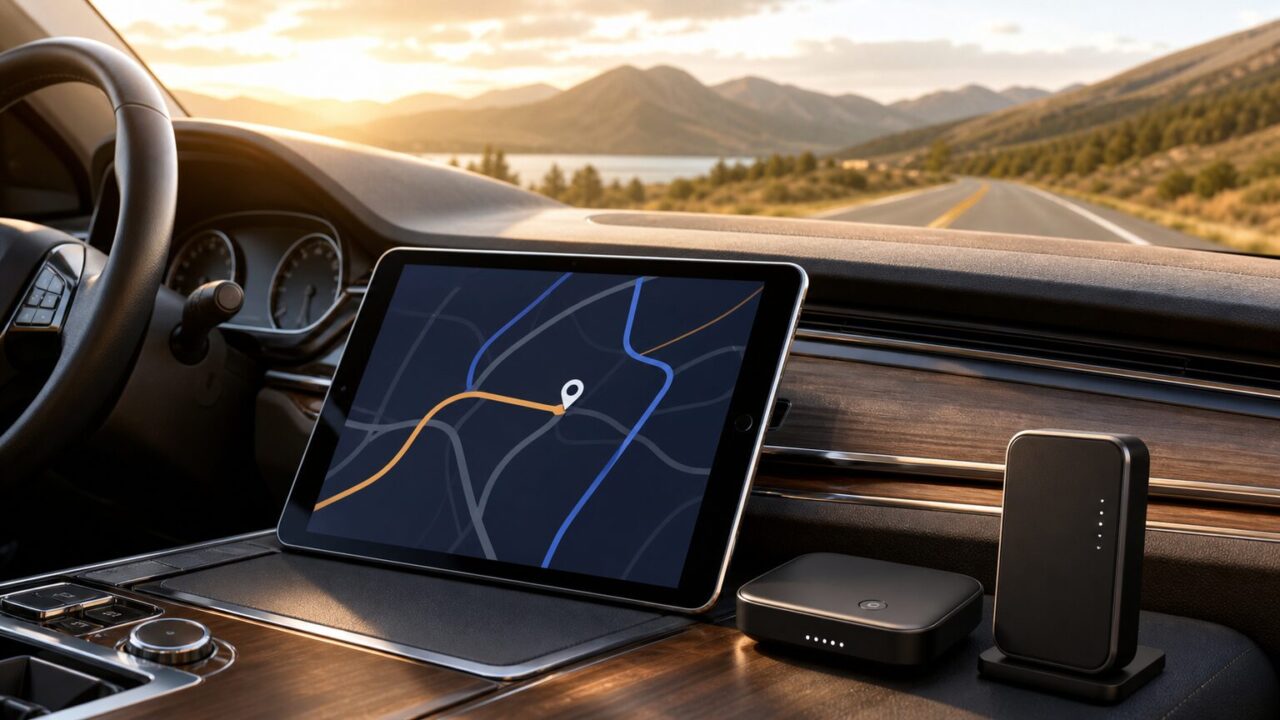
The practical iPad Pro GPS rule is simple: choose a Wi-Fi + Cellular iPad Pro when you need an integrated GPS/GNSS receiver. A Wi-Fi-only iPad Pro can estimate location through Wi-Fi, Bluetooth, and iBeacon-based methods, but it does not provide the same built-in satellite-positioning capability. You do not need to buy a cellular model automatically, however. A supported external receiver may be the more economical route if you already own a Wi-Fi iPad, while a dedicated navigator can make more sense when you want an independent road or trail device.
Start with the use case that most closely matches how you plan to use the setup.
Use case 1
For adding satellite positioning to a Wi-Fi iPad: Check the Garmin GLO 2 Amazon listing.
Use case 2
For sharing an external receiver with multiple compatible devices: View current buying options for the Dual XGPS160.
Use case 3
For a finished aviation-focused receiver: See the Stratux ADS-B receiver on Amazon.
Before comparing accessories, decide whether you need location awareness, independent satellite positioning, or a specialized navigation system. That distinction prevents both underbuying and paying for equipment that does not solve your actual problem.
- How to choose an iPad Pro GPS setup
- Compare 10 iPad Pro GPS and navigation options
- Garmin GLO 2, GPS Receiver Including Vehicle Power Cable and USB Cable
- Dual Electronics XGPS160 Multipurpose Universal 5 Device Bluetooth GPS Receiver with Wide Area Augmentation System and Portable Attachment
- Dual Electronics XGPS150A Portable Bluetooth GPS Receiver WAAS Universal | Universal Bluetooth GPS for tablets & devices, WAAS precision, portable rechargeable design, wide compatibility, black
- Garmin inReach® Mini 2, Satellite Communicator, Orange | SOS Satellite Communicator with Navigation, Two-Way Messaging Beyond Cell Service, 24/7 Garmin Response℠
- Stratux ADS-B Dual Band Receiver Aviation Weather and Traffic – Internal WAAS GPS, AHRS, Battery Pack, Suction Mount, Antennas, SDR
- Deluxe Kit – Large Antennas
- Nooelec Dual-Band NESDR Nano 2 ADS-B (978MHz UAT & 1090MHz 1090ES) Bundle for Stratux™, Avare, Foreflight, FlightAware & Other ADS-B Software Applications. Includes 2 SDRs, 4 Antennas & 5 Adapters
- VK-162 USB GPS Dongle – Remote Mount USB – External GPS Navigation Dongle – Supports Stratux, Raspberry Pi, Google Earth, Windows, Linux
- Garmin eTrex 32x, Rugged Handheld GPS Navigator
- Garmin Drive™ 53 GPS Navigator | High-Resolution Touchscreen, Simple On-Screen Menus and Easy-to-See Maps, Driver Alerts
- Final iPad Pro GPS decision
How to choose an iPad Pro GPS setup
1. Wi-Fi versus Wi-Fi + Cellular: the defining difference
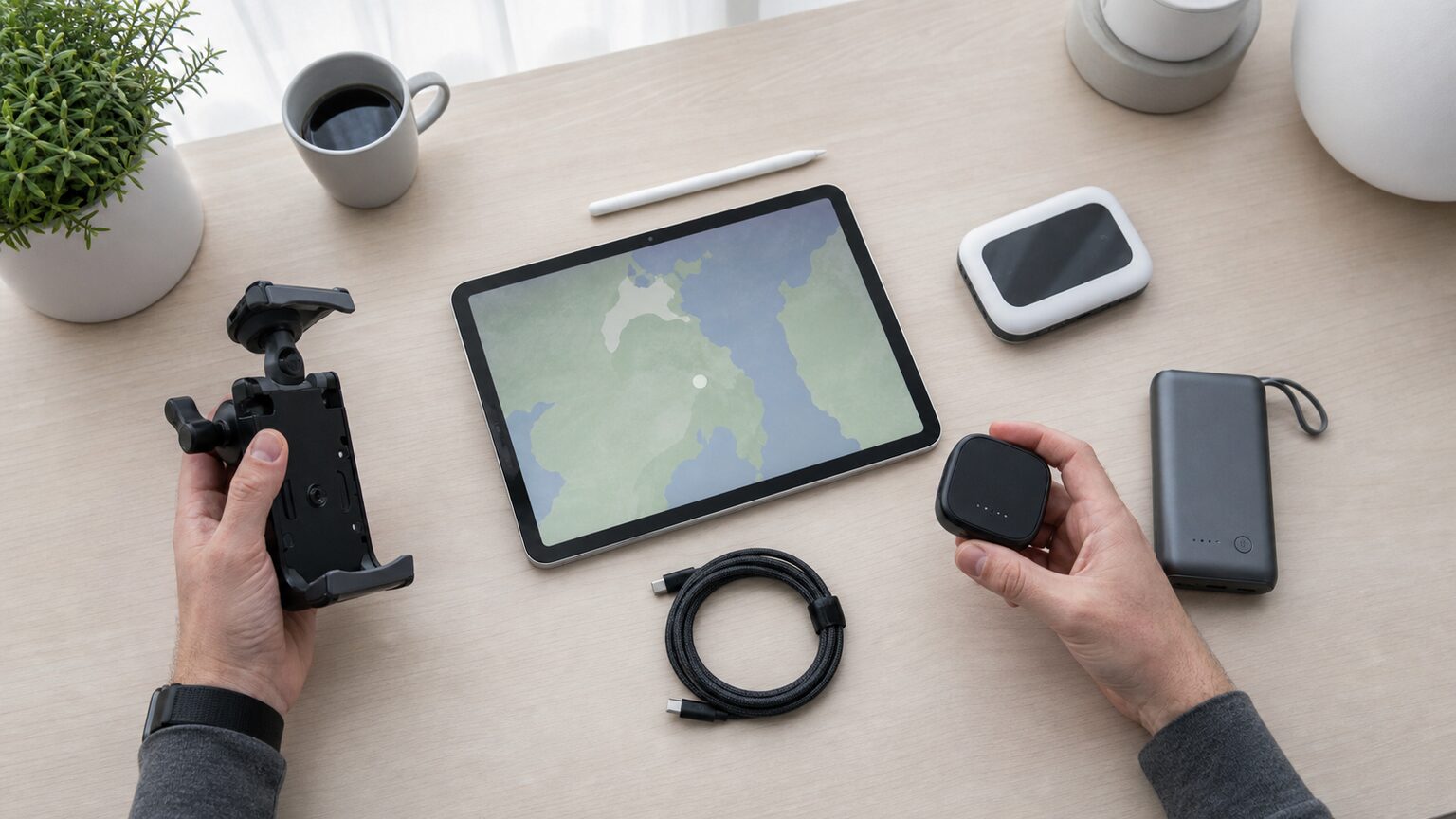
Current 11-inch and 13-inch iPad Pro models are offered in Wi-Fi and Wi-Fi + Cellular configurations. Apple lists GPS/GNSS for the Wi-Fi + Cellular versions. All current models include a digital compass, Wi-Fi positioning, and iBeacon microlocation, but those shared features should not be mistaken for an integrated satellite receiver.
A Wi-Fi model may still determine an approximate or useful location when a Wi-Fi network is available. That can be adequate for ordinary location-aware services, but it is a weaker foundation for driving, boating, aviation, fieldwork, or offline mapping where consistent updates away from known networks matter.
2. Do you need a cellular data plan for GPS?
The supplied Apple guidance identifies GPS as hardware available on Wi-Fi + Cellular iPad models; it does not make an active cellular subscription a condition for that GPS capability. This means you can choose the cellular model for integrated positioning without assuming that you must maintain a paid data plan solely to receive satellite location.
Connectivity and positioning are still separate parts of a navigation experience. Maps, route changes, traffic information, and other app content may require internet access unless the app supports downloaded data and you prepare it in advance. Apple also advises leaving Cellular Data on for more accurate calibration on a Wi-Fi + Cellular iPad, even without a cellular subscription.
| Setup | What matters | Buying checkpoint |
|---|---|---|
| Wi-Fi + Cellular iPad Pro | Integrated GPS/GNSS | Current models use eSIM and do not support physical SIM cards. |
| Wi-Fi iPad Pro plus receiver | Receiver compatibility, pairing, charging, and sky view | Confirm support for your iPad, iPadOS version, and chosen app. |
| Dedicated navigator | Independent navigation for a defined environment | Do not assume it can feed location into iPad apps. |
3. Location Services, Precise Location, and offline navigation
Turn on location access at Settings > Privacy & Security > Location Services, then manage permission separately for each navigation app. If an app needs your specific location, keep Precise Location enabled. Turning Location Services off can prevent many important iPad features from working.
Offline maps and GPS are related but not identical. Integrated or external positioning can provide location, while the app must already have the map or chart data it needs when internet service is unavailable. Check the chosen app’s support and download requirements before departure rather than assuming that a GPS receiver supplies maps.
4. Accuracy, mounting, and troubleshooting
Apple explains that satellite visibility affects positioning. Vehicle roofs, walls, buildings, mountains, and similar obstructions can block satellite visibility. If location is inaccurate or slow, first move the iPad or receiver where it has a clearer view of the sky. Then confirm Location Services, the app’s individual permission, Precise Location, connectivity, and any external receiver connection.
- What matters: satellite visibility, app permission, receiver compatibility, a charged external unit, and downloaded navigation content for offline use.
- What may not matter: an active cellular subscription when the sole objective is using the integrated GPS hardware in a Wi-Fi + Cellular iPad.
- Do not overdiagnose: a map that fails to load can be a connectivity or offline-content issue rather than a positioning failure.
- Do not overpromise accuracy: the supplied evidence does not establish a universal accuracy figure for every environment or accessory.
5. Cellular upgrade, external receiver, or dedicated device?
Choose a Wi-Fi + Cellular iPad Pro if you are buying a new tablet and want the fewest extra components. Consider a compatible Bluetooth receiver if you already own a Wi-Fi model or prefer to keep the lower-cost tablet configuration. For aviation, off-grid communication, trail navigation, or road navigation, specialized equipment can add capabilities or independence—but it may work beside the iPad rather than supplying live location to iPadOS.
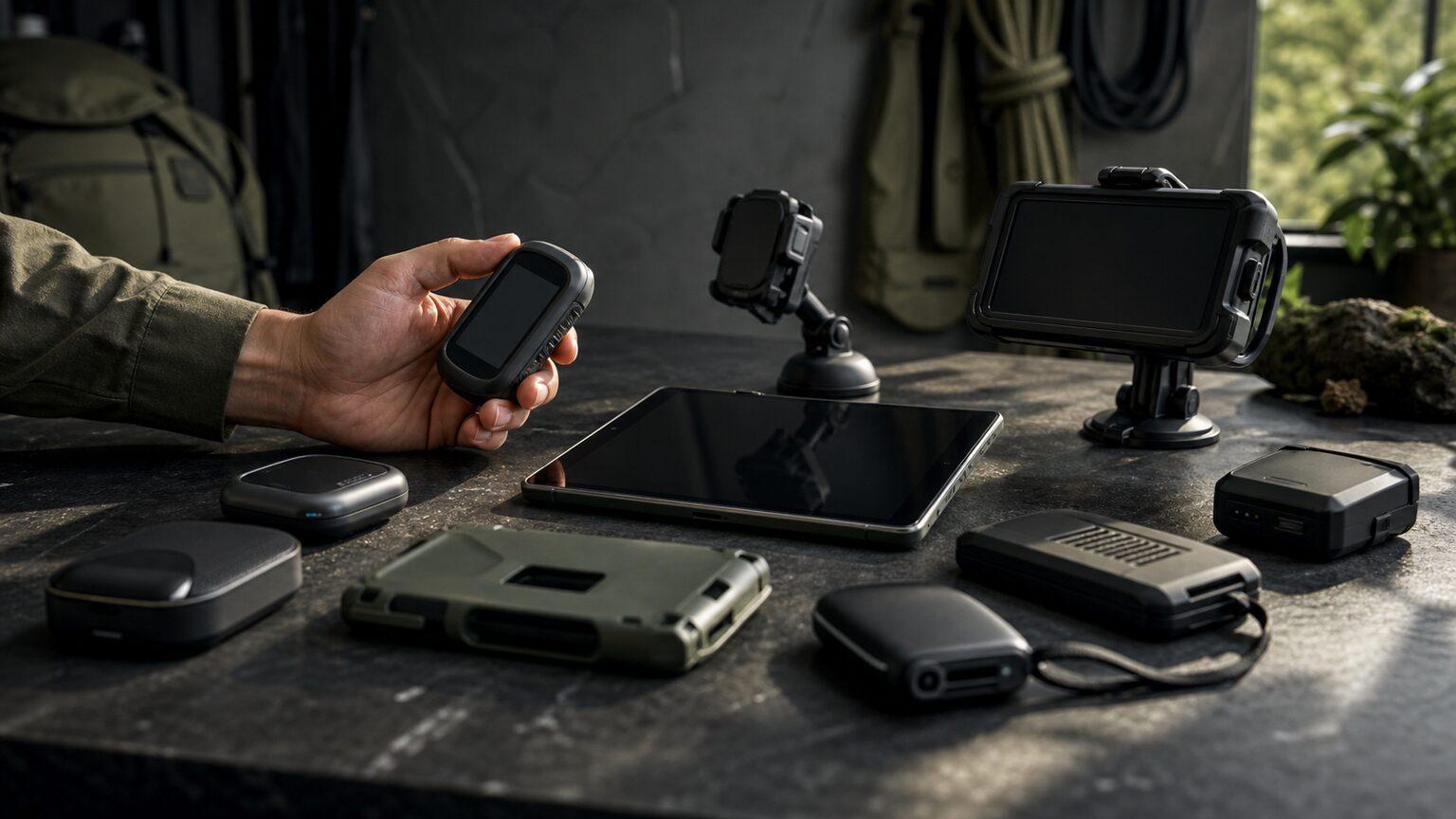
The recommendations below cover direct external receivers, specialized aviation and satellite equipment, and independent navigators. Read each buying checkpoint carefully because not every product substitutes for an iPad-compatible GPS receiver.
Compare 10 iPad Pro GPS and navigation options
| # | Product | Reader-facing distinction | Amazon |
|---|---|---|---|
| 1 | Garmin GLO 2 | Portable GPS and GLONASS receiver for compatible mobile devices | View Garmin GLO 2 |
| 2 | Dual XGPS160 | Multipurpose Bluetooth receiver for five devices, as identified in its title | View Dual XGPS160 |
| 3 | Dual XGPS150A | Portable rechargeable Bluetooth GPS with WAAS | View Dual XGPS150A |
| 4 | Garmin inReach Mini 2 | Off-grid satellite communication and GPS navigation functions | View inReach Mini 2 |
| 5 | Stratux ADS-B Dual Band Receiver | Finished aviation receiver with internal WAAS GPS | View Stratux receiver |
| 6 | Stratux Deluxe Kit | Configurable kit for DIY-oriented aviation users | View Stratux kit |
| 7 | Nooelec Dual-Band NESDR Nano 2 Bundle | Dual-receiver hardware for a larger Stratux-style build | View Nooelec bundle |
| 8 | VK-162 USB GPS Dongle | USB GPS module intended for supported host systems and builds | View VK-162 dongle |
| 9 | Garmin eTrex 32x | Standalone rugged handheld with routable maps | View Garmin eTrex 32x |
| 10 | Garmin Drive 53 | Independent automotive navigation beside an iPad | View Garmin Drive 53 |
Rank 1 · Direct external receiver
Garmin GLO 2, GPS Receiver Including Vehicle Power Cable and USB Cable
Best for: Adding external satellite positioning to a Wi-Fi-only iPad Pro.
Why it earns a place: Garmin identifies GLO 2 as a portable GPS and GLONASS receiver that connects wirelessly to compatible mobile devices. It lets a buyer retain a Wi-Fi iPad rather than replace it solely for integrated GPS.
- Portable GPS and GLONASS receiver.
- Wireless connection to compatible mobile devices.
- The product title includes a vehicle power cable and USB cable.
Advantages: Focused external-GPS solution that lets you keep a Wi-Fi iPad.
Limitations: Adds a separate device that must remain powered, connected, and positioned.
Who should skip it: Buyers choosing Wi-Fi + Cellular may prefer integrated GPS/GNSS.
Rank 2 · Multi-device receiver
Dual Electronics XGPS160 Multipurpose Universal 5 Device Bluetooth GPS Receiver with Wide Area Augmentation System and Portable Attachment
Best for: External GPS shared with multiple compatible mobile devices.
Why it earns a place: This dedicated Bluetooth GPS receiver directly addresses the external-GPS path, while its supplied title identifies five-device use and Wide Area Augmentation System support.
- Bluetooth GPS-receiver functionality.
- Five-device capability identified in the official product name.
- Portable attachment included in the product configuration.
Advantages: Direct external-GPS role and multi-device Bluetooth use.
Limitations: Requires pairing, charging, and suitable placement.
Who should skip it: A single-device user who does not need shared-receiver capability may prefer a simpler option.
Rank 3 · Basic portable receiver
Dual Electronics XGPS150A Portable Bluetooth GPS Receiver WAAS Universal | Universal Bluetooth GPS for tablets & devices, WAAS precision, portable rechargeable design, wide compatibility, black
Best for: Adding basic satellite positioning to a Wi-Fi-only iPad Pro.
Why it earns a place: The XGPS150A supplies location data independently of the iPad’s Wi-Fi positioning, and Dual identifies it as compatible with supported iOS devices.
- External Bluetooth GPS receiver.
- Portable rechargeable design and WAAS identified in the product name.
- Compatible with supported iOS devices.
Advantages: Dedicated portable location source that avoids replacing a Wi-Fi iPad solely for GPS.
Limitations: Introduces another battery-powered device and connection.
Who should skip it: Buyers wanting no external accessories should choose integrated GPS/GNSS.
Rank 4 · Off-grid companion
Garmin inReach® Mini 2, Satellite Communicator, Orange | SOS Satellite Communicator with Navigation, Two-Way Messaging Beyond Cell Service, 24/7 Garmin Response℠
Best for: Backcountry travelers needing satellite communication alongside iPad planning.
Why it earns a place: The inReach Mini 2 combines GPS navigation functions with off-grid satellite communication and can pair with compatible mobile devices through Garmin’s ecosystem.
- Compact satellite communicator with GPS navigation functions.
- Two-way messaging beyond cellular service is identified in its name.
- Pairs with compatible mobile devices through Garmin’s ecosystem.
Advantages: Off-grid communication and GPS navigation functions.
Limitations: Not a direct substitute for an iPad GPS receiver; satellite messaging requires a plan.
Who should skip it: Anyone who only needs live GPS input for an iPad app should choose a compatible receiver.
Rank 5 · Finished aviation receiver
Stratux ADS-B Dual Band Receiver Aviation Weather and Traffic – Internal WAAS GPS, AHRS, Battery Pack, Suction Mount, Antennas, SDR
Best for: Pilots using a Wi-Fi-only iPad Pro with compatible electronic flight-bag apps.
Why it earns a place: This aviation setup provides external GPS position plus traffic and weather data over Wi-Fi. Its configuration includes internal WAAS GPS, AHRS, a battery pack, suction mount, antennas, and SDR.
- Dual-band aviation weather-and-traffic receiver.
- Internal WAAS GPS.
- Supports tablet connections over Wi-Fi.
Advantages: Finished receiver with GPS and aviation traffic and weather data.
Limitations: Aviation-focused and dependent on compatible apps.
Who should skip it: Drivers, hikers, and general users should choose equipment for their environment.
Rank 6 · Configurable aviation kit
Deluxe Kit – Large Antennas
Best for: DIY-oriented pilots building an external positioning and ADS-B setup for iPad.
Why it earns a place: This Stratux Deluxe Kit offers a configurable route for Wi-Fi iPad Pro owners who want GPS and aviation data without replacing the tablet.
- Stratux Deluxe Kit product identity.
- Separate 978 MHz and 1090 MHz reception hardware.
- Uses the open-source Stratux ADS-B receiver platform.
Advantages: Configurable dual-band route for technically confident aviation users.
Limitations: Requires assembly and configuration.
Who should skip it: Anyone wanting a ready-to-use accessory or ordinary road navigation should avoid the DIY overhead.
Rank 7 · Build hardware
Nooelec Dual-Band NESDR Nano 2 ADS-B (978MHz UAT & 1090MHz 1090ES) Bundle for Stratux™, Avare, Foreflight, FlightAware & Other ADS-B Software Applications. Includes 2 SDRs, 4 Antennas & 5 Adapters
Best for: Technically experienced users assembling a Stratux receiver for iPad aviation apps.
Why it earns a place: This dual-receiver bundle is associated with Stratux-style builds and identifies 978 MHz UAT and 1090 MHz 1090ES support.
- Two SDRs, four antennas, and five adapters identified in the name.
- Dual-band 978 MHz and 1090 MHz hardware.
- Stratux and Foreflight are among the identified applications.
Advantages: Defined dual-receiver bundle for a compatible Stratux project.
Limitations: Cannot feed location to an iPad by itself.
Who should skip it: Nontechnical users and anyone seeking one-box navigation should choose a finished receiver.
Rank 8 · GPS module for a larger build
VK-162 USB GPS Dongle – Remote Mount USB – External GPS Navigation Dongle – Supports Stratux, Raspberry Pi, Google Earth, Windows, Linux
Best for: Building a Stratux external-GPS system for a Wi-Fi iPad Pro.
Why it earns a place: The VK-162 is a USB GPS navigation module whose title identifies Stratux among its supported uses. A completed receiver can send position to an iPad over Wi-Fi.
- External GPS module using USB.
- Remote-mount format.
- Stratux, Raspberry Pi, Windows, and Linux are identified uses.
Advantages: Focused GPS module for supported DIY Stratux systems.
Limitations: Not directly compatible with iPadOS as a stand-alone USB GPS accessory.
Who should skip it: Choose a finished Bluetooth receiver if you do not intend to maintain a host system.
Rank 9 · Independent trail navigator
Garmin eTrex 32x, Rugged Handheld GPS Navigator
Best for: Trail navigation with an independent map device beside an iPad Pro.
Why it earns a place: The eTrex 32x provides a standalone navigation path when the iPad should not be the only location device. Garmin documents GPS and GLONASS support and preloaded routable maps.
- Rugged handheld GPS navigator.
- GPS and GLONASS satellite support.
- Preloaded routable maps.
Advantages: Independent positioning, maps, and dedicated handheld format.
Limitations: Smaller display than an iPad and not a native Bluetooth GPS feed for iPad apps.
Who should skip it: Users wanting external data inside an iPad app need a compatible receiver.
Rank 10 · Independent road navigator
Garmin Drive™ 53 GPS Navigator | High-Resolution Touchscreen, Simple On-Screen Menus and Easy-to-See Maps, Driver Alerts
Best for: Drivers who want a dedicated GPS alongside an iPad Pro.
Why it earns a place: Garmin describes Drive 53 as a dedicated automotive navigator. It provides independent satellite navigation when an iPad lacks integrated GPS or reliable connectivity.
- Dedicated automotive GPS navigator.
- High-resolution touchscreen and simple menus identified in its name.
- Easy-to-see maps and driver alerts identified in the supplied title.
Advantages: Independent road-navigation role with dedicated display and controls.
Limitations: Adds another screen and does not turn a Wi-Fi iPad into a GPS-equipped iPad.
Who should skip it: Drivers wanting navigation entirely inside an iPad app should choose Wi-Fi + Cellular or a compatible receiver.
Final iPad Pro GPS decision

If you are buying an iPad Pro specifically for navigation, Wi-Fi + Cellular is the cleanest route to integrated GPS/GNSS. If you already have a Wi-Fi model, a supported Garmin GLO 2, Dual XGPS160, or Dual XGPS150A can address the positioning gap without replacing the tablet. Specialized products deserve a narrower decision: Stratux equipment is for compatible aviation workflows, inReach adds off-grid communication, and the eTrex or Drive 53 operates as an independent navigator.
Choose by priority
- Keep a Wi-Fi iPad and add a focused receiver: Review the Garmin GLO 2 buying options.
- Share GPS with multiple compatible devices: Compare the Dual XGPS160 listing.
- Use a finished aviation-focused system: Check the Stratux receiver configuration.
Does a Wi-Fi-only iPad Pro have a built-in GPS receiver?
No integrated GPS/GNSS receiver is identified for the Wi-Fi model in the supplied Apple specifications. It can use Wi-Fi, Bluetooth, digital-compass information, and iBeacon microlocation as applicable, but buyers needing integrated satellite positioning should choose Wi-Fi + Cellular.
Can cellular iPad Pro GPS work without a data plan?
The supplied Apple information identifies GPS as a capability of Wi-Fi + Cellular iPads and does not require an active subscription for the GPS receiver itself. Apps may still need internet access for map data or online features unless the required content is available offline.
Can a Wi-Fi iPad Pro use an external Bluetooth GPS receiver?
A compatible receiver can supply independent positioning to a supported iOS device. Verify the receiver, your specific iPad and iPadOS version, and the intended navigation app before purchasing.
Why might iPad Pro GPS be inaccurate or slow?
Satellite visibility is a central factor. Roofs, walls, buildings, and mountains can obstruct signals. Also check Location Services, app permission, Precise Location, connectivity or downloaded maps, and the power and connection status of any external receiver.
Sources checked
The confident choice comes from matching the hardware to the job: select Wi-Fi + Cellular for integrated iPad Pro GPS, a verified-compatible external receiver to extend a Wi-Fi model, or a dedicated device when independent road, trail, aviation, or off-grid capability is the actual priority.