YI Home Camera 1080p Guide: Setup, Storage, Wi-Fi, and 10 Alternatives
The YI Home Camera 1080p remains practical if you need a fixed indoor camera, have 2.4 GHz Wi-Fi, and are comfortable managing it through the YI Home app. It offers 1080p video, infrared night vision, motion detection, two-way audio, baby-crying detection, and either 8–32GB microSD storage or YI Cloud. The main reasons to choose an alternative are the YI model’s 32GB local-storage ceiling, lack of listed 5 GHz support, fixed 112-degree diagonal view, or a preference for pan-and-tilt coverage and desktop viewing.
Quick picksThese three starting points address the clearest reasons shoppers move beyond the fixed YI design.
Budget pan and tilt
Kasa EC70 adds remotely controlled room coverage while retaining 1080p video, two-way audio, night vision, and local or cloud storage.
Sharper fixed view
Tapo C110 keeps the compact fixed-camera format but captures 3MP video and supports microSD recording.
Desktop and dual-band needs
Reolink E1 Pro combines 2.4/5 GHz Wi-Fi, pan-and-tilt control, local recording, and Reolink mobile and desktop clients.
Before comparing models, use the following five checks to decide whether the original YI feature set already covers the job or whether an upgrade would solve a real limitation.
- How to decide whether the YI Home Camera 1080p fits your home
- YI Home Camera 1080p alternatives compared
- Kasa 1080p Indoor Pan/Tilt Wired Security Camera, Baby & Pet Monitor, EC70 | Motion Detection & Tracking, 2-Way Audio, Night Vision, Subscription-Free Local Storage or Optional Cloud
- Tapo 2K Indoor Security Camera for Baby Monitor, Dog Camera w/Motion Detection, 2-Way Audio Siren, Night Vision, Cloud & SD Card Storage(Up to 512GB), Works w/Alexa & Google Assistant C110
- TP-Link Tapo 1080P Indoor Security Camera for Baby Monitor, Dog Camera w/Motion Detection, 2-Way Audio Siren, Night Vision, Cloud & SD Card Storage, Works w/Alexa & Google Home (Tapo C100)
- Kasa 1080p Indoor Wired Security Camera, Baby & Pet Monitor, EC60 | Motion Detection & Tracking, 2-Way Audio, Night Vision, Subscription-Free Local Storage or Optional Cloud
- REOLINK E1 Pro 3K Dual-Band Wi-Fi Indoor Camera for Baby & Pet Monitoring | Auto Tracking, 5MP Night Vision Enhanced by F1.6 Aperture, Person/Pet/Baby Crying Detection, 2.4/5GHz Wi-Fi, Two-Way Audio
- REOLINK 4K Indoor Camera, 3X Optical Zoom, Dual-Band WiFi 6, E1 Zoom | Pan Tilt with Auto Tracking, Person/Pet Detection, Cry Detection, Privacy Mode, Bluetooth Setup, Two-Way Audio
- WYZE Cam OG Indoor/Outdoor Security Camera with Color Night Vision | 1080p Wi-Fi camera for monitoring with built-in spotlight, motion detection, 2-way audio; works with Alexa and Google
- Tapo 2K+ Indoor/Outdoor Wired Security Camera, Baby Monitoring, C120 | 2024 PCMag Editors’ Choice, Person/Pet/Vehicle Detection, Color Night Vision, Subscription-Free Local Storage or Cloud
- WYZE Cam v3 with Color Night Vision, Wired 1080p HD Indoor/Outdoor Video Camera, 2-Way Audio, Works with Alexa, Google Assistant, and IFTTT
- wansview Indoor/Baby/Pet Camera with Phone App, 5G&2.4G Wi-Fi, Q5 5MP White | UHD Security Camera Indoor for Monitoring Home/Baby/Cat/Dog/nanny, 2 Way Audio, 24/7 TF Card Storage(TF Card Not Included)
- Final decision: keep YI or choose an alternative?
How to decide whether the YI Home Camera 1080p fits your home
1. Confirm the exact network requirements
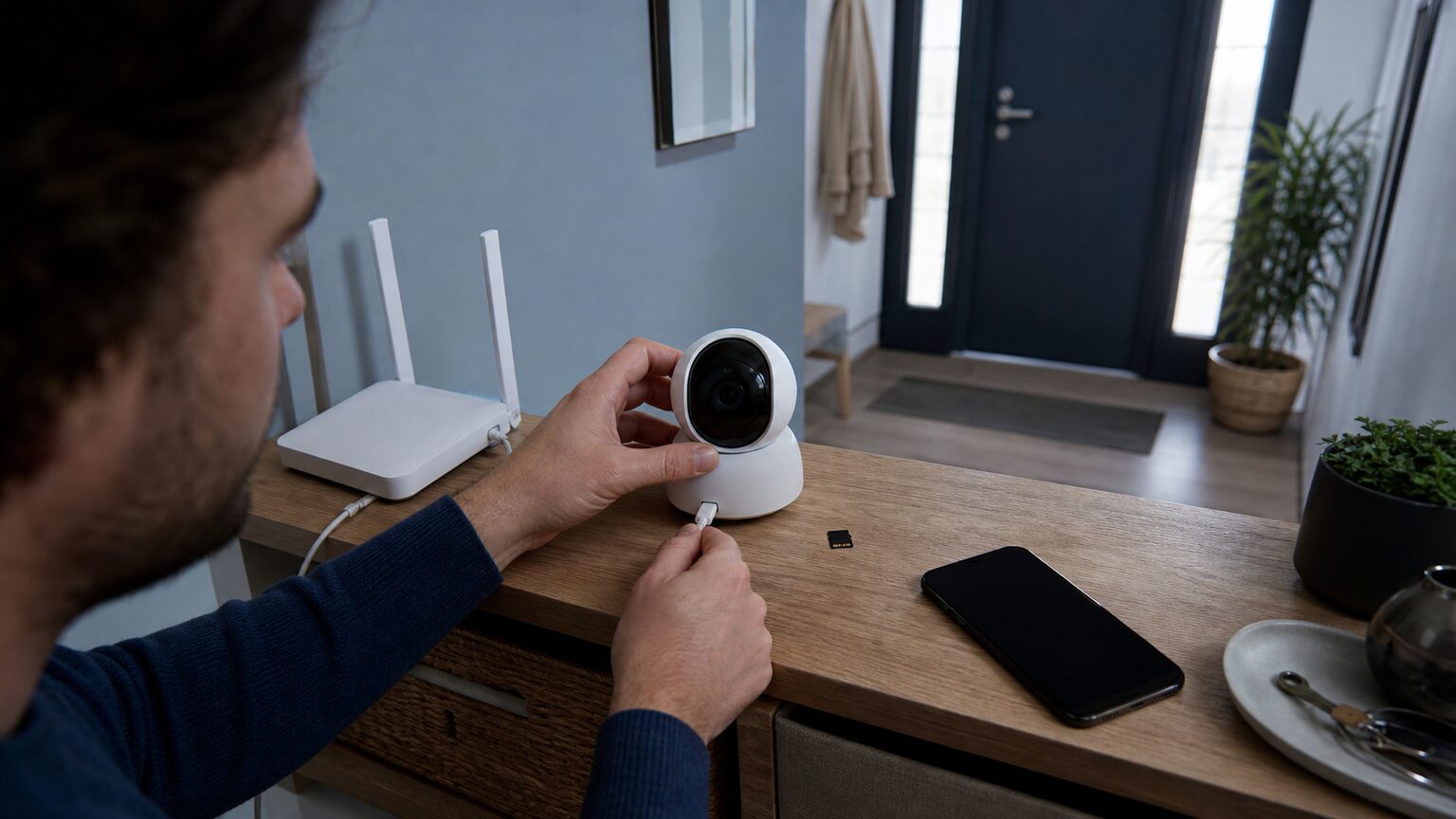
The manufacturer specifies 2.4 GHz 802.11 b/g/n Wi-Fi and a minimum upstream bandwidth of 1Mbps. It does not list 5 GHz support. During setup, make sure a compatible 2.4 GHz network reaches the intended camera location; a 5 GHz-only network does not match the published specification.
Available viewing quality can also respond to current network conditions rather than remaining identical on every connection.
2. Choose local storage or cloud access deliberately
The YI specification lists two recording paths: an 8–32GB microSD card or YI Cloud. A cloud subscription is therefore not the only listed storage option. Local microSD recording is the direct fit for shoppers who want to avoid making cloud storage the default, while cloud service may suit readers who value that separate service enough to accept an ongoing in-app purchase.
| Decision | What matters | What may not matter |
|---|---|---|
| Local-first use | An 8–32GB microSD card matches the published YI range. | Cloud storage is optional rather than the only listed path. |
| Longer local capacity | Compare an alternative with a larger supported card capacity. | Higher capacity adds little if short local recording is sufficient. |
| Remote monitoring | App access and upstream connectivity shape the experience. | 5 GHz support is unnecessary if reliable 2.4 GHz coverage is already available. |
The supplied specifications establish the available storage methods but do not define every behavior during an internet outage. If offline recording is essential, confirm that exact operating behavior for the installed firmware and app before relying on it.
3. Understand the YI Home app dependency
The YI Home app is the documented mobile interface for setup, live viewing, two-way conversation, and motion notifications. The Android listing says the app contains ads and in-app purchases; the iOS listing is free to download and offers in-app purchases and auto-renewing cloud subscriptions. Apple lists it as designed for iPhone and iPad.
The supplied sources document mobile access but do not establish a current YI PC application. Buyers who require a documented desktop client should prioritize an alternative whose verified data explicitly includes computer viewing, such as the Reolink options below.
4. Match the lens and monitoring features to the room
The YI camera has a fixed 112-degree diagonal field of view, 1080p resolution, infrared night vision up to 9 meters, motion detection, two-way audio, and baby-crying detection. That combination suits a defined indoor area such as a crib zone, pet area, entryway, or part of a living room.
- What matters: Position the fixed lens so the important area falls within its view.
- Potential upgrade: Choose pan and tilt if you need to inspect different parts of a room remotely.
- Avoid overbuying: Motorized movement and higher resolution may add little when one fixed zone is the only priority.
5. Check placement, power, and model identity
The YI unit uses 5V/1A power through Micro-USB and has a listed operating range of 0–50 degrees Celsius. It is an indoor monitoring camera, so plan for a nearby power source and a suitable location within that temperature range.
Also distinguish the YI 1080p Home Camera from similarly named products, including the YI 1080p Home Camera 2. The supplied evidence does not provide a supported feature-by-feature comparison between those two names, so identify the exact model and verify its specifications rather than assuming they are interchangeable.
With those constraints clear, the comparison below focuses on ten alternatives that solve different combinations of fixed-view, pan-and-tilt, storage, resolution, desktop-access, and Wi-Fi needs.
YI Home Camera 1080p alternatives compared
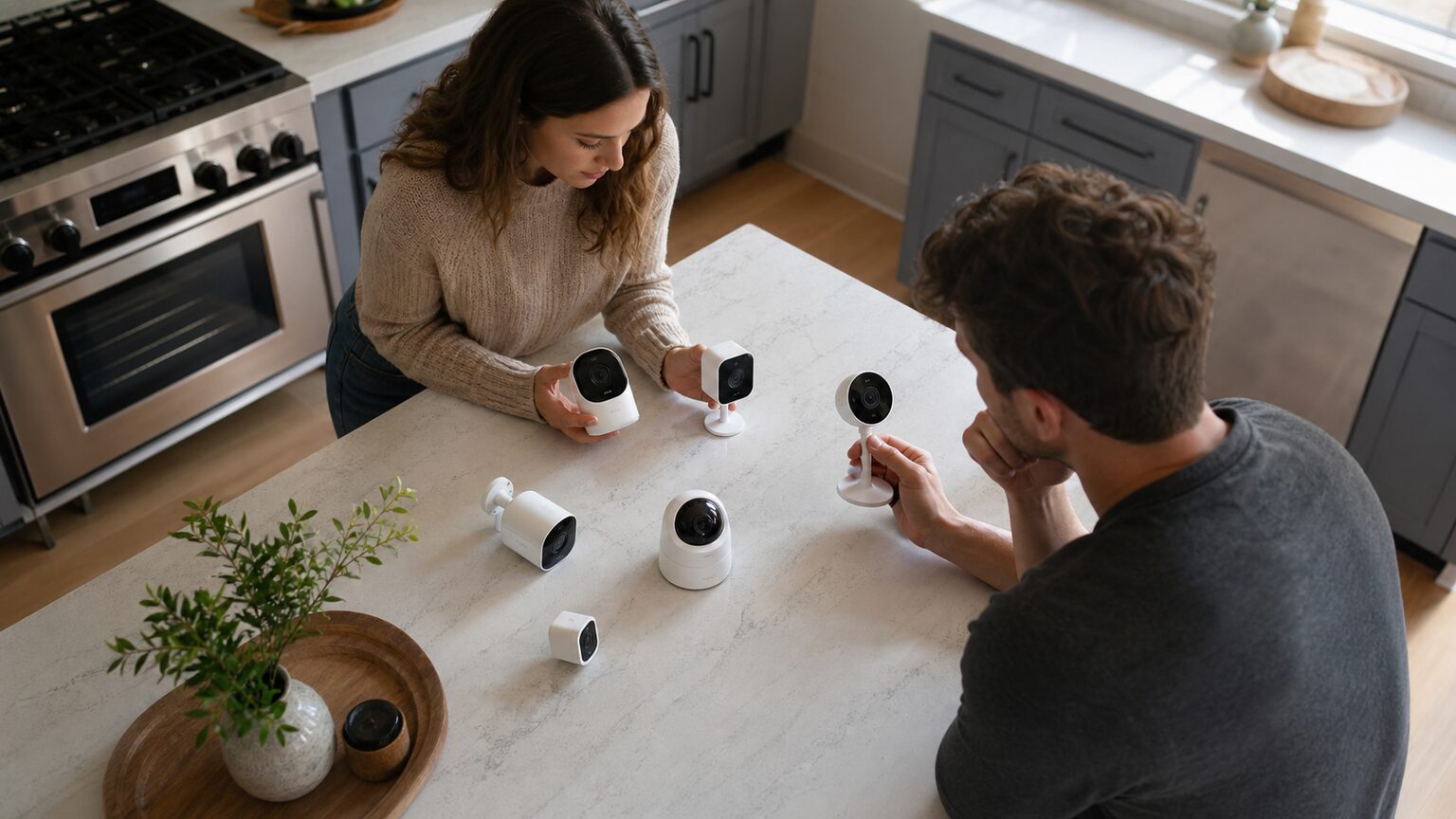
| Rank | Product | Best fit | Main checkpoint | Amazon |
|---|---|---|---|---|
| 1 | Kasa EC70 | Low-cost 1080p pan and tilt | Uses 2.4 GHz Wi-Fi | View Kasa EC70 on Amazon |
| 2 | Tapo C110 | Higher-detail fixed indoor view | No motorized pan or tilt | View Tapo C110 on Amazon |
| 3 | Tapo C100 | Basic fixed 1080p monitoring | Fixed lens | View Tapo C100 on Amazon |
| 4 | Kasa EC60 | Compact fixed camera for Kasa users | 2.4 GHz and no motorized movement | View Kasa EC60 on Amazon |
| 5 | Reolink E1 Pro | Desktop viewing and dual-band Wi-Fi | Indoor, wired-power placement | View Reolink E1 Pro on Amazon |
| 6 | Reolink E1 Zoom | Pan, tilt, and local recording | Confirm the exact Wi-Fi specification | View Reolink E1 Zoom on Amazon |
| 7 | Wyze Cam OG | Compact monitoring with a spotlight | Some functions are subscription-linked | View Wyze Cam OG on Amazon |
| 8 | Tapo C120 | Higher-resolution indoor or outdoor use | Wired power and app dependence | View Tapo C120 on Amazon |
| 9 | Wyze Cam v3 | Budget indoor or outdoor recording | 2.4 GHz; some event features need a plan | View Wyze Cam v3 on Amazon |
| 10 | wansview Q5 5MP | Dual-band Wi-Fi and continuous local recording | Requires a separate wansview app | View wansview Q5 on Amazon |
Rank 1 · Pan-and-tilt value pick
Kasa 1080p Indoor Pan/Tilt Wired Security Camera, Baby & Pet Monitor, EC70 | Motion Detection & Tracking, 2-Way Audio, Night Vision, Subscription-Free Local Storage or Optional Cloud
Best for: A low-cost 1080p pan-and-tilt alternative.
The EC70 earns the first position because it closely matches YI’s indoor-monitoring purpose while adding remotely controlled pan and tilt. It captures 1080p video, supports motion and sound detection, and offers microSD or cloud storage.
Reasons to choose it: Motorized viewing, two-way audio, night vision, and a choice of local or cloud storage.
Limitation: It does not solve a 5 GHz-only network problem. Skip it if dual-band Wi-Fi is the main upgrade you need.
Rank 2 · Higher-detail fixed pick
Tapo 2K Indoor Security Camera for Baby Monitor, Dog Camera w/Motion Detection, 2-Way Audio Siren, Night Vision, Cloud & SD Card Storage(Up to 512GB), Works w/Alexa & Google Assistant C110
Best for: Fixed-view indoor monitoring with higher-than-1080p detail.
The C110 retains the compact fixed-camera format while capturing 3MP video. It includes night vision, two-way audio, app-based alerts, and local microSD recording.
Reasons to choose it: Higher-resolution fixed capture plus local storage and essential indoor-monitoring features.
Limitation: It lacks motorized pan and tilt. Skip it for rooms that require movable coverage.
Rank 3 · Basic fixed alternative
TP-Link Tapo 1080P Indoor Security Camera for Baby Monitor, Dog Camera w/Motion Detection, 2-Way Audio Siren, Night Vision, Cloud & SD Card Storage, Works w/Alexa & Google Home (Tapo C100)
Best for: A basic fixed 1080p YI alternative.
The C100 supplies the core fixed indoor-camera experience: 1080p capture, night vision, motion detection, app alerts, and microSD recording.
Reasons to choose it: Familiar 1080p feature level with optional local recording.
Limitation: The fixed view does not broaden coverage beyond the YI concept. Skip it if movement is the reason for upgrading.
View the official Tapo C100 Amazon listing and buying options
Rank 4 · Compact Kasa pick
Kasa 1080p Indoor Wired Security Camera, Baby & Pet Monitor, EC60 | Motion Detection & Tracking, 2-Way Audio, Night Vision, Subscription-Free Local Storage or Optional Cloud
Best for: Kasa users wanting a compact fixed camera.
The EC60 is a direct fixed-view 1080p alternative with motion and sound detection, microSD and cloud storage choices, and support for Alexa and Google Assistant.
Reasons to choose it: Compact fixed monitoring with local or optional cloud storage.
Limitation: It does not add dual-band networking or pan and tilt. Skip it if either is essential.
Rank 5 · Desktop-viewing pick
REOLINK E1 Pro 3K Dual-Band Wi-Fi Indoor Camera for Baby & Pet Monitoring | Auto Tracking, 5MP Night Vision Enhanced by F1.6 Aperture, Person/Pet/Baby Crying Detection, 2.4/5GHz Wi-Fi, Two-Way Audio
Best for: Users who want desktop viewing and dual-band Wi-Fi.
The E1 Pro provides 5MP capture, 2.4 GHz and 5 GHz Wi-Fi, pan-and-tilt control, and microSD recording. Reolink supplies mobile and desktop clients, making this the clearest match when computer viewing is a priority.
Reasons to choose it: Dual-band networking, broader movable coverage, local storage, and documented computer access.
Limitation: Its added capabilities may be unnecessary for one fixed monitoring zone.
Rank 6 · Local-storage pan-and-tilt pick
REOLINK 4K Indoor Camera, 3X Optical Zoom, Dual-Band WiFi 6, E1 Zoom | Pan Tilt with Auto Tracking, Person/Pet Detection, Cry Detection, Privacy Mode, Bluetooth Setup, Two-Way Audio
Best for: Straightforward pan-and-tilt monitoring with local storage.
This Reolink option earns a place for motorized room coverage, microSD recording, and compatibility with the Reolink app and computer client.
Reasons to choose it: Pan-and-tilt viewing, local recording, and mobile or computer access.
Limitation: It needs powered indoor placement. Skip it if a fixed, simpler camera already covers the required zone.
Rank 7 · Spotlight pick
WYZE Cam OG Indoor/Outdoor Security Camera with Color Night Vision | 1080p Wi-Fi camera for monitoring with built-in spotlight, motion detection, 2-way audio; works with Alexa and Google
Best for: A compact camera with an integrated spotlight.
Wyze Cam OG records 1080p video, includes an integrated spotlight, supports two-way audio, and carries an IP65 weather-resistance rating. It expands the placement possibilities beyond an indoor-only YI camera.
Reasons to choose it: Compact construction, spotlight, two-way communication, and indoor or outdoor positioning.
Limitation: Subscription-linked functions require careful plan comparison. Skip it if avoiding those dependencies is the priority.
Rank 8 · Higher-resolution flexible-placement pick
Tapo 2K+ Indoor/Outdoor Wired Security Camera, Baby Monitoring, C120 | 2024 PCMag Editors’ Choice, Person/Pet/Vehicle Detection, Color Night Vision, Subscription-Free Local Storage or Cloud
Best for: AI-assisted monitoring with local storage.
This Tapo model captures 4MP video, supports microSD recording, and includes person and pet detection. Its indoor/outdoor format can serve placements the indoor-only YI model cannot.
Reasons to choose it: Higher-resolution capture, local storage, and multiple detection categories.
Limitation: It is not a wire-free solution. Skip it where wired power cannot be provided.
Rank 9 · Indoor/outdoor 1080p pick
WYZE Cam v3 with Color Night Vision, Wired 1080p HD Indoor/Outdoor Video Camera, 2-Way Audio, Works with Alexa, Google Assistant, and IFTTT
Best for: Budget indoor or outdoor monitoring with microSD recording.
Wyze Cam v3 combines 1080p capture, color night vision, an IP65 weather-resistance rating, and microSD recording. It is a logical comparison for shoppers who need more placement flexibility than YI’s indoor design.
Reasons to choose it: Local recording, color night vision, and indoor or outdoor use.
Limitation: It does not address a 5 GHz-only network. Skip it if dual-band connectivity is mandatory.
Rank 10 · Dual-band local-recording pick
wansview Indoor/Baby/Pet Camera with Phone App, 5G&2.4G Wi-Fi, Q5 5MP White | UHD Security Camera Indoor for Monitoring Home/Baby/Cat/Dog/nanny, 2 Way Audio, 24/7 TF Card Storage(TF Card Not Included)
Best for: An affordable YI alternative with dual-band Wi-Fi and local recording.
The wansview Q5 offers 5MP capture, 2.4 GHz and 5 GHz Wi-Fi, two-way audio, night vision, and continuous TF-card recording. These capabilities closely address YI-style indoor monitoring while removing the 2.4 GHz-only constraint.
Reasons to choose it: Dual-band connectivity, higher resolution, and continuous local recording.
Limitation: Existing YI cameras cannot share its interface. Skip it if keeping every camera in YI Home is essential.
Final decision: keep YI or choose an alternative?
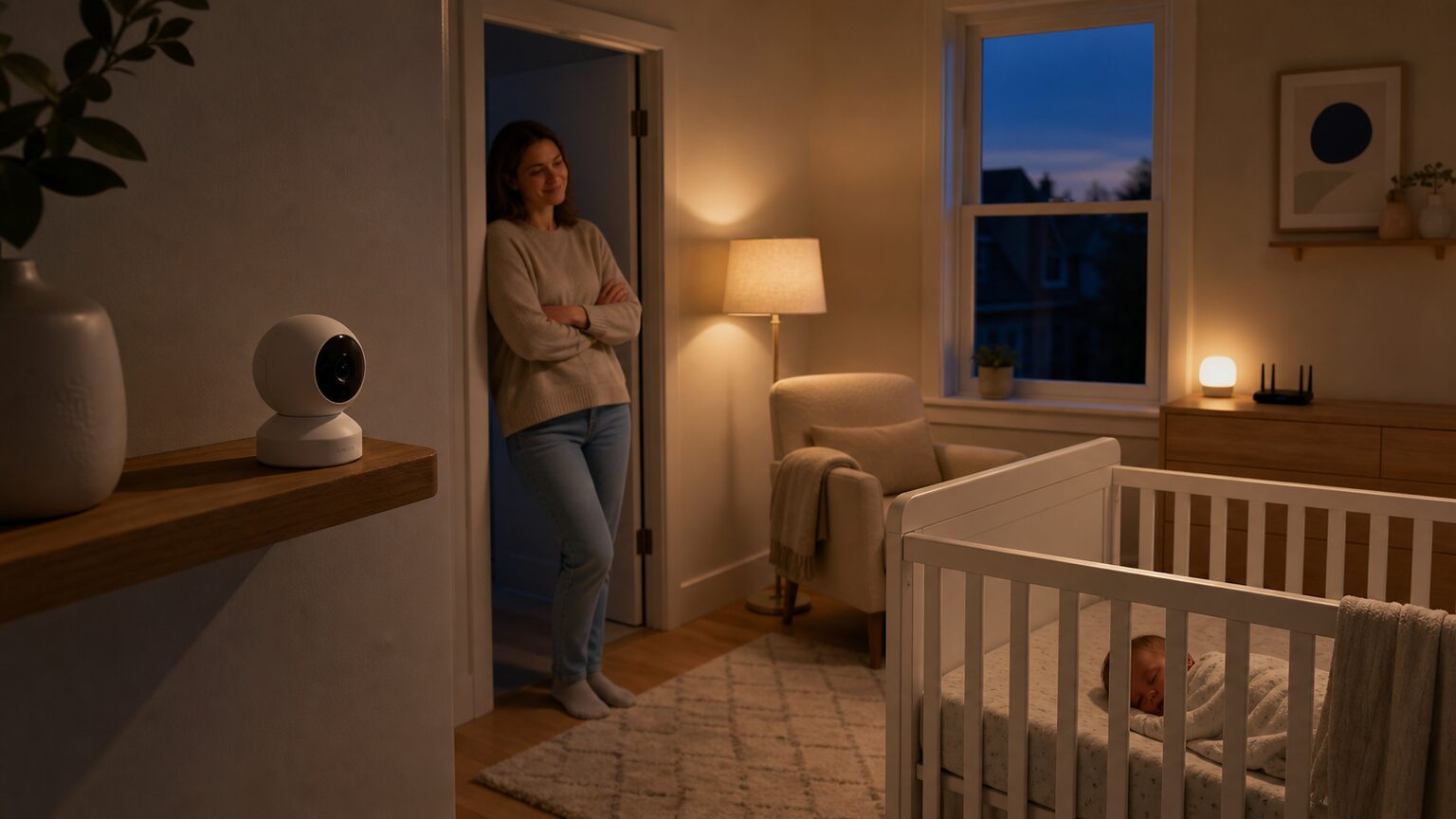
Choose the YI Home Camera 1080p when you already have reliable 2.4 GHz Wi-Fi, want fixed indoor coverage, and can work within its 8–32GB microSD range or use YI Cloud. Move to an alternative when a specific requirement—pan and tilt, 5 GHz support, desktop viewing, outdoor placement, higher resolution, or another local-storage arrangement—justifies changing ecosystems.
- For economical pan and tilt: Compare the current Kasa EC70 offer on Amazon.
- For dual-band Wi-Fi plus desktop access: View current Reolink E1 Pro buying options on Amazon.
- For a higher-detail fixed camera: Check the current Tapo C110 listing on Amazon.
Does the YI camera work without a cloud subscription?
Yes, the manufacturer lists an 8–32GB microSD card as a storage option alongside YI Cloud. Cloud storage is not the only listed recording path.
Does it connect to 5 GHz Wi-Fi?
The published specification lists 2.4 GHz 802.11 b/g/n Wi-Fi and does not list 5 GHz support. Use a compatible 2.4 GHz network during setup.
Which app is required?
The supplied Android and iOS listings identify YI Home as the app for adding YI Home cameras, viewing live video, using two-way audio, and receiving motion-related information.
Can the camera be viewed from a PC?
The supplied YI sources establish Android, iPhone, and iPad access but do not verify a current PC application. If desktop viewing is essential, the Reolink E1 Pro and the listed Reolink alternative have verified app-and-client support.
Sources checked
These sources support the compatibility and feature information above; their inclusion does not imply independent testing or endorsement.
The most confident decision is the narrowest one: retain the YI Home Camera 1080p if its documented limits match your network, storage plan, and viewing area, or choose the alternative that resolves one clearly identified constraint without paying for capabilities your room does not need.