Best AM5 Motherboard for Gaming: 10 Boards Compared
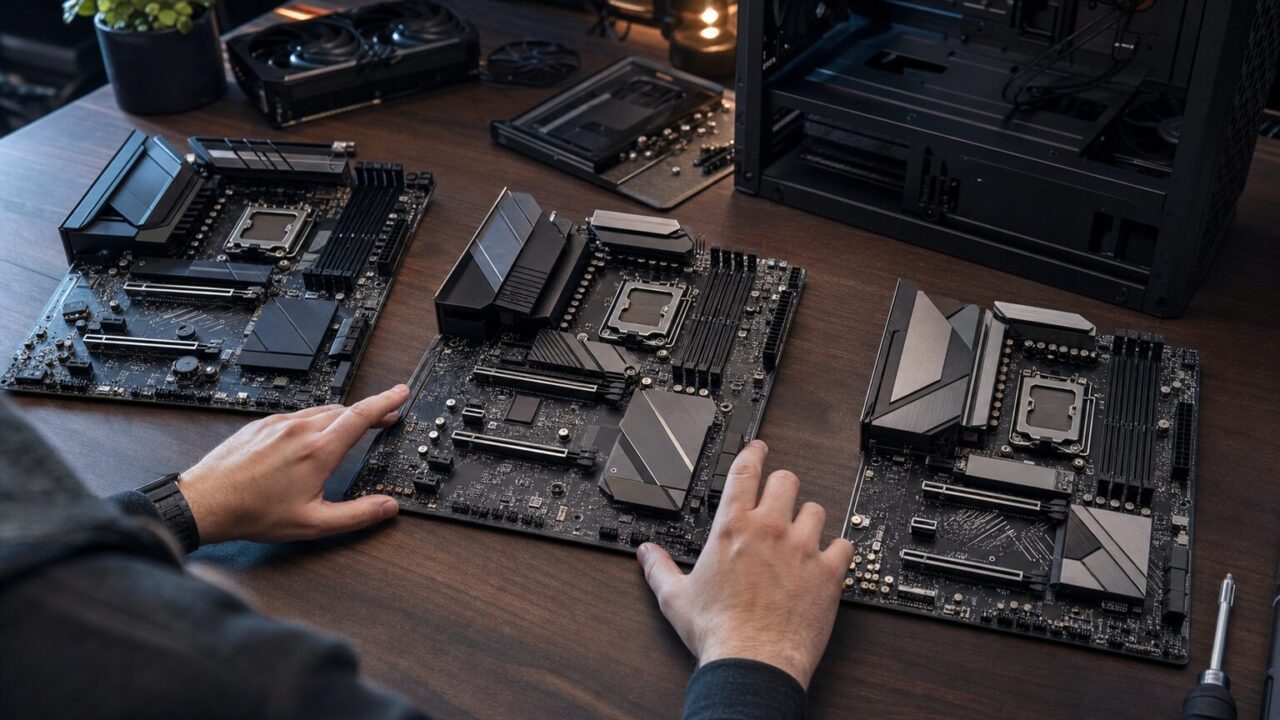
AM5 motherboard buying guide
The best AM5 motherboard for gaming is usually a well-equipped B650 model—not the most expensive chipset available. Start with the MSI MAG B650 Tomahawk WiFi for a full-size Ryzen X3D build, then spend more only if you need PCIe 5.0 graphics, USB4, Wi-Fi 7, additional expansion, or a specialized form factor.
Quick picks
These three boards are useful starting points for mainstream, compact, and enthusiast gaming systems.
Mainstream ATX value
The MSI MAG B650 Tomahawk WiFi covers the essentials of a Ryzen X3D gaming build without requiring an enthusiast chipset.
Compact value
The ASRock B650M PG Lightning WiFi 6E brings three M.2 connections and wireless networking to a micro-ATX layout.
Flagship expansion
The GIGABYTE X870E AORUS Master suits a Ryzen 9 system that can use PCIe 5.0, USB4, Wi-Fi 7, and extensive storage connectivity.
Use the five checks below to identify the least-expensive motherboard tier that satisfies your processor, case, storage, networking, and firmware requirements.
- How to Choose the Best AM5 Motherboard for Gaming
- 10 AM5 Gaming Motherboards Compared
- MSI MAG B650 Tomahawk WiFi Gaming Motherboard (AMD Ryzen 9000/8000/7000 Series Processors, AM5, DDR5, PCIe 4.0, M.2, SATA 6Gb/s, USB 3.2 Gen 2, HDMI/DP, Wi-Fi 6E, Bluetooth 5.3, 2.5Gbps LAN, ATX)
- ASUS TUF Gaming B650-PLUS WiFi AMD B650 AM5 Ryzen™ Desktop 9000 8000 and 7000 ATX Motherboard, 14 Power Stages, PCIe® 5.0 M.2, DDR5 Memory, WiFi 6 and 2.5 Gb Ethernet, USB4® Support Aura Sync
- GIGABYTE B650 AORUS Elite AX AMD AM5 ATX Motherboard, Support Ryzen 9000/8000/7000 Series, DDR5, 14+2+1 Power Phase, PCIe 5.0 M.2, USB-C 3.2 Gen 2, WIFI6E, 2.5GbE, EZ-Latch, Q-Flash, RGB Fusion
- ASUS ROG Strix B650E-F Gaming WiFi AMD B650 AM5 Ryzen™ Desktop 9000 8000 & 7000 ATX Motherboard, 12+2 Power Stages, DDR5, 3X M.2 Slot, PCIe® 5.0, WiFi 6E, 2.5G LAN, USB 3.2 Gen 2×2 Type-C®, Aura Sync
- ASRock B650M PG Lightning WiFi 6E AMD Ryzen 9000/8000/7000 Series Socket AM5 B650 DDR5 up to 7200+ (OC) MHz 256 GB SATA3 6.0 Gb/s Micro ATX Motherboard M.2 RGB LED BIOS Flashback
- MSI MAG B650M Mortar WiFi Gaming Motherboard (AMD Ryzen 9000/8000/7000 Series Processors,AM5,DDR5,PCIe 4.0,M.2 Slots,SATA 6Gb/s,USB 3.2 Gen 2,HDMI/DP,Wi-Fi 6E,Bluetooth 5.3,2.5Gbps LAN,mATX)
- GIGABYTE X870E AORUS Master AMD AM5 LGA 1718 Motherboard, ATX, DDR5, 4X M.2, PCIe 5.0, USB4, WIFI7, 5GbE LAN, EZ-Latch, 5-Year Warranty
- ASRock AMD X870E Taichi Ryzen Socket AM5 X870 Dual Channel DDR5 DIMMs 256 GB 8200 EATX Motherboard M.2 LED WiFi 7
- ASUS Prime B650-PLUS AMD B650 AM5 Ryzen™ Desktop 9000 8000 and 7000 ATX Motherboard, DDR5, PCIe 5.0 M.2, 2.5Gb LAN, DP, HDMI®, SATA 6Gbps, USB 3.2 Gen 2 & 1 Type-C®, BIOS Flashback™, USB4® Support
- MSI MPG B650I Edge WiFi Gaming Motherboard (AMD Ryzen 9000/8000/7000 Series Processors, AM5, DDR5, PCIe 4.0, M.2, SATA 6Gb/s, USB 3.2 Gen 2, HDMI, Wi-Fi 6E, Bluetooth 5.3, 2.5Gbps LAN, Mini-ITX)
- Final Decision: Choose the Right AM5 Board for Your Build
How to Choose the Best AM5 Motherboard for Gaming
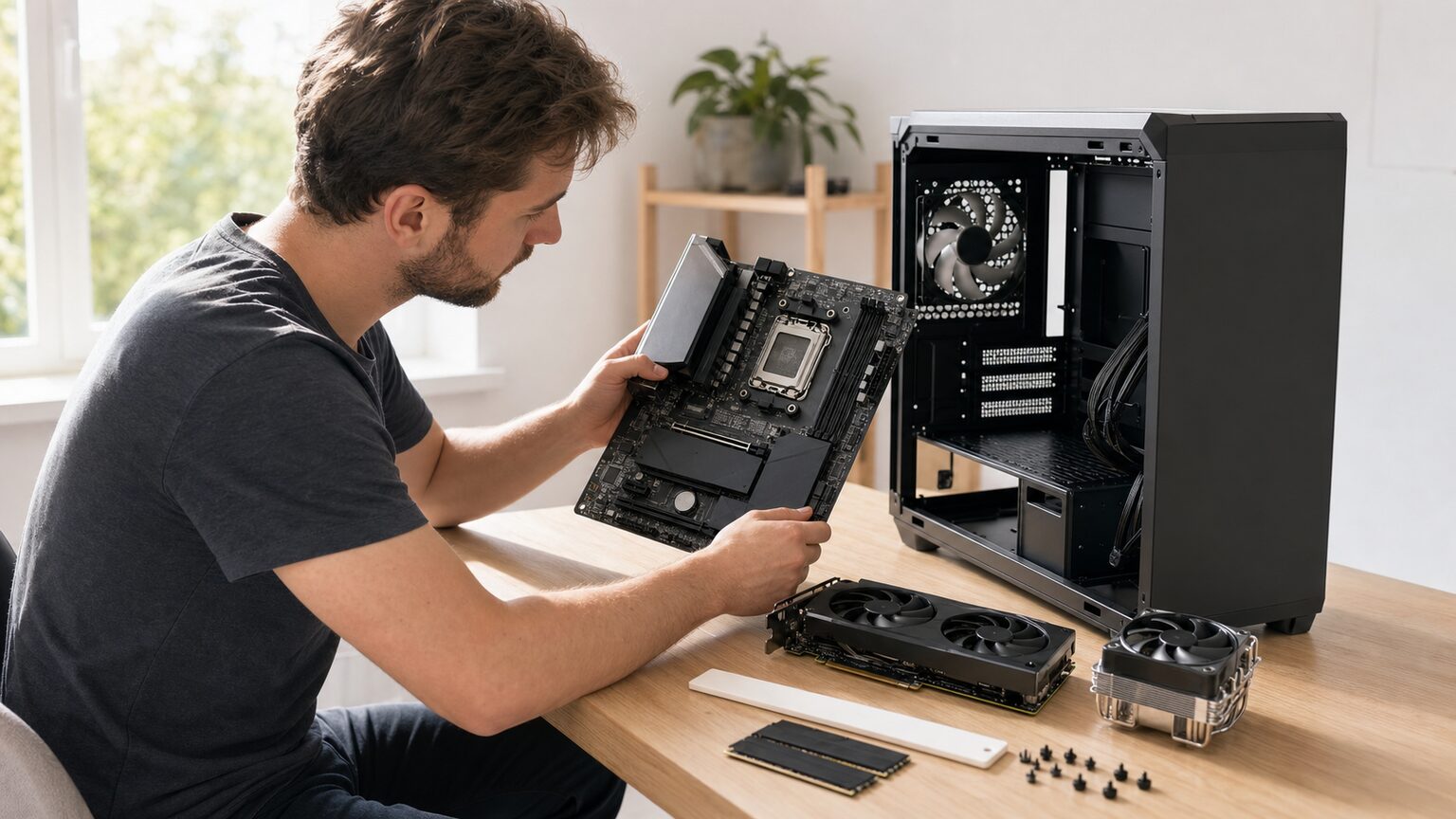
1. Start with the chipset tier, not the badge
B650 supplies the foundation most gaming PCs require: an AM5 socket, DDR5 support, processor overclocking support at the chipset level, and practical storage and connectivity options that vary by board. A Ryzen 7 7800X3D or 9800X3D does not inherently require X870E.
B650E is the focused upgrade when you specifically want PCIe 5.0 connectivity for graphics as well as NVMe storage. AMD lists B850 with PCIe 5.0 for NVMe and PCIe 4.0 for graphics. X870 and X870E make USB4 standard; X870E is most defensible when a build needs broader high-end expansion rather than gaming performance alone.
| Starting tier | What matters | What may not matter |
|---|---|---|
| B650 | Mainstream gaming, DDR5, practical storage and networking | Paying for unused premium lanes or ports |
| B650E | PCIe 5.0 graphics and NVMe support | Gen 5 graphics capability when using only PCIe 4.0 devices |
| B850 | PCIe 5.0 NVMe with PCIe 4.0 graphics | Changing boards solely for a chipset name |
| X870/X870E | Standard USB4; premium connectivity and expansion | USB4, Wi-Fi 7, or extra lanes that will remain unused |
2. Verify CPU support and BIOS readiness at the model level
Socket compatibility is the first check, not the last. AMD identifies Ryzen 7000, 8000, and 9000 families within the AM5 platform, but an older 600-series board may need newer firmware for a newer processor. Confirm the exact CPU on the manufacturer’s support list and note the minimum BIOS version before assembly.
A CPU-less update feature reduces setup risk. MSI says compatible models equipped with a Flash BIOS Button can refresh firmware without a CPU or RAM. The BIOS file must match the exact board model, the USB drive must be prepared as instructed, and power must not be removed during the process.
3. Count storage, expansion, and connections before paying more
List the hardware the completed PC will contain: graphics card, number of NVMe drives, any additional expansion card, wired or wireless networking, and external devices. Three M.2 slots may be more valuable than a premium chipset label if storage expansion is the real priority.
- What matters: enough M.2 connections, a suitable primary graphics slot, required rear ports, and the networking interface you will use.
- What may not matter: PCIe 5.0 graphics support when every planned device is PCIe 4.0.
- Worth paying for conditionally: USB4 for compatible peripherals, Wi-Fi 7 for a matching network, or extra expansion capacity for a genuinely populated system.
4. Match ATX, micro-ATX, or Mini-ITX to the complete build
ATX gives a full-size build more physical expansion room. Micro-ATX can lower the footprint while retaining four memory slots on models such as the ASRock B650M PG Lightning WiFi 6E. Mini-ITX serves the smallest builds but commonly limits the system to one expansion card and two memory modules, as on the MSI MPG B650I Edge WiFi. The ASRock X870E Taichi is E-ATX, so case support deserves explicit confirmation.
5. Plan DDR5, networking, and premium features around actual use
AM5 uses DDR5, and the Ryzen 7 9800X3D specification lists two memory channels. Check the motherboard’s memory-support documentation for the intended kit and configuration instead of assuming that an advertised overclocked memory speed applies to every combination.
Wi-Fi 6 or 6E and 2.5Gb Ethernet already cover the stated networking features of several mainstream picks. Wi-Fi 7 and USB4 can justify an X870E board when the surrounding network and peripherals can use them. Otherwise, directing the budget toward other required components may produce a more balanced build.
With those priorities fixed, the comparison below shows which of the ten boards most closely matches each use case—and where each one asks you to compromise.
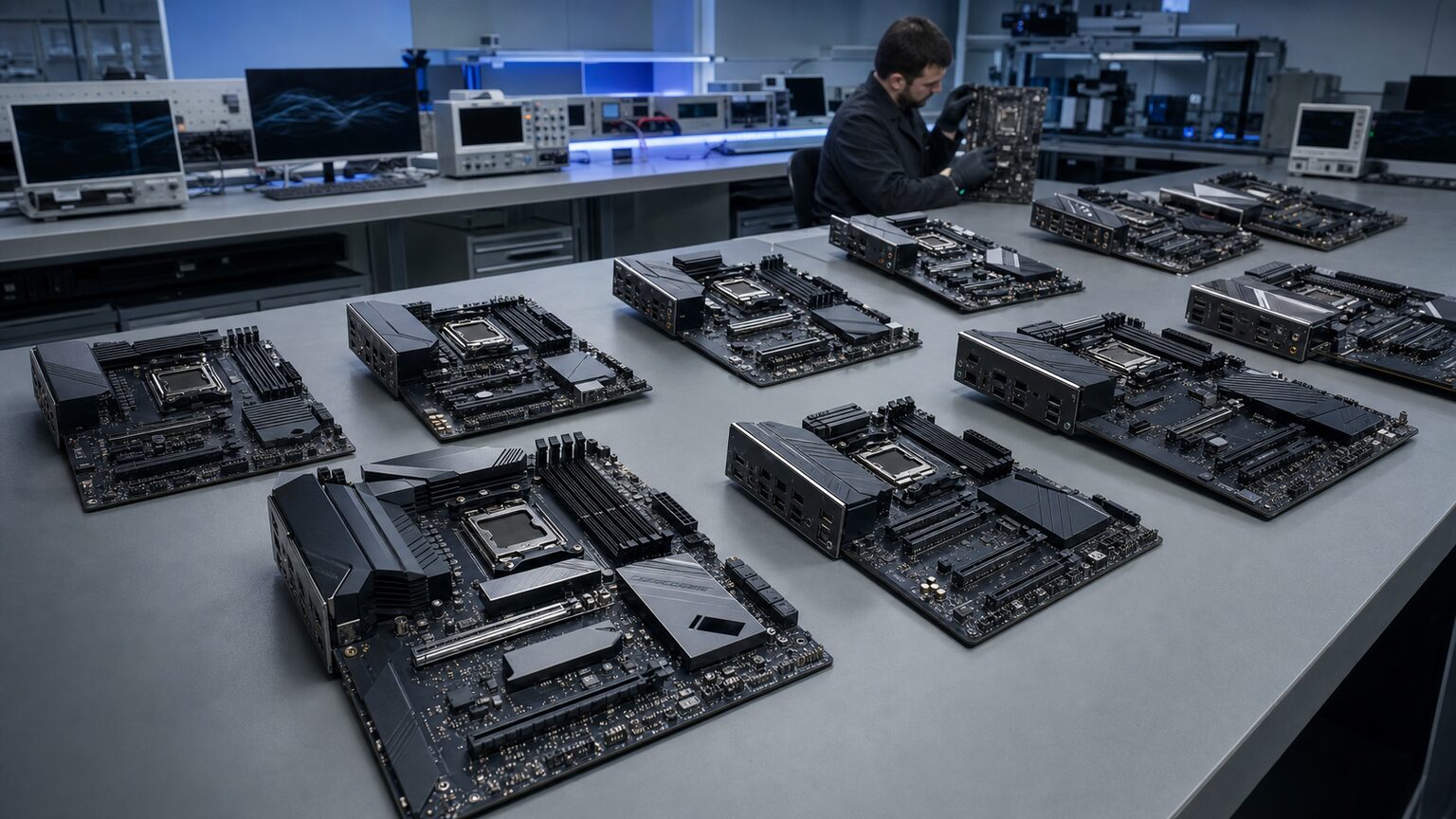
10 AM5 Gaming Motherboards Compared
| Rank | Motherboard | Reader-facing distinction | Amazon |
|---|---|---|---|
| 1 | MSI MAG B650 Tomahawk WiFi | Balanced ATX choice with three M.2 slots and CPU-less BIOS flashing | Check current Amazon options |
| 2 | ASUS TUF Gaming B650-PLUS WiFi | Mainstream ATX board with a PCIe 5.0 M.2 connection | View the Amazon listing |
| 3 | GIGABYTE B650 AORUS Elite AX | Three M.2 connectors and Q-Flash Plus | Check current Amazon options |
| 4 | ASUS ROG Strix B650E-F Gaming WiFi | PCIe 5.0 graphics and NVMe support without X870E | View the Amazon listing |
| 5 | ASRock B650M PG Lightning WiFi 6E | Value-focused micro-ATX board with three M.2 connections | Check current Amazon options |
| 6 | MSI MAG B650M Mortar WiFi | Compact premium layout with Flash BIOS | View the Amazon listing |
| 7 | GIGABYTE X870E AORUS Master | Flagship expansion with USB4, Wi-Fi 7, and 5GbE | Check current Amazon options |
| 8 | ASRock X870E Taichi | E-ATX enthusiast choice with USB4 and Wi-Fi 7 | View the Amazon listing |
| 9 | ASUS Prime B650-PLUS | Wired ATX option with BIOS FlashBack | Check current Amazon options |
| 10 | MSI MPG B650I Edge WiFi | Mini-ITX pick with dual M.2 storage | View the Amazon listing |
Rank 1 · Best-value ATX pick
MSI MAG B650 Tomahawk WiFi Gaming Motherboard (AMD Ryzen 9000/8000/7000 Series Processors, AM5, DDR5, PCIe 4.0, M.2, SATA 6Gb/s, USB 3.2 Gen 2, HDMI/DP, Wi-Fi 6E, Bluetooth 5.3, 2.5Gbps LAN, ATX)
Best for: Best-value ATX gaming builds using Ryzen X3D processors.
It earns the lead position by combining the B650 essentials with DDR5, Wi-Fi 6E, 2.5Gb Ethernet, three M.2 slots, and MSI’s Flash BIOS button. That is a focused feature set for a full-size gaming system without paying for an enthusiast chipset.
Reasons to choose it
- Three M.2 slots
- Wi-Fi 6E and 2.5Gb Ethernet
- CPU-less BIOS flashing support
Limitations
- Primary graphics connection is PCIe 4.0
- Ryzen 9000 may require a BIOS update
Check the MSI MAG B650 Tomahawk WiFi price and availability on Amazon
Rank 2 · Durable mainstream choice
ASUS TUF Gaming B650-PLUS WiFi AMD B650 AM5 Ryzen™ Desktop 9000 8000 and 7000 ATX Motherboard, 14 Power Stages, PCIe® 5.0 M.2, DDR5 Memory, WiFi 6 and 2.5 Gb Ethernet, USB4® Support Aura Sync
Best for: A durable mainstream ATX board for Ryzen 7 7800X3D or 9800X3D.
This B650 model covers typical gaming needs while adding three M.2 slots, including one PCIe 5.0 M.2 connection, plus Wi-Fi 6, 2.5Gb Ethernet, and BIOS FlashBack.
Reasons to choose it
- PCIe 5.0 M.2 storage connection
- Three total M.2 slots
- Integrated Wi-Fi and 2.5Gb Ethernet
Limitations
- Primary graphics slot is PCIe 4.0
- Newer CPUs may require a firmware update
View the ASUS TUF Gaming B650-PLUS WiFi buying options on Amazon
Rank 3 · Storage-friendly B650 pick
GIGABYTE B650 AORUS Elite AX AMD AM5 ATX Motherboard, Support Ryzen 9000/8000/7000 Series, DDR5, 14+2+1 Power Phase, PCIe 5.0 M.2, USB-C 3.2 Gen 2, WIFI6E, 2.5GbE, EZ-Latch, Q-Flash, RGB Fusion
Best for: Feature-rich B650 gaming builds with multiple NVMe drives.
Three M.2 connectors, Wi-Fi 6E, 2.5Gb Ethernet, and Q-Flash Plus address the priorities of a full-size gaming build. GIGABYTE says Q-Flash Plus can update the BIOS without an installed CPU, memory, or graphics card.
Reasons to choose it
- Three M.2 connectors
- Wi-Fi 6E and 2.5Gb Ethernet
- Q-Flash Plus firmware updating
Limitations
- Board revision can affect secondary specifications
- The exact support page must match the purchased revision
Rank 4 · PCIe 5.0 graphics pick
ASUS ROG Strix B650E-F Gaming WiFi AMD B650 AM5 Ryzen™ Desktop 9000 8000 & 7000 ATX Motherboard, 12+2 Power Stages, DDR5, 3X M.2 Slot, PCIe® 5.0, WiFi 6E, 2.5G LAN, USB 3.2 Gen 2×2 Type-C®, Aura Sync
Best for: Gamers wanting PCIe 5.0 graphics support below X870E pricing.
The B650E chipset supplies PCIe 5.0 connectivity for the primary graphics slot and NVMe storage. Three M.2 slots, Wi-Fi 6E, and 2.5Gb Ethernet make the rest of the feature set suitable for a well-equipped ATX build.
Reasons to choose it
- PCIe 5.0 graphics and NVMe connectivity
- Three M.2 slots
- Wi-Fi 6E and 2.5Gb Ethernet
Limitations
- More elaborate than a PCIe 4.0-only build requires
- Does not provide the stated standard USB4 benefit of X870/X870E
Rank 5 · Micro-ATX value pick
ASRock B650M PG Lightning WiFi 6E AMD Ryzen 9000/8000/7000 Series Socket AM5 B650 DDR5 up to 7200+ (OC) MHz 256 GB SATA3 6.0 Gb/s Micro ATX Motherboard M.2 RGB LED BIOS Flashback
Best for: Value-focused micro-ATX gaming builds.
This compact B650 model retains four DIMM slots, three M.2 connections, a PCIe 5.0 M.2 slot, Wi-Fi 6E, and 2.5Gb Ethernet. It is a practical route to a smaller case without reducing storage to a single NVMe drive.
Reasons to choose it
- Three M.2 connections
- Four DIMM slots
- Wi-Fi 6E in a micro-ATX layout
Limitations
- Less expansion-card room than ATX
- Primary graphics connection is PCIe 4.0
Check the compact ASRock motherboard price and availability on Amazon
Rank 6 · Premium micro-ATX pick
MSI MAG B650M Mortar WiFi Gaming Motherboard (AMD Ryzen 9000/8000/7000 Series Processors,AM5,DDR5,PCIe 4.0,M.2 Slots,SATA 6Gb/s,USB 3.2 Gen 2,HDMI/DP,Wi-Fi 6E,Bluetooth 5.3,2.5Gbps LAN,mATX)
Best for: Premium micro-ATX Ryzen gaming systems.
The B650M Mortar combines a compact layout with DDR5, two M.2 slots, Wi-Fi 6E, 2.5Gb Ethernet, and MSI’s Flash BIOS process. It fits a buyer who values connectivity and CPU-less firmware updating more than Gen 5 expansion.
Reasons to choose it
- Wi-Fi 6E and 2.5Gb Ethernet
- Flash BIOS button
- Compact micro-ATX form factor
Limitations
- No PCIe 5.0 graphics connection
- No PCIe 5.0 M.2 connection
Rank 7 · High-expansion X870E pick
GIGABYTE X870E AORUS Master AMD AM5 LGA 1718 Motherboard, ATX, DDR5, 4X M.2, PCIe 5.0, USB4, WIFI7, 5GbE LAN, EZ-Latch, 5-Year Warranty
Best for: Ryzen 9 9950X3D systems with extensive storage and expansion requirements.
This X870E board targets a system that can use PCIe 5.0 expansion, USB4, Wi-Fi 7, 5GbE networking, and four M.2 connections. Those capabilities make sense when the build plan is broader than one graphics card and one or two SSDs.
Reasons to choose it
- X870E PCIe 5.0 expansion
- USB4 and Wi-Fi 7
- Four M.2 connections and 5GbE LAN
Limitations
- Physically elaborate for a simple gaming PC
- Premium connectivity can be unnecessary overbuying
Compare the GIGABYTE X870E AORUS Master buying options on Amazon
Rank 8 · E-ATX enthusiast pick
ASRock AMD X870E Taichi Ryzen Socket AM5 X870 Dual Channel DDR5 DIMMs 256 GB 8200 EATX Motherboard M.2 LED WiFi 7
Best for: High-end overclocking and heavily expanded AM5 systems.
The X870E Taichi combines an E-ATX layout with DDR5, PCIe 5.0 connectivity, USB4, Wi-Fi 7, and extensive storage support. Its purpose is an enthusiast system that can make use of both the physical space and the broader feature set.
Reasons to choose it
- X870E platform with PCIe 5.0
- USB4 and Wi-Fi 7
- Layout intended for extensive expansion
Limitations
- E-ATX does not fit every case
- Expansion capability exceeds typical gaming needs
Rank 9 · Straightforward wired pick
ASUS Prime B650-PLUS AMD B650 AM5 Ryzen™ Desktop 9000 8000 and 7000 ATX Motherboard, DDR5, PCIe 5.0 M.2, 2.5Gb LAN, DP, HDMI®, SATA 6Gbps, USB 3.2 Gen 2 & 1 Type-C®, BIOS Flashback™, USB4® Support
Best for: Straightforward wired ATX gaming builds.
The Prime B650-PLUS covers core AM5 functionality with DDR5, one PCIe 5.0 x4 M.2 connection, two total M.2 slots, 2.5Gb Ethernet, and BIOS FlashBack. Avoiding onboard Wi-Fi can be sensible for a permanently wired desktop.
Reasons to choose it
- PCIe 5.0 x4 M.2 connection
- 2.5Gb Ethernet
- BIOS FlashBack
Limitations
- No onboard Wi-Fi
- Only two M.2 slots
Check the ASUS Prime B650-PLUS price and availability on Amazon
Rank 10 · Mini-ITX pick
MSI MPG B650I Edge WiFi Gaming Motherboard (AMD Ryzen 9000/8000/7000 Series Processors, AM5, DDR5, PCIe 4.0, M.2, SATA 6Gb/s, USB 3.2 Gen 2, HDMI, Wi-Fi 6E, Bluetooth 5.3, 2.5Gbps LAN, Mini-ITX)
Best for: Compact Mini-ITX Ryzen 7 gaming builds.
This B650I model packages DDR5, dual M.2 storage, Wi-Fi 6E, 2.5Gb Ethernet, and a Flash BIOS button into a Mini-ITX board. It is the specialist choice here for a genuinely small system.
Reasons to choose it
- Mini-ITX footprint
- Dual M.2 storage
- Wi-Fi 6E, 2.5Gb Ethernet, and Flash BIOS
Limitations
- PCIe 4.0 graphics and storage connections
- Two DIMM slots and one expansion-card position
Final Decision: Choose the Right AM5 Board for Your Build
For most gamers, the MSI MAG B650 Tomahawk WiFi is the clearest starting point because its B650 platform, three M.2 slots, Wi-Fi 6E, 2.5Gb Ethernet, and Flash BIOS feature cover the priorities of a full-size Ryzen X3D build. Choose a smaller or more expensive model only when a defined requirement—not the chipset label—demands it.
Choose by priority
- Balanced ATX Ryzen build: Check current options for the MSI MAG B650 Tomahawk WiFi.
- Value-focused micro-ATX build: View the ASRock B650M PG Lightning WiFi 6E on Amazon.
- Ryzen 9 system with extensive expansion: Compare the current GIGABYTE X870E AORUS Master offer.
Is B650 sufficient for a Ryzen X3D gaming build?
Yes, when the specific board supports the processor and supplies the storage, networking, and expansion you need. AMD lists B650 among the supported chipsets for the Ryzen 7 9800X3D. A BIOS update may still be necessary when installing a Ryzen 8000- or 9000-series CPU on a 600-series board.
Can the BIOS be updated without an older CPU?
On supported models with the required feature. MSI states that boards equipped with a Flash BIOS Button can refresh the BIOS without a CPU or RAM. Other listed models identify comparable features such as BIOS FlashBack or Q-Flash Plus. Follow the exact model’s instructions, use the corresponding BIOS file, and do not interrupt power during the update.
Do PCIe 5.0 graphics, USB4, and Wi-Fi 7 matter for gaming?
They matter when the planned devices and network can use them. PCIe 5.0 graphics support is not required merely because the processor is high-end. AMD lists USB4 as standard on X870 and X870E, while Wi-Fi 7 is included on the two X870E recommendations here. If those capabilities will remain unused, a B650 board can be the more disciplined purchase.
The best AM5 motherboard for gaming is therefore the least-expensive compatible model that fits the case and satisfies the complete connection plan. Verify the CPU-support list and BIOS version, count the required M.2 and expansion positions, and then compare current Amazon buying options for the board that clears every checkpoint.