Ultimate iPad GPS Bluetooth Receiver Guide
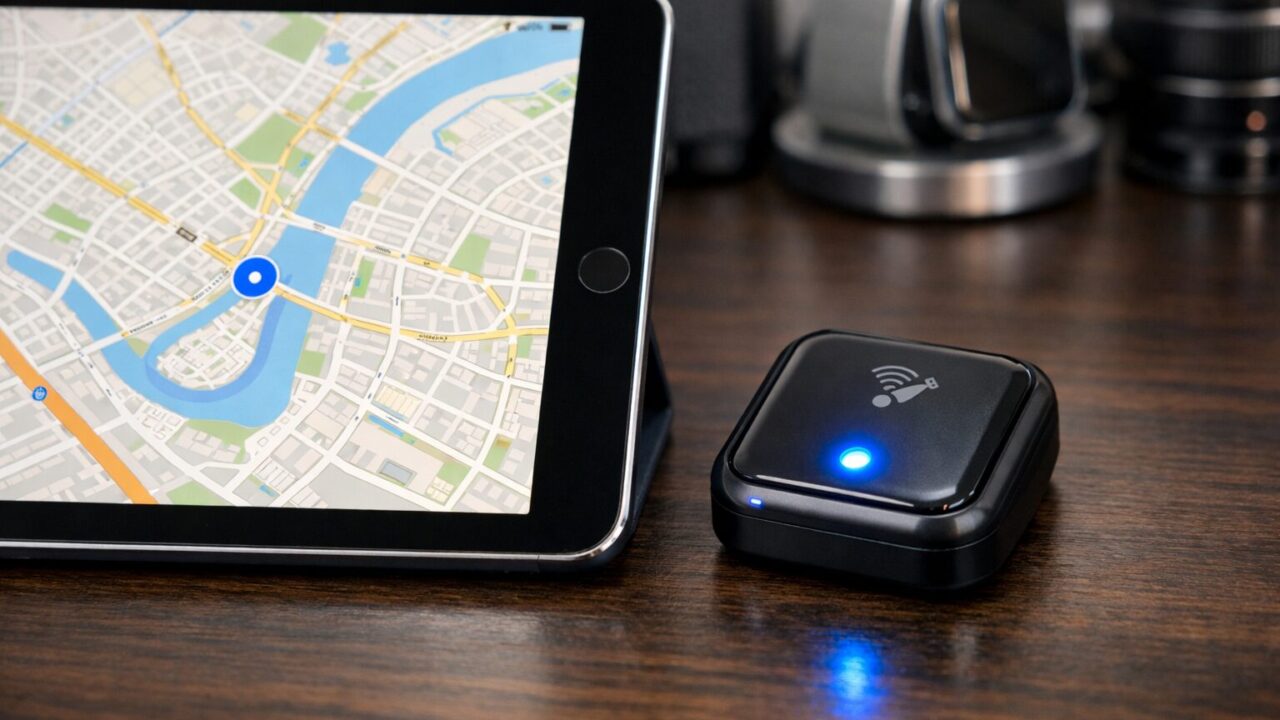
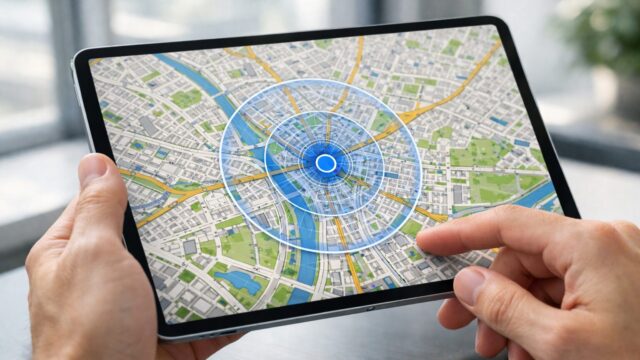
Transforming your Wi-Fi-only tablet into a precision navigation tool is entirely possible with the right ipad gps bluetooth receiver. Many pilots, sailors, and off-road enthusiasts are dismayed to find their device lacks internal location tracking, but an ipad gps bluetooth receiver bridges this hardware gap instantly. Whether you are navigating complex airspace with ForeFlight or charting marine courses with Navionics, relying solely on visual landmarks or approximate Wi-Fi signals is a recipe for disaster. A dedicated external receiver provides sub-meter accuracy and fast refresh rates, ensuring you always know exactly where you are.
While the initial investment in an external device might seem like an extra hurdle, the tradeoff provides a massive upgrade in safety and functionality. You gain significant battery efficiency for your iPad, as the external unit handles the heavy satellite computation, and you gain the flexibility to place the receiver where it gets the best signal while keeping your iPad cool. This setup transforms a simple consumer electronic device into a professional-grade chart plotter or flight management system. By understanding the specifications and compatibility of these devices, you can confidently select a tool that ensures your next adventure is defined by precision, not guesswork.
- Clarification on which iPad models lack internal GPS and the solution.
- Step-by-step guide to connecting and optimizing external GPS data.
- Benefits of high-refresh-rate receivers for aviation and marine safety.
- Top 5 recommended Bluetooth GPS receivers for every budget and use case.
Mastering Navigation with External GPS Hardware
- The Reality of iPad Internal GPS vs External Solutions
- Connecting Your Bluetooth GPS for Instant Accuracy
- Optimizing Performance for Aviation and Marine Apps
- Battery Life and Thermal Management Advantages
- Selecting the Right Receiver for Your Environment
1. The Reality of iPad Internal GPS vs External Solutions
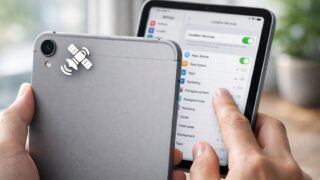
One of the most common misconceptions among tablet owners involves the hardware capabilities of different models. It is crucial to understand that Apple Wi-Fi-only iPads do not contain a GPS receiver. They rely on Wi-Fi triangulation to estimate location, which is useless when you are flying at 5,000 feet or sailing miles offshore. Only the Wi-Fi + Cellular models contain the internal GPS chip. This limitation is often a shock to users who attempt to use apps like Navionics or ForeFlight and find their position marker missing. However, this hardware deficit is actually an opportunity to upgrade to superior technology.
Using an ipad gps bluetooth receiver allows you to bypass these internal limitations completely. These standalone devices communicate directly with satellite constellations like GPS, GLONASS, and Galileo, transmitting precise coordinates to your iPad via Bluetooth. Unlike internal chips that typically update once per second (1Hz), dedicated external receivers often update 10 times per second (10Hz). This results in smoother tracking, faster speed updates, and a significantly more reliable navigation experience in critical situations.
| Feature | iPad Internal GPS (Cellular) | External Bluetooth GPS | Wi-Fi Only iPad (No GPS) |
|---|---|---|---|
| Update Rate | 1 Hz (1 time/sec) | 10 Hz (10 times/sec) | N/A |
| Battery Impact | High (Drains iPad) | Low (Own Battery) | N/A |
| Accuracy | Standard (~5-10m) | High Precision (~2-3m) | Low (Wi-Fi based) |
| Placement | Must move iPad | Remote placement | N/A |
The table above highlights why professionals prefer external solutions. Even if you have a Cellular iPad, an external receiver offers superior data refresh rates which are critical for high-speed activities like flying or racing. It decouples the location sensor from the screen, allowing you to mount the receiver on the glare shield for the best sky view while keeping the iPad in a comfortable viewing position on your knee or yoke.
2. Connecting Your Bluetooth GPS for Instant Accuracy
Connecting a Bluetooth GPS to your iPad is a seamless process designed to get you up and running quickly. Typically, you simply power on the receiver, enable Bluetooth in your iPad settings, and select the device from the list. Unlike complex IT setups, modern receivers like the Garmin GLO 2 or Bad Elf units support the Apple protocol directly, meaning no jailbreaking or complicated workarounds are required. Once connected, the iPad treats this external data as if it were internal, automatically populating your location across all apps.
Troubleshooting is rarely needed, but ensuring a clear view of the sky during the initial pairing helps the device download the satellite almanac faster. Most receivers feature LED indicators to confirm Bluetooth connection and satellite lock status. This plug-and-play simplicity means you can focus on your flight plan or marine chart rather than fighting with technology. The connection is robust and reconnects automatically, making it a reliable part of your pre-departure checklist.
For users asking how to use GPS on iPad without cellular, this is the definitive answer. There is no software switch to magically enable GPS on a Wi-Fi model; hardware is required. By adding this one piece of gear, you unlock the full potential of your tablet, turning a media consumption device into a navigational powerhouse that rivals dedicated chart plotters costing thousands of dollars more.
3. Optimizing Performance for Aviation and Marine Apps
When you pair a high-performance receiver with your iPad, the software experience in apps like ForeFlight, Navionics, and Gaia GPS transforms. These apps are designed to ingest high-fidelity data to provide real-time situational awareness. For aviation, a receiver that supports WAAS (Wide Area Augmentation System) provides the accuracy needed for synthetic vision and accurate terrain warnings. In marine environments, having a reliable position fix ensures you stay within safe channels and avoid hazards.
It is important to ensure your chosen app is configured to accept external location data, although most do this automatically upon connection. The smooth movement of your aircraft or boat icon on the screen reduces cognitive load, allowing you to interpret your speed and heading instantly. In contrast, internal GPS can sometimes lag or jump, causing confusion. The external receiver ensures that what you see on the screen matches reality with zero delay.
There are minor nuances to manage, such as ensuring your Bluetooth connection remains stable. In rare cases of interference, simply toggling Bluetooth off and on resolves the issue. The investment in an external receiver is justified by the peace of mind it brings. Instead of watching a lagging blue dot, you get a continuous movement vector. This level of precision allows professionals and enthusiasts to focus on their surroundings and decision-making, rather than troubleshooting their equipment.
4. Battery Life and Thermal Management Advantages
One of the most overlooked benefits of using an external ipad gps bluetooth receiver is the improvement in thermal management. GPS chips generate heat, and when combined with a bright screen and a powerful processor running navigation software, an iPad can quickly overheat and shut down—especially in a sunny cockpit or on a boat dashboard. By offloading the satellite tracking to an external device, you significantly reduce the thermal load on your iPad.
Furthermore, these receivers have their own independent batteries, often lasting 10 to 35 hours depending on the model. This preserves your iPad battery for the screen and app processing. You do not want your primary navigation display to die halfway through a trip because it was struggling to maintain a GPS lock. The external unit acts as a battery buffer, ensuring your entire navigation system runs longer and cooler.
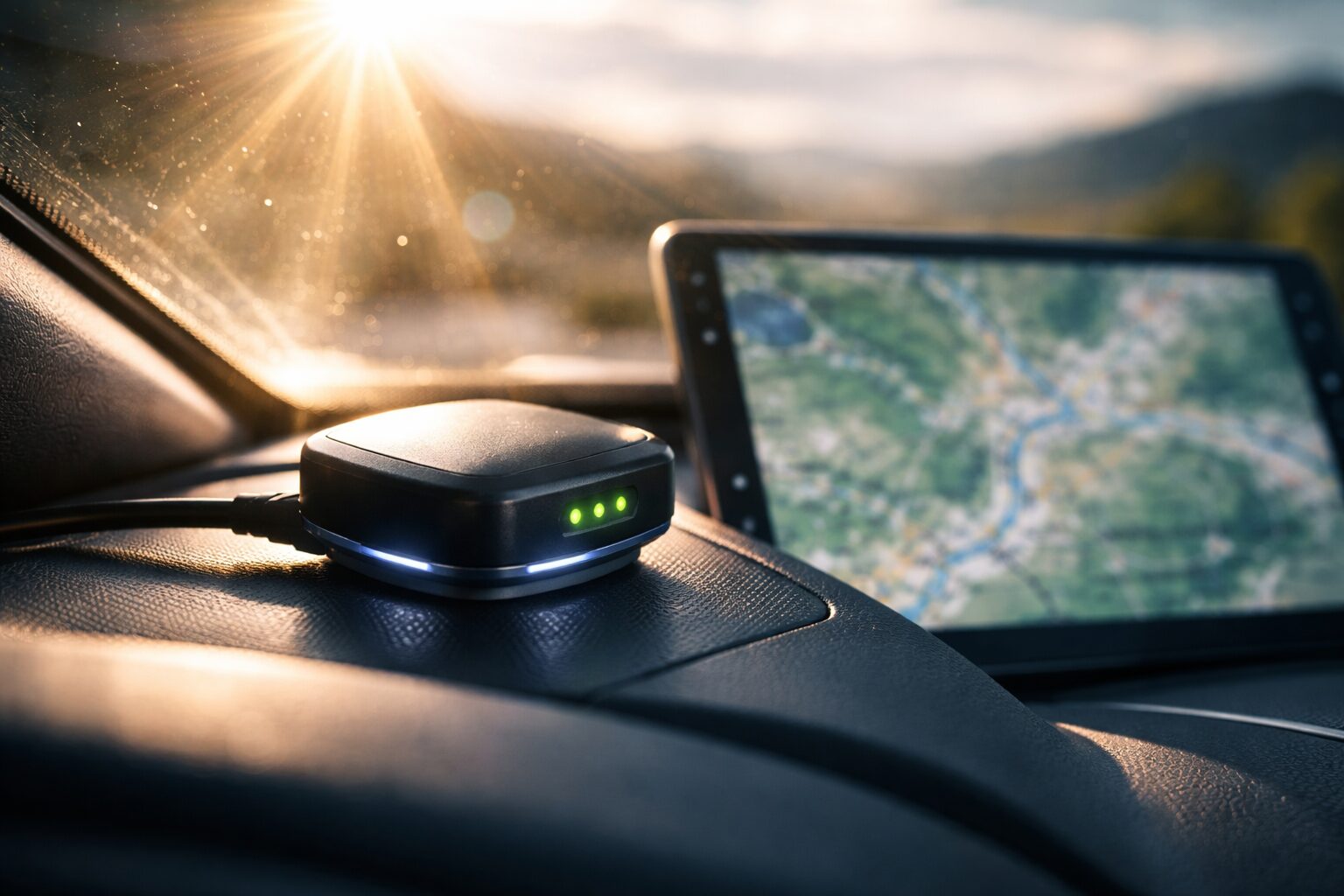
For long-haul trips, this separation is vital. You can mount the small, rugged GPS receiver on the dash where it gets hot sun, while keeping your expensive iPad in the shade or near an air vent. This strategic placement protects your tablet’s longevity and reliability. It is a smart operational choice that goes beyond just accuracy, addressing the practical realities of using electronics in harsh outdoor environments.
5. Selecting the Right Receiver for Your Environment
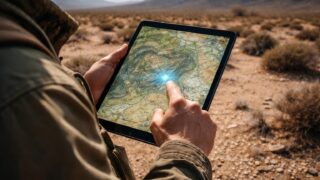
Choosing the best Bluetooth GPS receiver for iPad depends on your specific activity. Aviators often prefer devices with 10Hz update rates and GLONASS support to ensure continuity during high-speed maneuvers. Sailors might prioritize battery life and water resistance, or the ability to connect multiple devices so the whole crew can see the location. Off-roaders need ruggedness and the ability to hold a signal in canyons or under heavy tree cover.
The form factor also plays a role. Some users prefer a wearable device or a tiny dongle that plugs into the charging port, while others want a robust unit with a non-slip base for the dashboard. Understanding these physical constraints helps you pick a device that integrates seamlessly into your workflow. Whether you need data logging to review your track later or just a simple real-time lock, there is a specific model designed for your needs.
Ultimately, the goal is reliability. You need a device that connects every time and holds its lock. The market has matured, and the top contenders now offer exceptional performance. By matching the receiver’s features to your environment—whether it is the cockpit, the bridge, or the trail—you ensure that your navigation system is a safety asset rather than a liability.
Top 5 High-Precision Bluetooth GPS Receivers
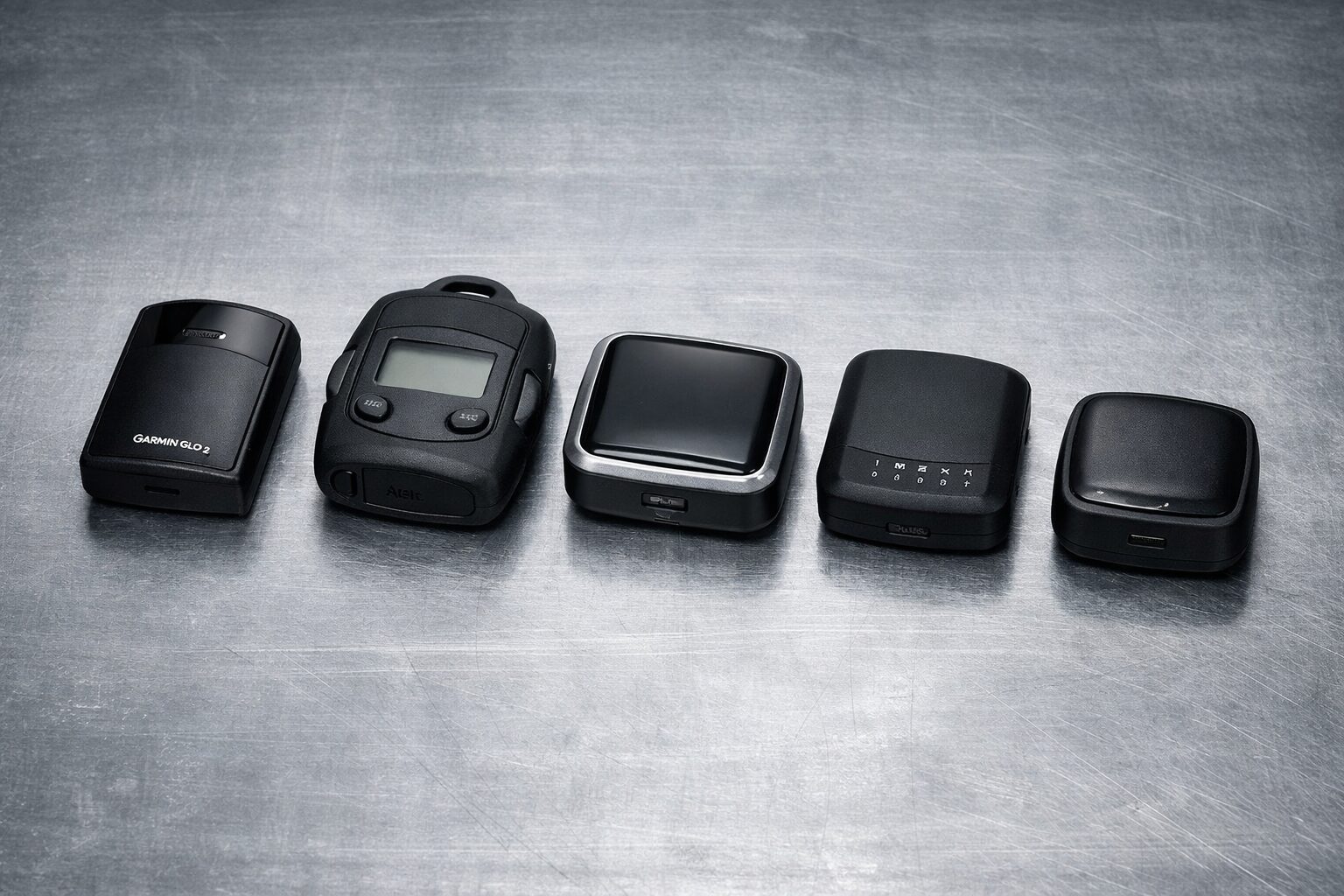
- Garmin GLO 2 Bluetooth GPS Receiver
- Bad Elf GPS Pro+ External Bluetooth GPS Receiver
- Dual Electronics XGPS160 SkyPro GPS Receiver
- Bad Elf GPS for Lightning Connector
- Dual Electronics XGPS150A Universal GPS Receiver
1. Garmin GLO 2 Bluetooth GPS Receiver
The Garmin GLO 2 is widely considered the gold standard for anyone seeking a reliable and robust GPS solution for their iPad. This device leverages both GPS and GLONASS satellite constellations, allowing it to lock onto 24 more satellites than devices using GPS alone. This is particularly vital for pilots and off-roaders who operate in challenging terrain where signal blockage can occur. By updating its position information 10 times per second, it offers a fluidity that internal mobile chips simply cannot match, making it a favorite for high-speed applications.
While it requires a separate charging routine, the battery life is impressive, offering up to 12 hours of continuous use, which covers even the longest flight or sailing days. Its compact, non-slip design means it sits securely on a dashboard without sliding around. Connecting to your iPad is effortless via Bluetooth, and it works instantly with popular apps like ForeFlight and Garmin Pilot. If you need professional-grade accuracy and the trusted engineering of a navigational giant, the Garmin GLO 2 is an investment that pays dividends in safety and precision.
2. Bad Elf GPS Pro+ External Bluetooth GPS Receiver
The Bad Elf GPS Pro+ is designed specifically for the demanding user who wants total control and data logging capabilities. Unlike simple “black box” receivers, this unit features a backlit LCD screen that displays your location, speed, heading, and altitude at a glance, allowing it to serve as a standalone backup navigation tool. It supports connection to up to five devices simultaneously via Bluetooth, making it perfect for a cockpit or bridge where multiple crew members need position data on their individual tablets.
A standout feature is its built-in data logger, which can record up to 200 hours of track data directly on the device without needing an iPad connected. This is ideal for reviewing flight paths or sailing regattas later. With a battery life extending up to 35 hours, it offers industry-leading endurance that lets you focus on the journey rather than the power level. While it comes at a premium price, the rugged construction and splash-proof rating make the Bad Elf GPS Pro+ an essential piece of gear for serious adventurers who refuse to compromise on data availability.
3. Dual Electronics XGPS160 SkyPro GPS Receiver
The Dual Electronics XGPS160 SkyPro is a powerhouse receiver that brings high-speed tracking to a wide audience. Like the Garmin, it features a 10Hz update rate, ensuring that your position on the map is smooth and responsive, which is critical for racing and aviation. It distinguishes itself with the ability to connect to five Bluetooth devices at the same time, making it an excellent hub for a team environment or a family road trip where everyone wants to track progress on their own screens.
The device comes with a non-slip pad for dashboard mounting and includes a useful status tool app to visualize satellite signal strength. Its reception sensitivity is excellent, often acquiring a lock in under a minute even in less-than-ideal conditions. While it is slightly bulkier than some competitors, the trade-off is robust performance and a battery that lasts for a full day of operation. For users looking for a versatile receiver that works seamlessly with both iOS and Android devices across various navigation apps, the XGPS160 is a top-tier choice that delivers consistent results.
4. Bad Elf GPS for Lightning Connector
For those who despise managing cables and charging extra batteries, the Bad Elf GPS for Lightning Connector offers a uniquely streamlined solution. This tiny device plugs directly into the charging port of your iPad, drawing a minuscule amount of power from the tablet itself to function. This design eliminates the need for Bluetooth pairing and ensures you never have a dead GPS battery. It is incredibly compact, making it the most portable option for hikers or pilots with limited cockpit space.
Despite its small size, it delivers high-performance 66-channel GPS tracking that far outperforms Wi-Fi triangulation. It also features a micro-USB port that allows you to charge your iPad while the GPS is in use, solving the potential issue of port blocking. While it is tethered to one device at a time, the “plug and play” simplicity is unbeatable for users who want immediate functionality without technical fuss. If you want to instantly upgrade your Wi-Fi iPad to a cellular-grade navigator without wireless complexity, this is the perfect hardware dongle.
5. Dual Electronics XGPS150A Universal GPS Receiver
The Dual Electronics XGPS150A is a versatile and budget-friendly entry point into the world of external GPS tracking. It is designed with a wearable form factor in mind, coming with an armband that makes it ideal for hiking, geocaching, or running, in addition to vehicle navigation. It provides reliable satellite acquisition and maintains a strong Bluetooth connection with your iPad, ensuring that your maps remain accurate even in remote wilderness areas.
It features a simple mode switch to optimize performance for different activities and a rechargeable battery that lasts roughly 8.5 hours. While it lacks the 10Hz update speed of the more expensive aviation models, its 1Hz update rate is perfectly adequate for marine, automotive, and hiking applications. The device is small, lightweight, and incredibly easy to pair. For the casual navigator or outdoor enthusiast who needs to add GPS capability to their iPad without breaking the bank, the XGPS150A offers the perfect balance of performance and value.
Summary: Precision Navigation for Your iPad
 Equipping your tablet with a high-quality ipad gps bluetooth receiver is the definitive step toward professional-grade navigation without the recurring cost of a cellular data plan. We have explored how these devices bridge the gap for Wi-Fi-only tablets, providing the satellite precision necessary for aviation, marine, and overland adventures. By bypassing the limitations of internal hardware, you gain access to faster refresh rates, better signal reliability, and the freedom to mount your equipment exactly where you need it. The transition from approximate Wi-Fi triangulation to sub-meter accuracy changes everything about how you travel.
Your next move is simple: assess your specific needs regarding battery life and update speed, then select one of the recommended receivers. Once you pair the device and open your preferred navigation app, you will immediately notice the difference—a smooth, steady course line that reacts instantly to your movements. Imagine the confidence of flying through complex airspace or navigating a narrow channel knowing your position data is rock solid. This small hardware addition unlocks the full potential of your iPad, ensuring that wherever you go, you are always exactly on track.