Offline iPad GPS Navigation Without Internet
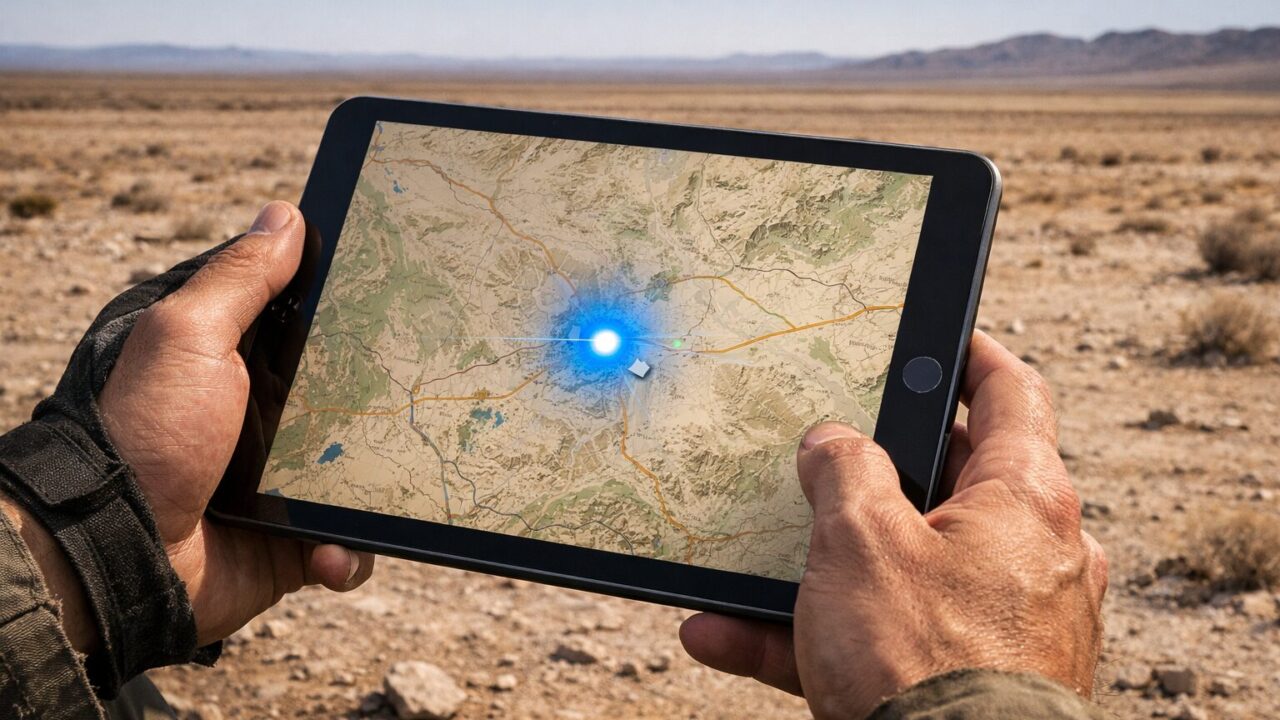
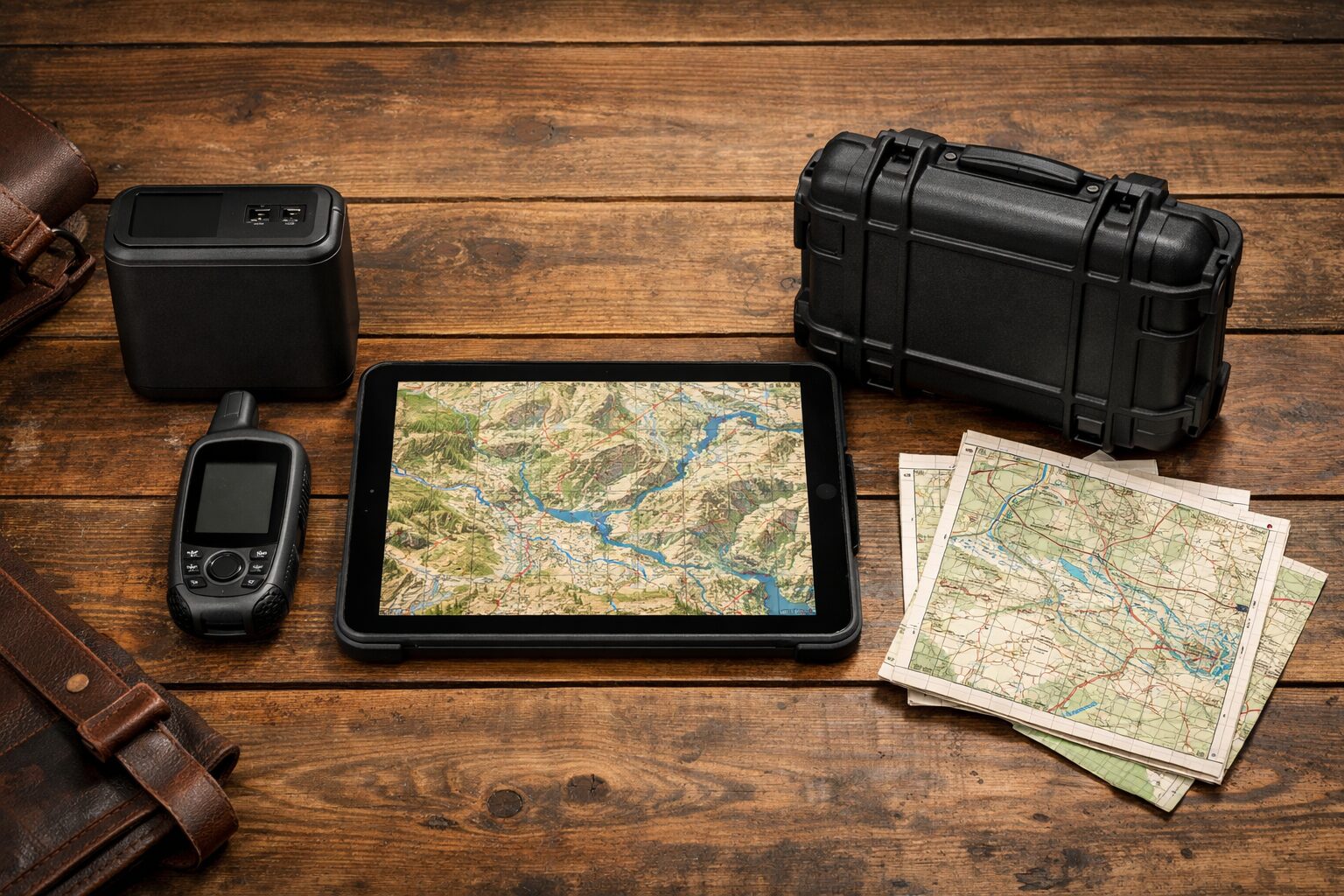
Planning an adventure into the unknown requires more than just a sense of wanderlust; it demands a navigation system that remains rock-solid when the signal bars on your phone vanish completely. Using ipad gps navigation without internet is the ultimate safety net for pilots, sailors, off-road enthusiasts, and hikers who venture far beyond the reach of cell towers. Many travelers mistakenly believe that their tablet is nothing more than a paperweight without a Wi-Fi connection, but this misconception can be dangerous. With the correct hardware configuration and software preparation, your iPad transforms into a professional-grade chart plotter or topographical guide. By setting up ipad gps navigation without internet capabilities before you leave home, you ensure that you are never left guessing your coordinates in critical situations.
The transition from connected city driving to remote exploration can be jarring if you rely solely on streaming data. Online maps are fantastic for dodging traffic, but they are useless when you are miles from the nearest town. However, the iPad’s large, high-resolution screen is arguably the best interface for viewing complex terrain and marine charts, far superior to the cramped screen of a smartphone or a dedicated handheld GPS unit. To unlock this potential, you must understand the hardware limitations of your specific device—specifically the difference between Cellular and Wi-Fi-only models—and the necessity of pre-downloading map data. Once mastered, this setup provides a level of detail and reliability that dedicated GPS units often struggle to match. This guide will dismantle the myths surrounding offline navigation and equip you with the knowledge to turn your iPad into a standalone navigational powerhouse that functions perfectly in the middle of nowhere.
- Clarification on which iPad models contain built-in GPS chips.
- Step-by-step guide to downloading Google Maps and specialized apps for offline use.
- Solutions for using Wi-Fi-only iPads for navigation via external receivers.
- Top recommended hardware and accessories to build a rugged offline navigation rig.
Mastering Offline Navigation on Your iPad
- The Hardware Reality: Does Apple GPS Work Offline?
- Using Google Maps and Offline Maps Navigation Apps
- Specialized Software: Maps.Me and Beyond
- External GPS Solutions for Wi-Fi Only Models
- Managing Storage and Battery for Long Trips
1. The Hardware Reality: Does Apple GPS Work Offline?
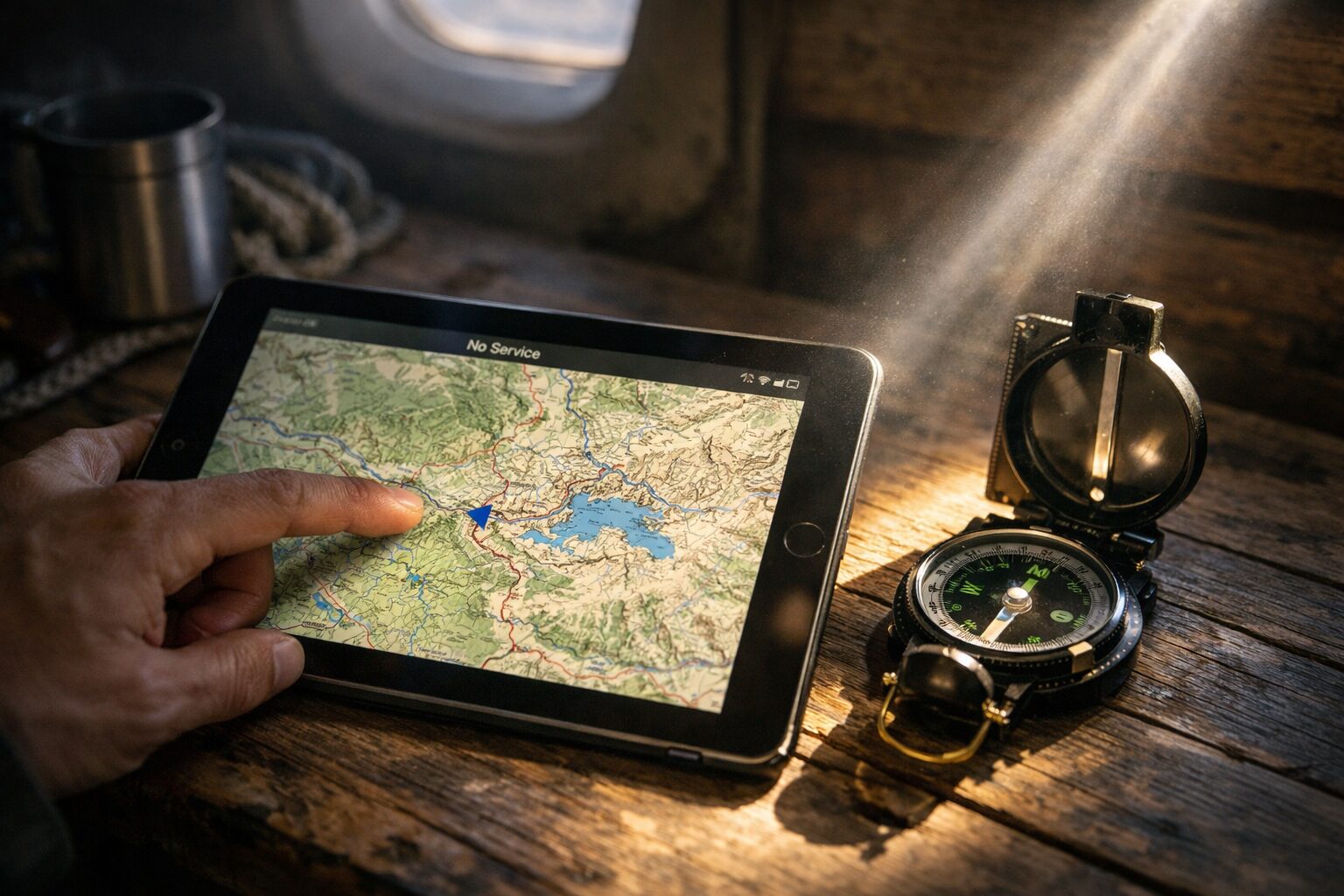
The most critical factor in achieving reliable offline navigation lies in the hardware you possess. A common question is, “Is it possible to use GPS without internet?” The answer is a resounding yes, but with a major caveat regarding Apple’s hardware lineup. Only iPads with the Wi-Fi + Cellular configuration contain the internal GNSS (Global Navigation Satellite System) chip. This chip is what communicates directly with satellites to determine your latitude and longitude. Crucially, you do not need an active data plan or a SIM card for this chip to function; it works passively, just like a dedicated Garmin unit. This is a massive benefit for those who own the Cellular model, as it is ready to track your location anywhere on Earth right out of the box.
However, the downside is significant for owners of the Wi-Fi-only iPad models. These devices do not have a GPS chip. Instead, they use “Wi-Fi triangulation” to estimate location, which requires a database of known Wi-Fi networks. In a remote desert or out at sea, a Wi-Fi-only iPad has absolutely no way of knowing where it is. It cannot track your movement on a map, regardless of which app you use. This leads to frustration for many users who download offline maps only to find their “blue dot” doesn’t move. If you have a Wi-Fi-only model, you are not out of luck, but you must supplement your setup with an external Bluetooth GPS receiver. Understanding this hardware distinction is the first and most important step to ensuring your safety and navigation success.
2. Using Google Maps and Offline Maps Navigation Apps
Once you have confirmed your hardware capability, the next step is software. “Can I use Google Maps on my iPad without Wi-Fi?” absolutely. Google Maps allows you to download specific areas of the world directly to your device’s internal storage. This “Offline Areas” feature is a lifesaver. Before your trip, while you still have a connection, you simply zoom into the area you plan to visit and select “Download.” This saves the road network, points of interest, and basic topography to your iPad. When you enter that area without a signal, the app seamlessly switches to the offline data, allowing you to search for destinations and get turn-by-turn directions as if you were online.
The disadvantage of using standard apps like Google Maps or Apple Maps offline is the storage requirement and the expiration of data. Offline maps can take up gigabytes of space, and Google Maps requires you to update these maps periodically (usually every 30 days) or they expire. Furthermore, these apps are primarily designed for road navigation. They often lack the granular detail needed for hiking trails, marine depth contours, or off-road 4×4 tracks. While they are excellent for getting from town to town, relying on them for deep backcountry exploration can be risky if the road data is incomplete.
However, the benefit of familiarity cannot be overstated. Most users already know how to use Google Maps interface. It is free, easy to use, and reliable for general travel. For the average road tripper who wants to ensure they don’t get lost when the signal drops on the highway, utilizing the offline features of Google Maps on a Cellular iPad is the most cost-effective and straightforward solution available. It turns your tablet into a massive, easy-to-read dashboard GPS without spending a dime on extra software.
3. Specialized Software: Maps.Me and Beyond
For those venturing off the paved road, general navigation apps often fall short. This is where specialized applications like Maps.me offline and Gaia GPS shine. These apps are built from the ground up for offline utility. Maps.me, for instance, allows you to download entire countries or states at once, rather than small rectangular sections. This ensures that you never accidentally drive off the edge of your downloaded map. These apps often utilize OpenStreetMap data, which is frequently more detailed regarding hiking trails, campgrounds, and minor service roads than Google’s data.
The potential drawback of these specialized apps is the learning curve and, in some cases, the cost. While basic versions are often free, unlocking premium layers like topographical lines, hill shading, or nautical charts usually requires a subscription. Additionally, the interface can be more complex, catering to power users who want to record tracks, mark waypoints, and analyze elevation profiles. It requires an investment of time to learn the software before you are out in the field.
Nevertheless, the advantage for the adventurer is unparalleled. Apps like Gaia GPS or OnX Offroad allow you to plan complex routes on your computer and sync them to your iPad. Once offline, these apps provide a level of detail that instills confidence. You can see exactly where you are in relation to property boundaries, public land access, and terrain features. For anyone asking about “Ipad gps navigation without internet free download,” starting with the free version of Maps.me is an excellent entry point to see the power of vector-based offline mapping.
4. External GPS Solutions for Wi-Fi Only Models
If you own a Wi-Fi-only iPad, you might feel left out of the navigation game, but there is a professional-grade solution: the External Bluetooth GPS Receiver. Devices like the Garmin GLO 2 or Bad Elf GPS connect wirelessly to your iPad and feed it precise satellite coordinates. In many ways, this setup is actually superior to the internal GPS of the Cellular iPad. External receivers often update their position 10 times per second (10Hz), compared to the 1Hz update rate of internal chips. This results in smoother tracking, which is vital for high-speed applications like aviation or racing.
The downside is the introduction of another device to charge and manage. You must ensure your Bluetooth GPS is charged and paired before you set off. It adds a layer of complexity to your rig and an additional cost. If the battery on the external receiver dies, your iPad loses its location ability immediately. It is less “grab and go” than the integrated Cellular model.
However, the benefits often outweigh the hassle for serious navigators. An external receiver can be placed on the dashboard or glare shield for a perfect view of the sky, while your iPad stays cool in the shade or mounted lower in the cockpit. This thermal management is crucial, as iPads can overheat in direct sunlight. Furthermore, a single high-quality external GPS can connect to multiple devices simultaneously, allowing a pilot and co-pilot to both have accurate location data on their respective Wi-Fi-only tablets.
5. Managing Storage and Battery for Long Trips
Running GPS and a bright screen is one of the most battery-intensive tasks an iPad can perform. When using offline GPS apps, the processor is constantly rendering map tiles and calculating position. Without a power plan, your device will die long before you reach your destination. It is essential to use a high-output vehicle charger (at least 20W USB-C) that can charge the iPad faster than it drains. Relying on an old 5W USB port in a car will result in a slow discharge even while plugged in.
Storage is the other logistical hurdle. High-resolution satellite imagery and topographical maps can consume massive amounts of space. A single state’s detailed offline map can be several gigabytes. The disadvantage here is clear: users with 64GB iPads will quickly run out of room if they try to cache too much data. You must be strategic about what you download.
The upside of proper management is total independence. By curating your offline maps and securing a robust power source, you create a navigation system that is completely self-reliant. You are not beholden to cloud servers or local power grids. This preparation turns your iPad into a survival tool. Whether you are crossing a continent or sailing an ocean, the combination of ample battery power and comprehensive offline data ensures that you are always in control of your journey.
Top 5 Essentials for Offline iPad Navigation
- Apple iPad (10th Generation) Wi-Fi + Cellular 64GB
- Garmin GLO 2 Bluetooth GPS Receiver
- OtterBox Defender Series Case for iPad
- Anker 737 Power Bank (PowerCore 24K)
- RAM Mounts X-Grip Large Tablet Mount
1. Apple iPad (10th Generation) Wi-Fi + Cellular 64GB
The Apple iPad (10th Generation) Wi-Fi + Cellular is the foundational tool for anyone serious about offline navigation. As discussed, the “Cellular” designation is vital not just for data, but because it is the only model equipped with the internal GNSS chip. This allows the iPad to track satellites independently, making it a standalone navigation device straight out of the box. The 10.9-inch Liquid Retina display offers a massive, bright canvas that makes reading topographical lines or marine charts effortless, even in bright daylight. Its A14 Bionic chip ensures that panning and zooming on complex offline maps is buttery smooth, without the lag often found on cheaper tablets or dedicated GPS units.
While the initial cost is higher than the Wi-Fi-only model, the value lies in its simplicity and reliability. You do not need to fumble with external dongles or worry about Bluetooth connections dropping. It just works. Furthermore, if you do choose to activate a data plan later for weather updates or traffic, the capability is there. For navigation, the USB-C port allows for fast charging and easy connection to other accessories. It is the perfect balance of screen size and portability, making it the gold standard for dashboard or cockpit navigation. Investing in the Cellular model is investing in the assurance that your location services will function in the most remote corners of the world.
2. Garmin GLO 2 Bluetooth GPS Receiver
For those who already own a Wi-Fi-only iPad, the Garmin GLO 2 Bluetooth GPS Receiver is the essential key to unlocking offline navigation. This compact, rugged device connects wirelessly to your iPad and feeds it professional-grade GPS and GLONASS satellite data. Unlike the internal GPS of a tablet which typically updates once per second, the GLO 2 updates its position information 10 times per second. This high refresh rate results in incredibly smooth and accurate tracking, which is particularly important for high-speed travel, aviation, or precision marine docking.
The GLO 2 eliminates the “blue dot not moving” panic that Wi-Fi-only iPad users face. It features a 12-hour battery life, ensuring it lasts through long days of exploration. Its non-slip pad allows it to sit securely on a dashboard, maintaining a clear view of the sky while your iPad stays in a more convenient viewing position. By combining this receiver with your existing tablet, you save the cost of buying a new iPad while gaining performance that often exceeds built-in chips. It is the ultimate upgrade for anyone looking to use their current device for serious, internet-free navigation.
3. OtterBox Defender Series Case for iPad (10th Gen)
Navigation often takes you to places where electronics fear to tread: dusty trails, salty boat decks, or vibrating dashboards. The OtterBox Defender Series provides the military-grade protection your navigation rig needs to survive. This multi-layer case features a solid inner shell and a resilient outer slipcover that absorbs impact from drops and bumps. Crucially, it includes a built-in screen protector to guard against scratches from dust and debris, ensuring your map remains legible. Port covers block dirt, dust, and lint from clogging jacks and ports, which is vital in off-road environments.
The included shield stand is a versatile addition, allowing you to prop the iPad up for route planning at camp or covering the screen for extra protection during transport. When you are miles from the nearest Apple Store, a broken screen is more than an inconvenience; it is a safety hazard. The Defender Series ensures that your primary navigation tool withstands the vibration of a 4×4 or the accidental drop on a rocky trail. It gives you the confidence to mount your iPad in rugged environments without hesitation, knowing the hardware is secure.
4. Anker 737 Power Bank (PowerCore 24K)
GPS navigation is one of the most power-hungry tasks for any tablet. The screen is always on, and the processor is constantly calculating. The Anker 737 Power Bank is the ultimate insurance policy against a dead battery in the wild. With a massive 24,000mAh capacity and 140W bi-directional output, this power bank can charge an iPad multiple times at full speed. Unlike smaller battery packs that trickle charge, the Anker 737 delivers enough wattage to actually increase the battery percentage while the iPad is under heavy navigational load.
The smart digital display is a standout feature, showing exactly how much power remains and the current output wattage, removing the guesswork from your power management. It is compact enough to fit in a glove box or flight bag but powerful enough to jumpstart your digital life. When you are navigating offline, your iPad is your lifeline. Having a robust, high-speed backup power source like the Anker 737 ensures that you never lose your map right when you need it most. It is an essential piece of survival gear for the digital age.
5. RAM Mounts X-Grip Large Tablet Mount
A navigation device is useless if it is sliding around the passenger seat. The RAM Mounts X-Grip Large Tablet Mount is the industry standard for securing tablets in vehicles, boats, and aircraft. Constructed from marine-grade aluminum and high-strength composite, this mount is designed to withstand extreme vibration and shock. The spring-loaded “X” design expands and contracts to provide a perfect fit for your iPad, holding it firmly in place with rubber-coated tips that prevent slipping without hiding your screen content.
The versatility of the RAM ball-and-socket system allows you to position the iPad at the exact angle needed to reduce glare and maximize visibility. Whether you are bouncing over washboard roads or hitting waves, the RAM mount keeps your chart plotter steady and accessible. It is fully compatible with a wide range of bases, from suction cups for windshields to drill-down bases for permanent installation. Investing in a RAM mount means your navigation system is always exactly where you need it, safe, secure, and ready for the road ahead.
Summary: Freedom Through Preparation
 Navigating the world with ipad gps navigation without internet is not only possible; it is often the superior choice for serious travelers. By understanding the critical hardware distinction between Cellular and Wi-Fi-only models, you avoid the most common pitfall of aspiring digital explorers. The Cellular iPad stands as the self-sufficient champion, ready to track your location globally without a data contract, while the Wi-Fi-only model can be transformed into a precision tool with the addition of a robust external GPS receiver. Both paths lead to the same destination: accurate, reliable positioning far beyond the reach of the grid.
The key to success lies in preparation. Downloading your offline maps via Google Maps, Maps.me, or specialized marine and aviation apps before you leave home is the step that separates a useful tool from a blank screen. Pairing this software preparation with the right rugged accessories—mounts, cases, and power banks—ensures that your system can withstand the rigors of the road. Whether you are crossing a desert, sailing a coast, or simply hiking a new trail, your iPad is capable of guiding you safely. Equip yourself with the right gear, load your maps, and enjoy the confidence of knowing exactly where you are, no matter how far you roam.