iPad WiFi Only GPS Navigation Guide
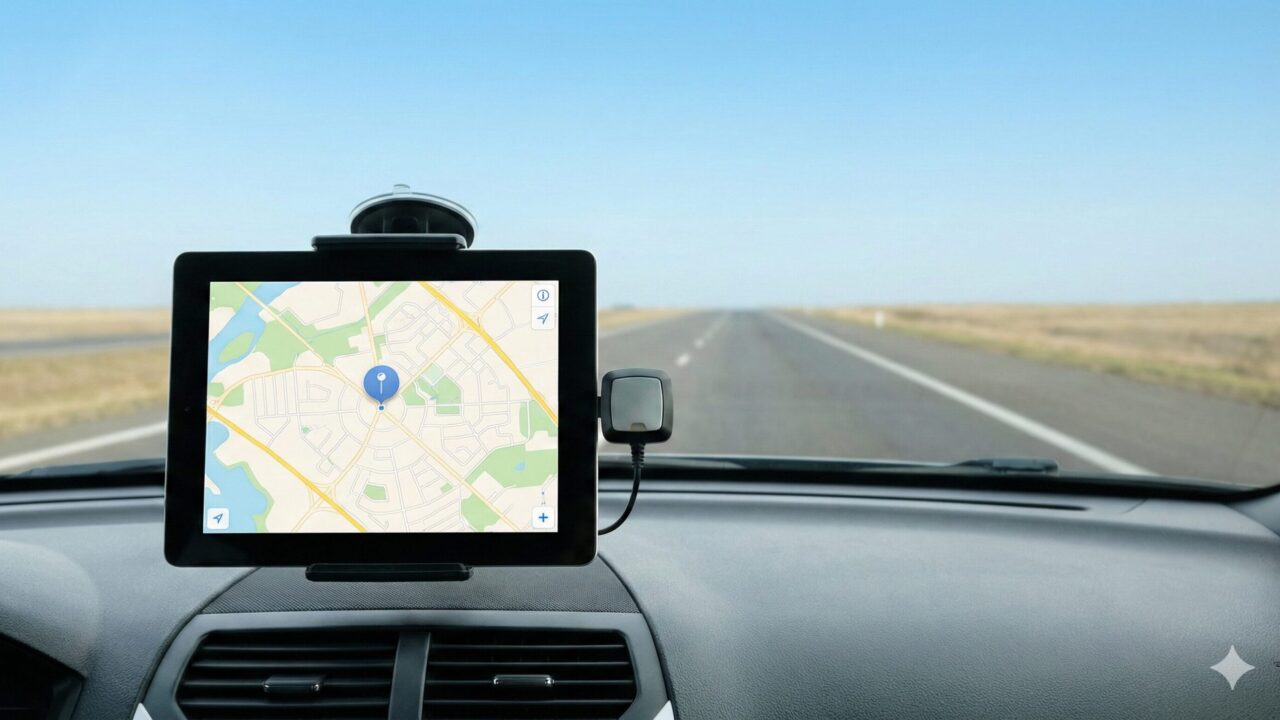
Transforming your tablet into a reliable chart plotter or dashboard map is the ultimate goal for many travelers, but mastering ipad wifi only gps navigation requires understanding a critical hardware distinction. The allure of using an iPad for navigation is undeniable; the expansive, high-resolution retina display offers a level of clarity and detail that no smartphone or dedicated GPS unit can match. Whether you are piloting a Cessna, sailing coastal waters, or overland driving through a desert, the iPad provides the perfect canvas for your route. However, many users purchase the standard model to save money, only to discover that ipad wifi only gps navigation does not work out of the box because these specific models lack an internal GPS chip. This realization often strikes at the worst possible moment—when you are miles from the nearest cell tower and the blue dot on your map refuses to move.
The standard Wi-Fi-only iPad relies entirely on “Wi-Fi triangulation” to determine its location. In a city full of routers, this works reasonably well. But the moment you step into the wild, the device becomes location-blind. This is not a software glitch; it is a hardware reality. But this does not mean your device is useless. On the contrary, by pairing your iPad with the right accessories, you can actually achieve higher precision than the more expensive Cellular models. Dedicated external GPS receivers update their position ten times faster than internal mobile chips, offering professional-grade accuracy for critical maneuvers. By understanding how to bridge this gap, you can unlock the full potential of your device. You can enjoy the cost savings of the Wi-Fi model while benefiting from satellite tracking that rivals professional navigation systems. This guide will walk you through exactly how to equip your iPad for offline success, ensuring you never lose your way, regardless of where the adventure takes you.
- Clarification on why Wi-Fi-only iPads cannot track location offline without help.
- Step-by-step method to connect external Bluetooth GPS receivers for precision tracking.
- Comparison of internal Cellular GPS vs. professional external GPS hardware.
- Top recommended gear to turn your Wi-Fi iPad into a standalone navigation powerhouse.
Mastering Offline Navigation on Wi-Fi Only Models
- The Hardware Deficit: Why Your Blue Dot Won’t Move
- The Hotspot Myth: Does Tethering Share GPS?
- The Professional Solution: Bluetooth GPS Receivers
- Software Essentials: Offline Maps and Configuration
- The Verdict: Is External GPS Better Than Internal?
1. The Hardware Deficit: Why Your Blue Dot Won’t Move
The most common question new owners ask is, “Does iPad WiFi only have GPS?” The short and definitive answer is no. Apple separates its tablet line into two distinct categories: “Wi-Fi” and “Wi-Fi + Cellular.” Only the Cellular models contain the internal GNSS (Global Navigation Satellite System) chip required to communicate directly with satellites. The Wi-Fi-only model is completely devoid of this component. Therefore, when you attempt to use navigation apps without an internet connection, the iPad has no sensor to determine your latitude and longitude.
This limitation is often discovered after the purchase, leading to frustration on forums and Reddit threads titled “Ipad wifi only gps navigation not working.” It is important to realize that this is not a failure of the device, but a purposeful design choice by Apple to lower costs. However, the screen quality and processing power of the Wi-Fi model make it an incredible tool if you can solve the location data problem. You do not need to sell your iPad and buy a Cellular one; you simply need to provide the location data from an external source.
2. The Hotspot Myth: Does Tethering Share GPS?
A prevalent workaround users attempt is tethering their Wi-Fi iPad to an iPhone via a Personal Hotspot. The logic seems sound: the iPhone has a GPS, so sharing the connection should share the location. Unfortunately, this is unreliable. While the hotspot provides internet data (allowing maps to load), it does not consistently pass location data (NMEA sentences) to the iPad. In most cases, your iPad will still think it is wherever the last Wi-Fi signal placed it, or it will use rough triangulation that is insufficient for turn-by-turn navigation or aviation.
Relying on a hotspot for “Ipad wifi only gps navigation iphone” tethering is dangerous for critical navigation. If you lose cell service, your phone’s ability to assist the iPad diminishes, and the connection can be unstable. Furthermore, this method drains the battery of both devices rapidly. For true, reliable, offline navigation in a boat, plane, or car, you must bypass the phone entirely and use a dedicated data source that communicates directly with satellites, independent of cellular towers.
3. The Professional Solution: Bluetooth GPS Receivers
The gold standard for enabling “Ipad wifi only gps navigation” is the external Bluetooth GPS receiver. These devices are small, rugged pods that sit on your dashboard or glare shield. They do one thing and they do it perfectly: receive satellite signals. When you pair one of these with your iPad via Bluetooth, the iPad’s operating system recognizes it as a location source. Instantly, every app on your device—from Google Maps to ForeFlight to Navionics—begins to work as if you had a built-in GPS chip.
| Feature | iPad Internal GPS (Cellular Model) | External Bluetooth GPS Receiver |
|---|---|---|
| Update Rate | 1 Hz (1 time per second) | 10 Hz (10 times per second) |
| Battery Impact | High (Drains iPad battery) | Low (Has its own battery) |
| Accuracy | Standard (~5-10 meters) | High Precision (~2-3 meters) |
| Reliability | Good, but can overheat in sun | Excellent, industrial grade |
As the table illustrates, using an external receiver is actually an upgrade. An update rate of 10Hz means the position is refreshed 10 times per second, resulting in buttery-smooth movement on the map, which is essential for high-speed travel or precise docking. This setup allows you to keep your iPad in a cool, shaded spot while the inexpensive receiver sits in the hot sun acquiring the signal.
4. Software Essentials: Offline Maps and Configuration
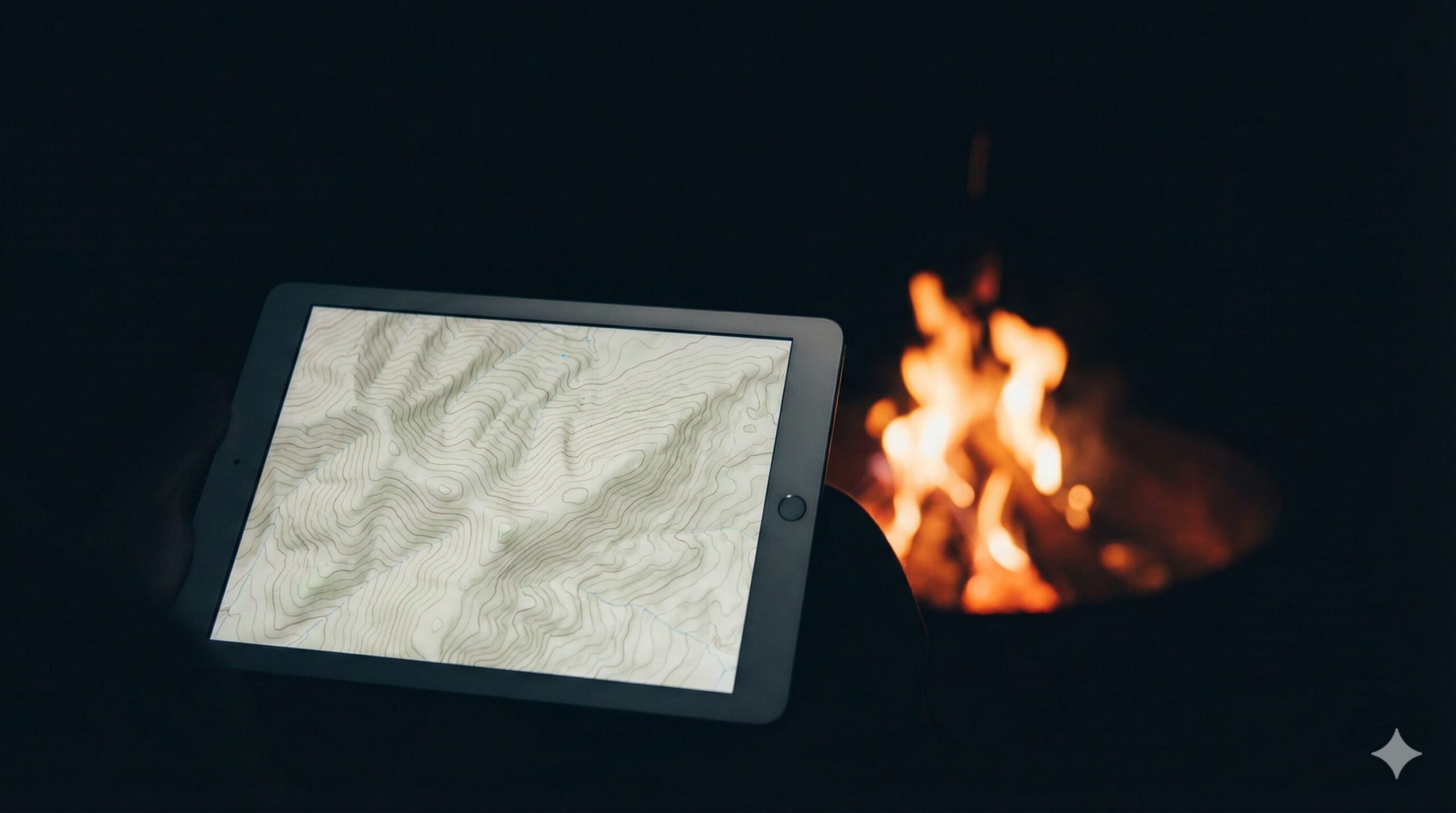
Hardware gets your location, but software shows you where you are. Even with a high-end GPS receiver, your iPad is useless if you haven’t downloaded the map data. “Can you use GPS on an iPad without internet?” Yes, but only if you have saved the “Offline Maps.” Before you leave Wi-Fi coverage, you must go into your preferred app (Google Maps, Apple Maps, Maps.me, or Gaia GPS) and download the specific region you will be traversing.
This step is non-negotiable. The GPS receiver provides coordinates, but the iPad needs the downloaded visual data to render the roads, terrain, or depth contours. Many “Ipad wifi only gps navigation app” issues are actually just a lack of downloaded map data. Once the maps are stored locally on your device’s hard drive, the external GPS will place your blue dot on those maps with pinpoint accuracy, completely offline, without using a single byte of data.
5. The Verdict: Is External GPS Better Than Internal?
For the serious navigator, the Wi-Fi iPad plus an external receiver is often the superior configuration. While the Cellular iPad offers convenience (all-in-one), the “Wi-Fi + External” combo offers performance. You get the 10Hz update speed, WAAS/GLONASS support for better accuracy, and significant battery savings on the iPad itself.
Additionally, this modular approach is future-proof. When you upgrade your iPad in three years, you keep your high-performance GPS receiver. You are not forced to pay the premium for a Cellular model every time you buy a new tablet. It transforms your consumer-grade electronics into a professional navigation rig suitable for the cockpit of a plane or the bridge of a yacht.
Top 5 Tools for iPad Wi-Fi Only Navigation
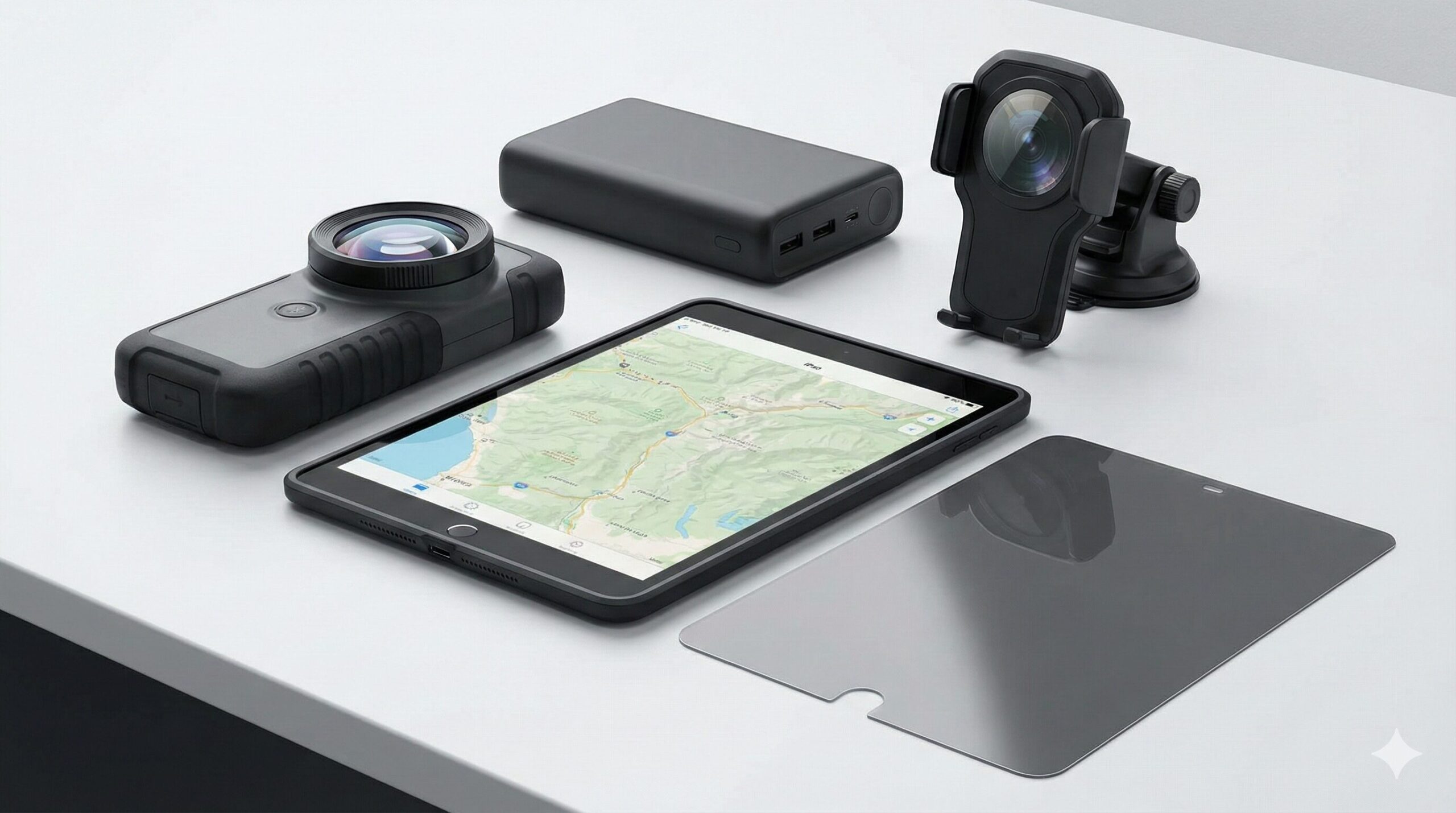
- Garmin GLO 2 Bluetooth GPS Receiver
- Bad Elf GPS Pro+ External Bluetooth GPS Receiver
- Dual Electronics XGPS160 SkyPro GPS Receiver
- Dual Electronics XGPS150A Universal GPS Receiver
- Apple iPad mini (A17 Pro) Wi-Fi + Cellular
1. Garmin GLO 2 Bluetooth GPS Receiver
The Garmin GLO 2 is widely regarded as the industry standard for solving the “iPad WiFi only gps navigation” dilemma. It is a compact, no-nonsense device that connects seamlessly to your iPad and provides professional-grade location data. By utilizing both GPS and GLONASS satellite constellations, the GLO 2 can lock onto 24 more satellites than devices that rely on GPS alone. This is critical for users navigating in “urban canyons” with tall buildings or deep wilderness valleys where sky visibility is limited.
The standout feature of the GLO 2 is its 10Hz update rate, refreshing your position ten times per second. If you are using your iPad for aviation or racing, this eliminates the “lag” often seen with internal GPS chips, providing a smooth, real-time glide across the map. With a 12-hour battery life, it will outlast your iPad on most trips. It requires zero configuration—just pair it via Bluetooth, and your Wi-Fi-only iPad instantly behaves like a high-end chart plotter. It is the most reliable, “set it and forget it” upgrade you can buy.
2. Bad Elf GPS Pro+ External Bluetooth GPS Receiver
For professionals who demand data logging and total situational awareness, the Bad Elf GPS Pro+ is the ultimate tool. Unlike other “black box” receivers, this unit features a backlit LCD screen that displays your location, speed, heading, and altitude independently of the iPad. This serves as a vital backup; if your tablet battery dies, you still have basic navigational data in your hand. It is capable of connecting up to 5 devices simultaneously, making it perfect for a cockpit or boat crew where everyone needs GPS data on their own Wi-Fi-only tablets.
The Bad Elf Pro+ is rugged, splash-proof, and designed for extreme environments. It features an incredible 35-hour battery life, meaning you can go on a weekend expedition without ever needing to recharge the unit. It also includes a standalone data logger that records your trip (up to 200 hours) for later analysis, without needing the iPad to be turned on. If you are serious about navigation and want a device that offers military-grade reliability and features, the Bad Elf Pro+ is the premium choice.
3. Dual Electronics XGPS160 SkyPro GPS Receiver
The Dual Electronics XGPS160 SkyPro is a powerhouse receiver that brings high-speed tracking to a versatile platform. Like the Garmin, it features a 10Hz update rate for high-precision tracking, making it ideal for fast-moving applications. However, it distinguishes itself with its ability to connect to up to 5 Bluetooth devices at once, working seamlessly with both iOS and Android. This universality makes it the perfect hub for a family road trip or a team with mixed devices.
Included with a non-slip pad for car or plane dashboards, the SkyPro stays securely in place to maintain the best view of the sky. It also comes with a useful status tool app that lets you visualize exactly which satellites are in view and the signal strength of each. Its high-sensitivity WAAS-enabled GPS engine ensures it holds a signal even in difficult conditions like heavy tree cover. For users looking for a reliable, high-speed external GPS that can serve an entire vehicle’s worth of tablets simultaneously, the SkyPro is a robust contender.
4. Dual Electronics XGPS150A Universal GPS Receiver
The Dual Electronics XGPS150A is the accessible gateway to high-accuracy tracking for outdoor enthusiasts. Designed with versatility in mind, it comes with a nonslip pad for driving and an armband for hiking or running. This makes it a fantastic choice for users who switch between vehicle navigation and foot travel. It provides a reliable, rock-solid satellite lock that far exceeds any smartphone capability, ensuring your topography maps on your Wi-Fi iPad are pinpoint accurate.
While it updates at 1Hz (standard speed), its dedicated antenna holds signals in difficult environments where phones give up. The rechargeable battery lasts over 8 hours, covering most day trips. It is lightweight, easy to pair, and universally compatible. For the user who wants to fix their iPad’s location issues for hiking, geocaching, or general road tripping without spending a fortune on professional aviation gear, the XGPS150A delivers reliable performance and excellent value.
5. Apple iPad mini (A17 Pro) Wi-Fi + Cellular
While this guide focuses on making Wi-Fi models work, sometimes the best solution for a new buyer is to simply get the right hardware. The Apple iPad mini (A17 Pro) Wi-Fi + Cellular is the “nuclear option” for navigation. If you have not yet purchased your tablet, buying this model eliminates the need for external boxes entirely. Because it is the Cellular model, it has the built-in GPS chip that works offline, independent of any data plan. Its 8.3-inch size is perfect for dashboard mounting without obstructing your view.
Powered by the A17 Pro chip, this device renders 3D terrain and complex marine charts instantly. The fully laminated display reduces glare, which is essential for outdoor visibility. While it lacks the 10Hz update rate of the external units, the convenience of an all-in-one device is unbeatable for many users. You can grab it and go, knowing your navigation is built-in. If you are still in the shopping phase, this is the most streamlined, albeit more expensive, path to offline GPS success.
Summary: Precision Navigation Without the Monthly Bill
 Using an ipad wifi only gps navigation setup is not just a workaround; for many, it is the superior way to navigate. We have dismantled the myth that you need a cellular data plan to track your location. By understanding that the deficiency is purely hardware—the lack of a GPS chip—you can solve the problem permanently with a one-time purchase of an external Bluetooth receiver. This configuration grants you sub-meter accuracy, high-speed 10Hz updates, and significant battery savings for your iPad, capabilities that even the expensive Cellular models cannot match on their own.
Your path to navigational freedom is clear. First, acknowledge that your Wi-Fi iPad needs help to see the sky. Second, choose a robust external receiver like the Garmin GLO 2 or Bad Elf Pro+ that fits your specific activity, be it aviation, marine, or off-road. Finally, pair the device and download your offline maps while you are still at home. Once you take these steps, you transform your consumer tablet into a professional-grade chart plotter. You will have the confidence of knowing exactly where you are, with a level of precision and reliability that ensures you always arrive safely at your destination, completely independent of the internet.