How to Improve iPad GPS Accuracy Fast
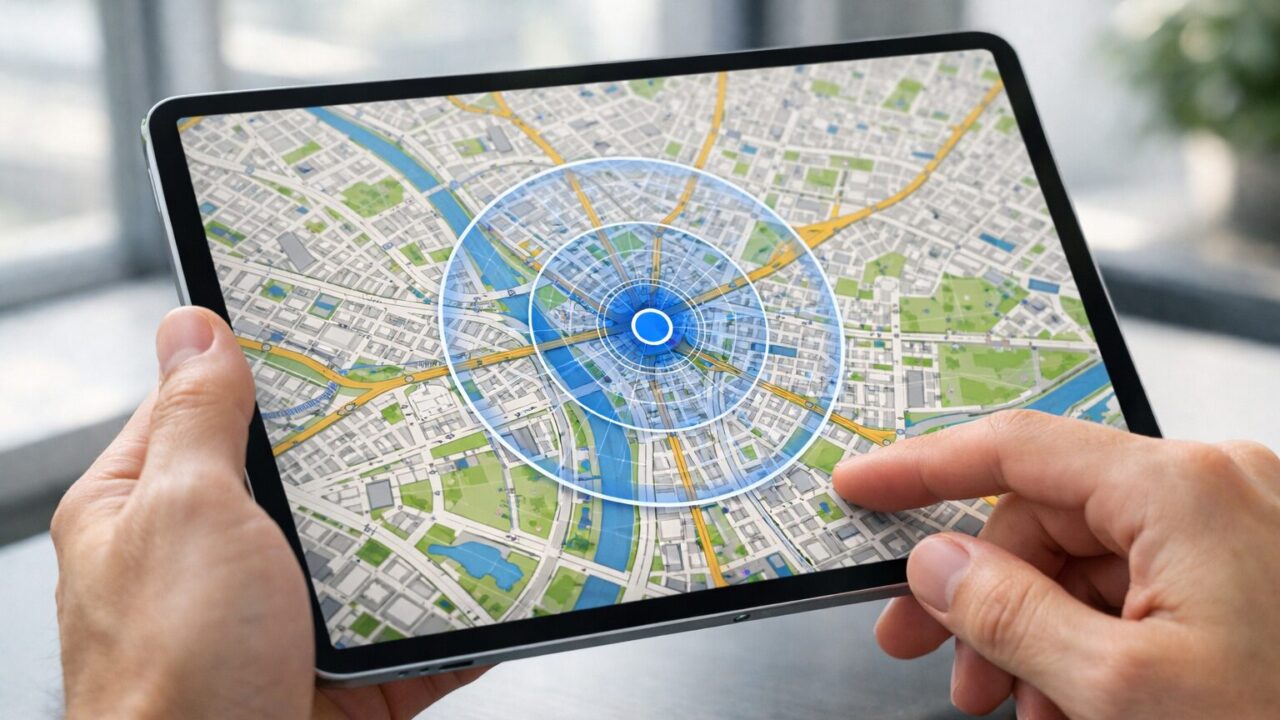
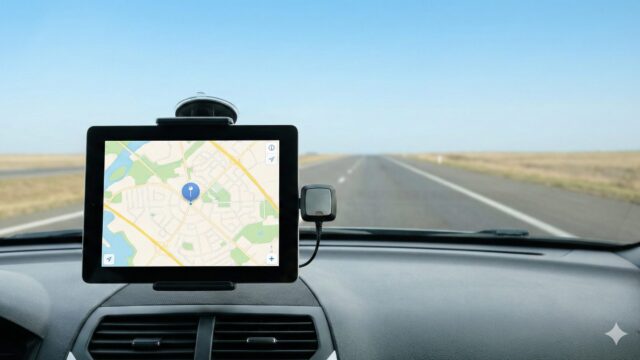
Running navigation software on a tablet offers a beautiful, expansive view of your route, but that visual clarity is useless if the blue dot is drifting or frozen. To improve ipad gps accuracy, you need to look beyond basic troubleshooting and understand the hardware reality of your specific device. Many pilots, sailors, and drivers face the panic of a lagging map during critical moments, not realizing that their iPad configuration is fighting against them. Whether you are navigating urban canyons or remote trails, the ability to improve ipad gps accuracy defines the difference between a successful trip and a navigational hazard.
Often, the issue stems from a misunderstanding of how the iPad acquires a location fix. Unlike a dedicated chart plotter, an iPad balances battery life with performance, sometimes aggressively throttling GPS updates to save power. Furthermore, if you are using a Wi-Fi-only model tethered to a hotspot, you might mistakenly believe you are receiving satellite data when you are actually relying on imprecise cellular triangulation. This guide will dismantle these common pitfalls and provide you with actionable steps to calibrate your system. By optimizing your settings and considering professional-grade hardware additions, you can achieve sub-meter precision and transform your tablet into the most reliable navigator in your kit.
- Step-by-step methods to calibrate and reset iPad Location Services.
- Explanation of why iPad GPS stops working on hotspots and how to fix it.
- Differences in GPS accuracy between Cellular and Wi-Fi-only models.
- Top 5 external GPS receivers to guarantee professional-grade precision.
Mastering Location Precision on Your iPad
- Why Is My iPad Location Not Accurate? Hardware vs. Settings
- How to Calibrate GPS on iPad and Fix Lagging Issues
- The Truth About iPad GPS Without Cellular and Hotspots
- Optimizing Settings: Precise Location and System Services
- When to Upgrade to External Hardware
1. Why Is My iPad Location Not Accurate? Hardware vs. Settings
The most common reason users struggle with GPS accuracy lies in the hardware capability of the iPad itself. It is vital to clarify that only Wi-Fi + Cellular models have a built-in GPS chip. If you own a Wi-Fi-only model, your iPad does not have a satellite receiver. Instead, it uses “Wi-Fi triangulation,” utilizing a database of known Wi-Fi networks to estimate your location. This works reasonably well in a city full of routers but fails completely in rural areas, at sea, or in the air. If you are asking “Why is my iPad location not accurate?” while driving through the countryside with a Wi-Fi-only model, it is because the device is blind to satellites.
Even with a Cellular model, accuracy can suffer due to environmental factors. GPS signals are weak radio waves that cannot penetrate metal or thick concrete. If your iPad is in a protective case with a magnetic cover or metal backing, it could be blocking the antenna. Additionally, heated windshields in some modern cars contain metallic films that degrade signal reception. Before blaming the software, ensure your iPad has a clear, unobstructed view of the sky. Recognizing these physical limitations is the first step toward a solution.
2. How to Calibrate GPS on iPad and Fix Lagging Issues
If your hardware is capable but you are still experiencing “iPad GPS lagging” or drifting, software calibration is necessary. While iOS does not have a dedicated “Calibrate GPS” button like some old handhelds, you can force the system to refresh its satellite data. Start by toggling Location Services off and on again in Settings > Privacy & Security. Next, ensure that Wi-Fi and Bluetooth are turned ON, even if you are not connecting to a network. Apple uses these radios to assist the GPS chip in finding a faster initial lock (Assisted GPS), which significantly improves start-up accuracy.
Another often overlooked fix is checking your Date & Time settings. GPS relies on precise timing to calculate position. If your iPad is not set to “Set Automatically,” the time discrepancy can cause the location calculation to fail or drift. Finally, if the compass direction seems off, open the Apple Maps app and move the iPad in a figure-eight motion. This helps re-calibrate the digital compass, which aids the GPS in determining your heading. Regular restarts also clear the cache, resolving temporary software glitches that might be causing the lag.
3. The Truth About iPad GPS Without Cellular and Hotspots
A persistent myth causes frustration for many: the belief that tethering a Wi-Fi-only iPad to an iPhone hotspot shares the phone’s GPS data. This is generally false. When you connect your “iPad GPS not working on hotspot,” the iPad uses the internet connection to download map tiles, but it does not receive precise GPS coordinates from the iPhone. The iPad is still relying on its own (non-existent) GPS hardware or rough Wi-Fi estimation. This results in a location fix that might place you towers away from your actual position.
To get true “iPad GPS without cellular,” you cannot rely on a hotspot alone. The internet provided by the hotspot allows apps like Google Maps to load the graphics, but it does not tell the app where you are with precision. For reliable navigation on a non-cellular iPad, you must bypass the internal limitations entirely by connecting an external Bluetooth GPS receiver. This is the only way to feed satellite-grade coordinates to a Wi-Fi-only device, ensuring that your navigation apps work offline and with high precision.
4. Optimizing Settings: Precise Location and System Services
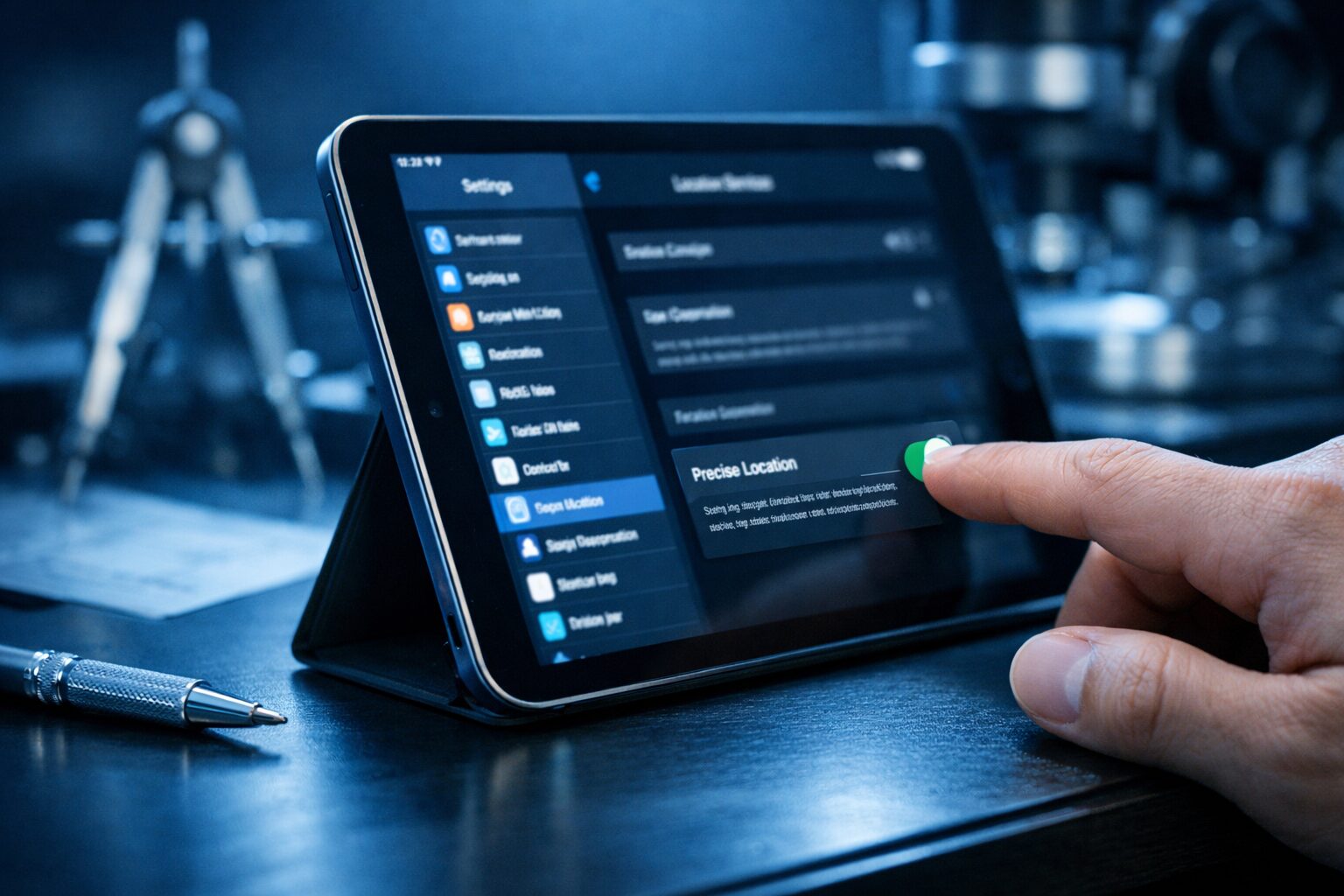
To ensure your iPad is prioritizing accuracy, dive into your specific app settings. Go to Settings, scroll down to your navigation app (e.g., Google Maps, ForeFlight), and tap “Location.” Ensure that “Precise Location” is toggled ON. Without this, the app only receives an approximate location, which is useless for turn-by-turn navigation. This feature is designed to protect privacy but often gets accidentally disabled, leading to user confusion about “GPS accuracy iPad” issues.
Additionally, within System Services (found at the bottom of the Location Services menu), ensure “Motion Calibration & Distance” and “Compass Calibration” are enabled. These background services help the iPad refine its position using the accelerometer and gyroscope when satellite signals are weak, such as in tunnels or urban canyons. By fine-tuning these permissions, you give the iPad permission to use every available sensor to maintain a lock on your position.
5. When to Upgrade to External Hardware
If you have calibrated your settings, removed interference, and are still facing “iPhone GPS accuracy issues” or iPad drift, the internal antenna simply may not be powerful enough for your needs. Aviation, marine navigation, and off-road racing demand update rates that internal chips cannot provide. Internal GPS typically updates once per second (1Hz), which can lag at high speeds.
Professional external GPS receivers update 10 times per second (10Hz) and support multiple satellite constellations (GLONASS, Galileo). If your safety depends on your location, relying on a consumer-grade internal chip is a risk. Upgrading to a dedicated external receiver is not a sign of defeat; it is a professional standard. It offloads the battery-draining task of satellite tracking to a dedicated unit, keeping your iPad cool and its battery full for the screen and apps.
Top 5 GPS Receivers to Maximize Accuracy
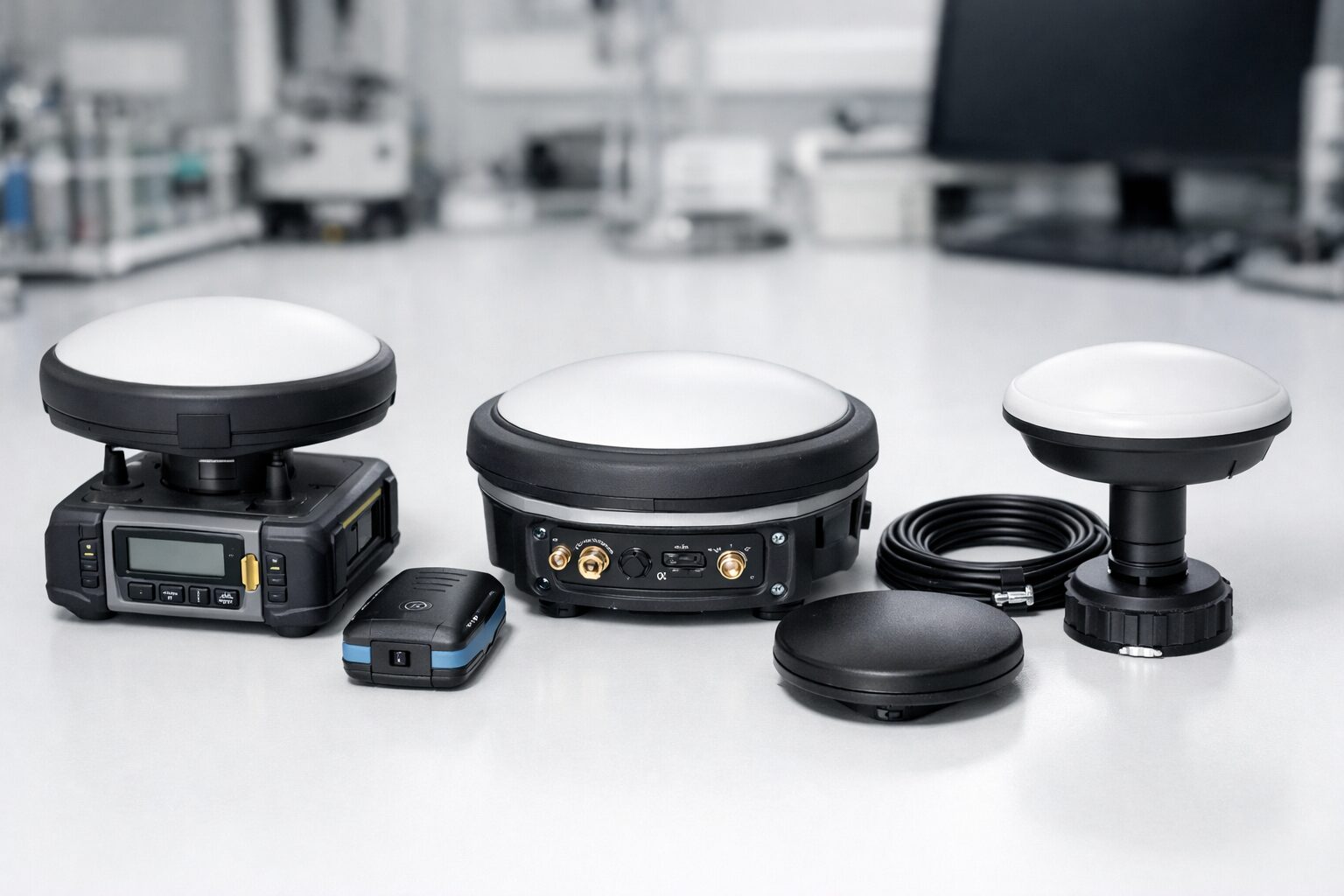
- Garmin GLO 2 Bluetooth GPS Receiver
- Bad Elf GPS Pro+ External Bluetooth GPS Receiver
- Dual Electronics XGPS160 SkyPro GPS Receiver
- Bad Elf GPS for Lightning Connector
- Dual Electronics XGPS150A Universal GPS Receiver
1. Garmin GLO 2 Bluetooth GPS Receiver
The Garmin GLO 2 Bluetooth GPS Receiver is the industry standard for solving “iPad GPS not working” issues effectively. This robust device connects wirelessly to your iPad and utilizes both GPS and GLONASS constellations to lock onto 24 more satellites than a standard tablet. This massive increase in signal availability means you maintain a solid lock even in deep valleys or heavy tree cover where the iPad’s internal sensor would fail.
With a 10Hz update rate, the GLO 2 refreshes your position ten times per second, creating a buttery-smooth movement on your map that reacts instantly to your turns. This eliminates the “lagging” feeling common with internal chips. Its 12-hour battery life ensures it outlasts your day trip, and the non-slip base makes it perfect for dashboard use. If you want a “set it and forget it” solution that guarantees sub-meter accuracy for aviation or driving, the Garmin GLO 2 is the ultimate upgrade.
2. Bad Elf GPS Pro+ External Bluetooth GPS Receiver
For professionals who demand data logging and total control, the Bad Elf GPS Pro+ is the premium choice. Unlike simple black-box receivers, this unit features a backlit LCD screen that displays your speed, heading, altitude, and location independently of your iPad. This functionality serves as a critical backup; if your iPad screen fails, you can still navigate using the Bad Elf alone. It supports connecting up to 5 devices simultaneously, making it ideal for a cockpit or boat crew sharing location data.
The Bad Elf Pro+ boasts an incredible 35-hour battery life and a rugged, splash-proof design, making it the best companion for multi-day adventures. Its integrated data logger records your track without needing the iPad to be on, saving tablet battery. If you are serious about “GPS accuracy iPad” for marine or aviation use, investing in the Bad Elf Pro+ gives you professional telemetry and peace of mind that consumer-grade electronics cannot match.
3. Dual Electronics XGPS160 SkyPro GPS Receiver
The Dual Electronics XGPS160 SkyPro is a powerhouse that brings high-speed, 10Hz tracking to a versatile platform. It connects seamlessly to up to 5 devices at once, working with both iOS and Android, which is perfect for teams with mixed hardware. The SkyPro is renowned for its fast signal acquisition, often locking onto satellites in under a minute so you can start your journey immediately.
Included with a non-slip pad for car or plane dashboards, it stays securely in place to maintain the best view of the sky. The accompanying status tool app allows you to visualize exactly which satellites are in view, giving you confidence in your signal strength. For users looking for a high-performance receiver that balances price and professional features, the XGPS160 is a proven performer that solves location drift permanently.
4. Bad Elf GPS for Lightning Connector
For users of Lightning-equipped iPads who dislike managing cables and batteries, the Bad Elf GPS for Lightning Connector offers a genius plug-and-play solution. This tiny device inserts directly into the charging port of your iPad, drawing a minuscule amount of power from the tablet to function. Because it is a physical connection, there is no Bluetooth pairing to manage and no separate battery to charge. It is the definition of instant accuracy.
Despite its size, it delivers high-performance 66-channel GPS tracking that instantly upgrades a Wi-Fi-only iPad to a cellular-grade navigator. It also features a pass-through micro-USB port, allowing you to charge your iPad while the GPS is active. While it is specific to Lightning models, for those users, it is the most portable and hassle-free way to add precision GPS. It turns your iPad into a dedicated chart plotter instantly.
5. Dual Electronics XGPS150A Universal GPS Receiver
The Dual Electronics XGPS150A is the accessible gateway to high-accuracy tracking. Designed with versatility in mind, it comes with a nonslip pad for driving and an armband for hiking or running. This makes it a fantastic “best external GPS for iPad” choice for outdoor enthusiasts who switch between vehicles and foot travel. It provides a reliable, rock-solid satellite lock that far exceeds smartphone capability.
While it updates at 1Hz (standard speed), its dedicated antenna holds signals in difficult environments where phones give up. The rechargeable battery lasts over 8 hours, covering most day trips. It is lightweight, easy to pair, and universally compatible. For the user who wants to fix their iPad’s location issues without spending a fortune on professional aviation gear, the XGPS150A delivers reliable performance and excellent value.
Summary: Precision Navigation is Within Reach
 Achieving pinpoint precision to improve ipad gps accuracy is not about hoping for a better signal; it is about eliminating hardware bottlenecks. We have explored how the lack of a GPS chip in Wi-Fi-only models and environmental interference in Cellular models can ruin your navigation experience. By calibrating your settings, enabling the right services, and understanding the limitations of hotspots, you can squeeze the best possible performance from your existing device. However, for those who rely on their iPad for safety and professional navigation, the internal components often reach their limit.
The definitive solution lies in decoupling the location tracking from the tablet itself. Upgrading to a high-performance external Bluetooth receiver like the Garmin GLO 2 or Bad Elf series guarantees 10Hz update rates and sub-meter accuracy that no internal tablet chip can match. These devices transform your iPad from a general-purpose computer into a reliable, professional navigation instrument. Don’t let a drifting blue dot compromise your journey. Equip yourself with the right tools, optimize your setup, and navigate with the absolute confidence that you know exactly where you are.