Gran Turismo 7 Split Screen PS5 Guide
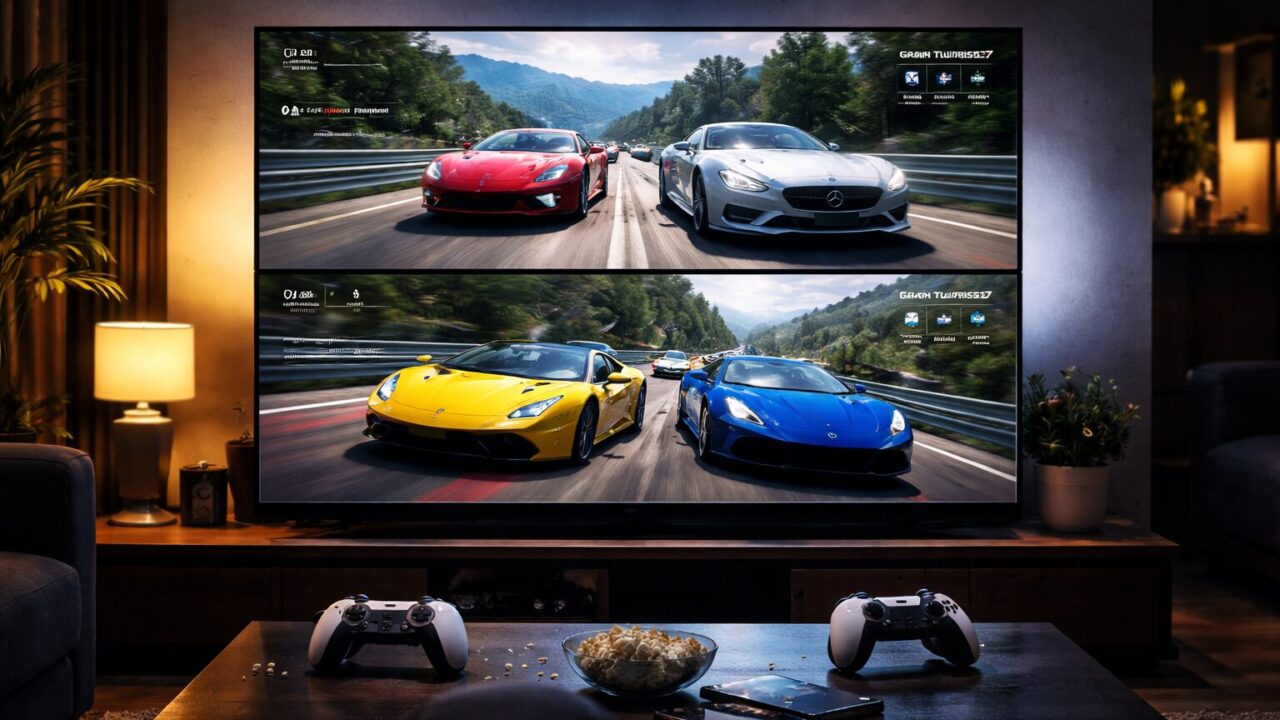
Inviting friends over for a racing night is a timeless tradition, and setting up a gran turismo 7 split screen ps5 session is the ultimate way to prove who the real driver is. The visual fidelity of the PlayStation 5 brings every curve of the track to life, creating an atmosphere of intense competition right in your living room. However, jumping straight into a gran turismo 7 split screen ps5 race is not as simple as inserting the disc and pressing start, which can be a momentary buzzkill when the adrenaline is running high. You have to navigate through the early stages of the game to access these features, a hurdle that catches many enthusiastic hosts off guard.
The beauty of local multiplayer lies in the raw, unfiltered reaction of your opponent sitting right next to you. Unlike online racing, there is no lag in communication, only the immediate shout of victory or the groan of defeat. While unlocking the mode requires a bit of patience, the payoff is substantial. Once you clear the initial requirements, you gain access to a robust multiplayer suite that now supports up to four players on the PS5 console, a feature that significantly expands the party potential. This capability transforms your console into a powerhouse of social entertainment, moving beyond the solitary simulation experience.
Getting everything configured correctly is crucial for a fair race. Issues like player 2 assists being locked or controller assignment problems have plagued users in the past, but understanding the current settings ensures a smooth experience. Whether you are a veteran of the series looking to relive the glory days of couch gaming or a newcomer wanting to share the joy of driving with family, mastering the setup is the first step. By investing a little time in preparation, you ensure that your gaming sessions are defined by speed, skill, and excitement rather than technical frustration.
- Steps to unlock the Multiplayer pavilion by completing Menu Book 9.
- Details on the 4-player split-screen update exclusive to the PS5 version.
- Solutions for common issues like Player 2 assist bugs and controller settings.
- Recommended controllers and wheels to maximize the local racing experience.
Unlocking the Full Potential of Local Multiplayer
- How to Enable 2 Player and 4 Player Modes
- Configuring Horizontal Split and Display Settings
- Overcoming Player 2 Assist and Controller Glitches
- Comparing PS5 Split Screen Features vs PS4
- Best Cars and Tracks for Competitive Local Play
1. How to Enable 2 Player and 4 Player Modes
The most common question among new players is simply how to access the multiplayer features. Unlike arcade racers where all modes are open from the start, Gran Turismo 7 requires you to prove your competency first. You must progress through the single-player campaign, specifically the “Cafe” mode, and complete Menu Book 9, which culminates in the “Tokyo Highway Parade” championship. It is only after clearing this milestone that the “Multiplayer” pavilion appears on the bottom right of your World Map. This progression ensures that you have a basic garage and driving skills before you challenge others, serving as a rite of passage for every owner.
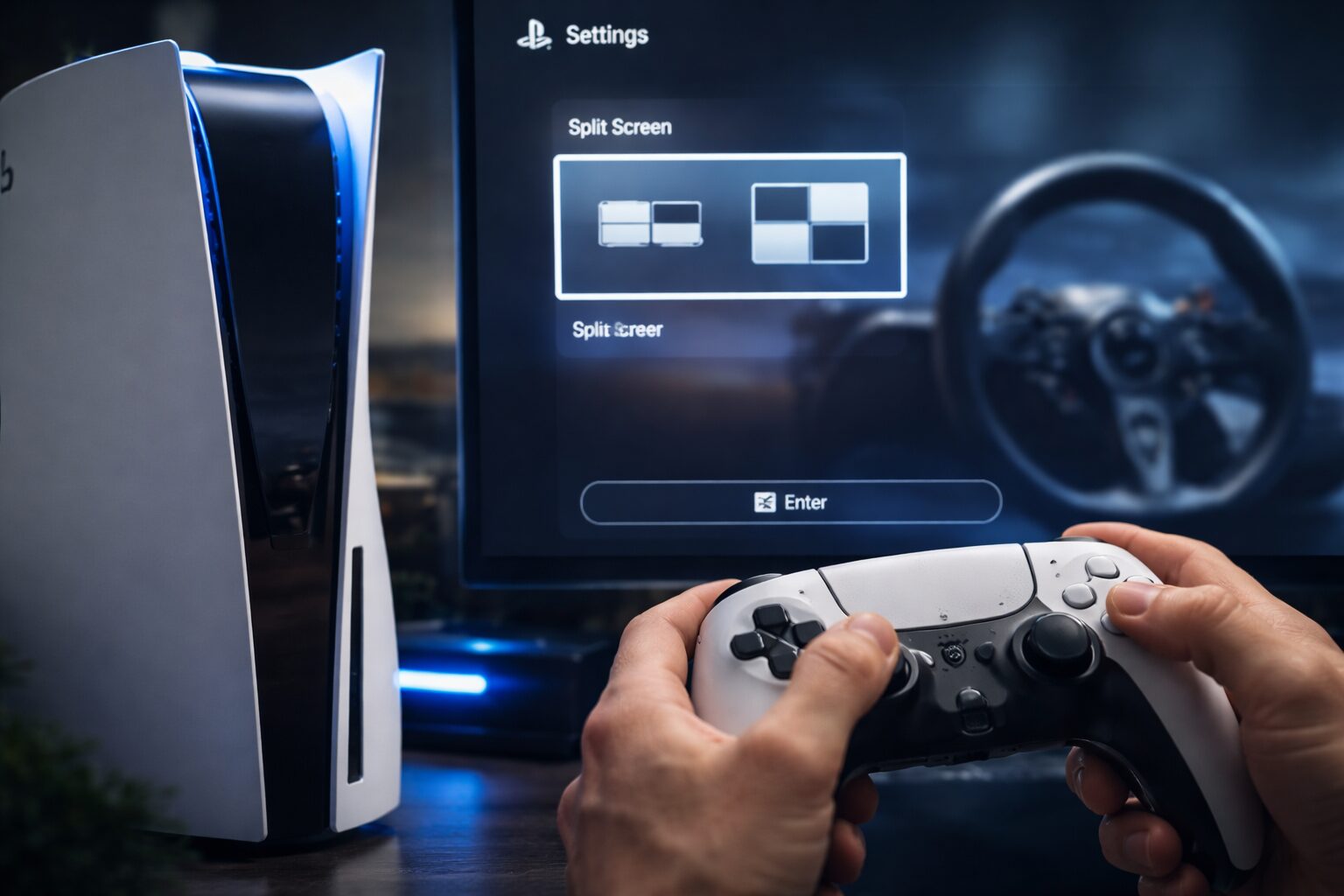
Once unlocked, the PS5 version offers a significant advantage over its predecessor: 4-player split-screen. Introduced in the “Spec II” update, this feature allows you to partition your TV into four quadrants, turning your living room into a chaotic and thrilling race track. This is a game-changer for larger gatherings, as you no longer have to swap controllers after every single race. To set this up, you simply navigate to the Multiplayer pavilion and select “Split Screen.” From there, the game will ask you to assign controllers. It is vital to ensure that all DualSense controllers or steering wheels are logged into separate user profiles on the PS5 console; using “Guest” accounts can sometimes cause save data or setting retention issues, so having dedicated profiles is recommended.
However, users often report frustration with the default settings, specifically regarding the “Assist” bug that historically plagued Player 2. In earlier versions, the second player was often forced into using driving assists like auto-braking, making it impossible to race competitively against an experienced Player 1. While updates have largely addressed this, you must meticulously check the “Assist Settings” in the pre-race menu for each controller individually. This ensures a level playing field where skill, not software intervention, decides the winner. Below is a comparison of the split-screen capabilities to help you understand what your hardware can do.
| Feature | PlayStation 5 | PlayStation 4 |
|---|---|---|
| Max Local Players | 4 Players (Spec II Update) | 2 Players |
| Frame Rate | Target 60fps (Variable) | 30fps (Stable) |
| Load Times | Instant (SSD) | Moderate (HDD) |
| Assist Settings | Individually Configurable | Individually Configurable |
The screen layout is another critical aspect. By default, 2-player mode often defaults to a vertical split or a horizontal split depending on your aspect ratio settings. For standard 16:9 televisions, a horizontal split usually provides a wider field of view, which is essential for checking mirrors and blind spots. If you are playing with four people, the screen is divided into a grid. While this reduces the individual screen real estate, the crisp 4K resolution of the PS5 ensures that the graphics remain legible and beautiful. Understanding these nuances allows you to tailor the experience to your specific group, ensuring that everyone has the best possible view of the road ahead.
Top 5 Accessories to Enhance Your Racing Battles
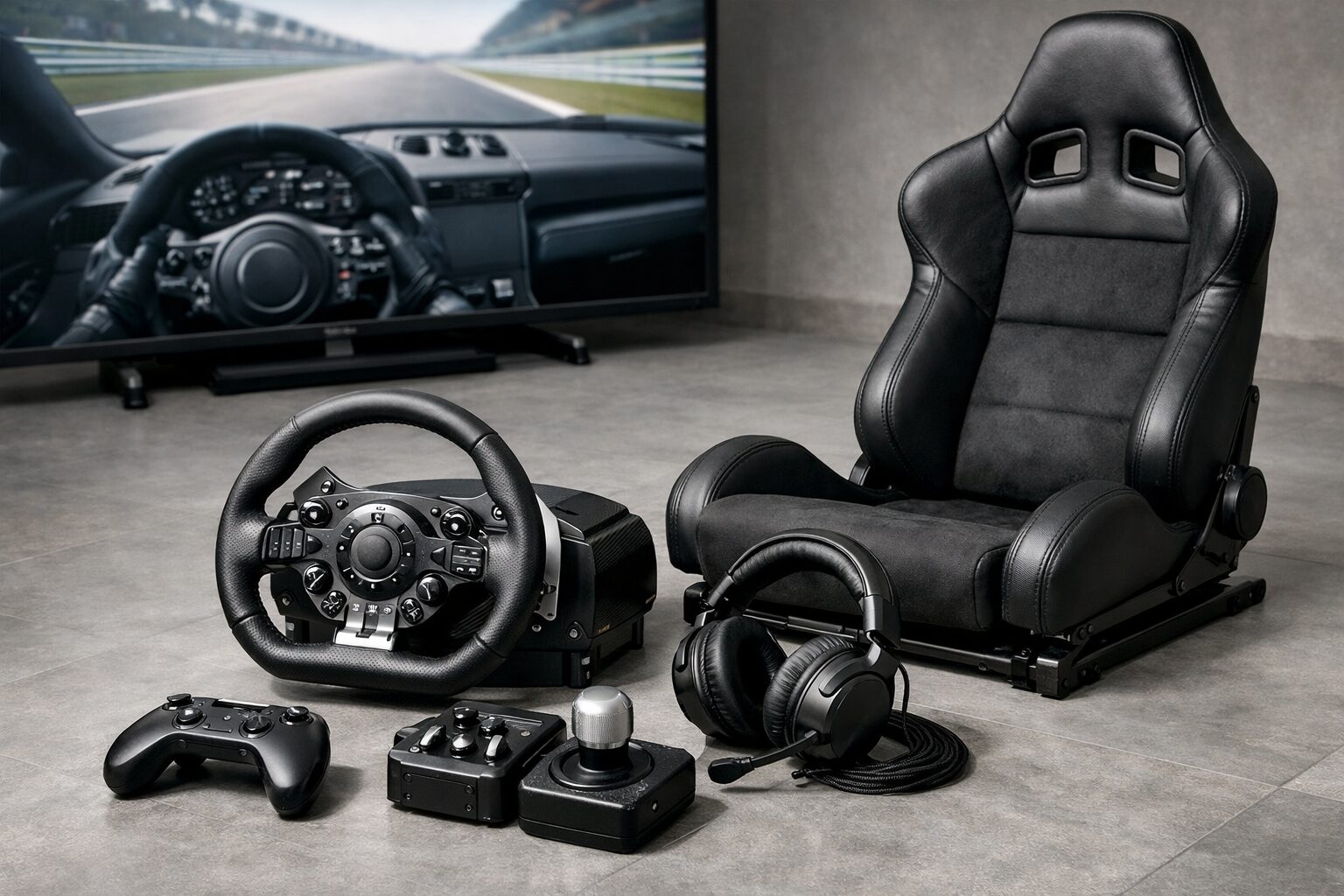
- Sony DualSense Wireless Controller
- Logitech G923 Racing Wheel and Pedals
- Next Level Racing Wheel Stand 2.0
- Thrustmaster T248 Racing Wheel
- Sony INZONE H9 Wireless Noise Canceling Headset
1. Sony DualSense Wireless Controller
The Sony DualSense Wireless Controller is not merely a peripheral; it is your direct physical connection to the asphalt. For any split-screen session, having a second, high-quality controller is the absolute minimum requirement, and the official DualSense stands miles above third-party alternatives. Its haptic feedback technology is revolutionary for racing games like Gran Turismo 7. You can feel the difference between the smooth tarmac of the Nürburgring and the rough rumble strips of Suzuka directly in your palms. The adaptive triggers provide variable resistance, simulating the feel of a brake pedal stiffening or an accelerator fighting back, giving you critical information about traction and tire lock.
When hosting a race night, the last thing you want is a controller that drifts or disconnects. The build quality of the DualSense ensures reliability during those high-intensity moments when you are gripping the handles tight on the final lap. It features a built-in microphone for quick banter if you happen to be playing online later, but for local play, its ergonomic design ensures comfort for hand sizes of all ranges. Whether you are handing it to a child for their first race or a seasoned rival, the intuitive layout means no learning curve is required. It is the standard for a reason.
Available in a variety of colors, picking up a distinct hue like Cosmic Red or Starlight Blue is a smart move for local multiplayer. It allows players to instantly identify “their” controller, adding a layer of personal ownership to the competition. The battery life is robust enough to last through a marathon session of endurance races. Investing in a genuine DualSense controller is an investment in fairness and immersion, ensuring that the second player has the exact same high-fidelity experience as the host. It is the essential first step to expanding your racing setup.
2. Logitech G923 Racing Wheel and Pedals
If you want to elevate your split-screen battles from a game to a simulation, the Logitech G923 Racing Wheel and Pedals is the definitive upgrade. This wheel features Logitech’s proprietary TRUEFORCE technology, which connects directly to the game’s physics engine to provide high-definition force feedback. This means you don’t just feel the wheel turn; you feel the engine vibration, the shift of weight, and the subtle loss of grip in real-time. For the player lucky enough to use the wheel, the level of immersion is unparalleled, often providing a significant competitive edge through better car control.
The G923 is built with premium materials, including a hand-stitched leather wheel cover and brushed metal pedals that feel like they were ripped straight out of a race car. The brake pedal features a progressive spring that mimics the feel of a pressure-sensitive brake system, allowing for much more precise trail braking into corners. This is crucial for Gran Turismo 7, where smooth inputs are the key to fast lap times. The integrated RPM LEDs on the wheel face help you hit perfect shift points without taking your eyes off the road, a feature usually reserved for much more expensive hardware.
Setting this wheel up for Player 1 while Player 2 uses a controller creates an interesting “Pro vs. Rookie” dynamic, or you can take turns in the hot seat to see who can set the fastest lap. It is fully compatible with the PS5 and clamps securely to a desk or a dedicated rig. The durability of Logitech wheels is legendary; this is a piece of gear that will survive years of aggressive driving. If you are serious about sim racing and want to bring that excitement to your living room, the G923 is the best value proposition on the market today.
3. Next Level Racing Wheel Stand 2.0
Owning a racing wheel is fantastic, but mounting it to a flimsy coffee table is a recipe for disaster. The Next Level Racing Wheel Stand 2.0 is the foundational stability you need to race with confidence. Unlike cheaper stands that wobble under heavy force feedback, this stand is built with heavy-duty carbon steel and allows for aggressive steering and braking without moving an inch. It is fully adjustable, meaning you can change the height and angle of the wheel and pedals to fit players of all sizes, from children to tall adults.
One of the standout features of this model is its foldability. We know that not everyone has a dedicated game room, and the Wheel Stand 2.0 can be folded away with the electronics still attached, making it perfect for living room setups that need to be cleared away after the party. It also includes a “Gaming Chair Cradle” that secures your office chair or gaming chair to the stand, preventing you from rolling backward when you stomp on the brake pedal. This simple innovation solves one of the biggest annoyances of using pedals on a carpet or hard floor.
The stand is compatible with all major wheel brands, including Logitech, Thrustmaster, and Fanatec. It is designed to grow with you; if you decide later that you want a full cockpit, this stand can be upgraded with add-ons. For a split-screen setup, having at least one dedicated wheel station adds a “premium” feel to your event. It shows your guests that you take racing seriously. By providing a solid platform, you ensure that the only thing slipping is the tires on the track, not your equipment. It is a mandatory purchase for wheel owners.
4. Thrustmaster T248 Racing Wheel
The Thrustmaster T248 Racing Wheel is a modern powerhouse designed specifically for players who crave data and customization. Its defining feature is the interactive dashboard display built right into the wheel rim. This screen can display over 20 different types of information, such as speed, RPM, lap time, and tire condition. In a split-screen race where the HUD might be cluttered or reduced, having this critical data right in front of your hands allows you to make strategic decisions without distractions.
Under the hood, the T248 uses a hybrid drive system that combines belt and gear mechanisms. This results in force feedback that is both powerful and smooth, avoiding the “notchy” feeling of older gear-driven wheels. It delivers 70% more power than previous hybrid models, meaning you will have to fight the wheel in high-speed turns, adding to the physical engagement of the race. The included T3PM magnetic pedal set is a massive step up from standard potentiometers, offering consistent precision that won’t degrade over time.
For the competitive racer, the T248 offers 25 action buttons, nearly double that of previous wheels, allowing you to map every necessary function like brake bias or traction control adjustments directly to your thumbs. This level of control is vital for managing the complex systems of modern GT cars in Gran Turismo 7. It is a versatile, high-tech piece of equipment that bridges the gap between entry-level and professional gear. If you want a wheel that informs you as much as it immerses you, the Thrustmaster T248 is the intelligent choice for your setup.
5. Sony INZONE H9 Wireless Noise Canceling Headset
In a heated split-screen battle, audio cues are just as important as visual ones. The Sony INZONE H9 Wireless Noise Canceling Headset is engineered to provide the ultimate auditory advantage. While your TV speakers might muddle the sound of two engines revving at once, this headset uses 360 Spatial Sound to pinpoint exactly where your opponent is. You can hear a car creeping up in your blind spot or the screech of tires locking up behind you, allowing for defensive maneuvers that would be impossible otherwise.
The noise-canceling technology, inherited from Sony’s industry-leading 1000X series headphones, blocks out external distractions—like the washing machine running or traffic outside—keeping you locked in the zone. The Dual Noise Sensor technology ensures that only the game audio and your voice chat penetrate your focus. The ear pads are made from soft-fit leather that reduces pressure on your ears, making them comfortable for long endurance races where concentration is key.
Designed aesthetically to match the PS5, the INZONE H9 looks the part of a premium accessory. It connects wirelessly via a USB dongle for low-latency performance that Bluetooth cannot match. The battery life is impressive, offering up to 32 hours of play on a single charge. For a 2-player setup, having two of these headsets allows both players to have their own private audio mix, preventing the confusion of split audio coming from a single soundbar. It creates a professional, e-sports-like environment right on your couch. This is the final touch for a truly immersive racing experience.
Summary: Ignite the Competition in Your Living Room
 Mastering the gran turismo 7 split screen ps5 setup is about more than just navigating menus; it is about reclaiming the joy of shared gaming experiences. Throughout this guide, we have explored the necessary steps to unlock multiplayer by completing the Cafe campaign and the technical advantages of the PS5’s 4-player capability. While the initial hurdle of unlocking the mode exists, the reward is a limitless playground of automotive competition that brings friends and family together. The Spec II update has truly transformed the local multiplayer landscape, making it more accessible and chaotic than ever before.
The equipment you choose plays a pivotal role in the quality of your races. From the tactile precision of the DualSense controller to the immersive force feedback of a racing wheel, the right gear elevates a casual game into a heart-pounding event. We have seen how critical it is to check assist settings to ensure a fair fight and how accessories like wheel stands and headsets can professionalize your setup. By addressing the technical nuances and investing in quality hardware, you eliminate the friction that often hinders local play, leaving only the pure thrill of the race.
To ensure your next race night is flawless, take a moment to verify your user profiles are set up correctly on your console to avoid controller assignment issues. Double-check that your game is updated to the latest version to access the 4-player features. Finally, consider acquiring that second controller or wheel to fully realize the potential of your simulator. The track is waiting, the engines are warm, and the green light is about to flash. It is time to invite your rivals over and settle the score on the tarmac.