Does iPad GPS Work Without Wifi? Essential Guide
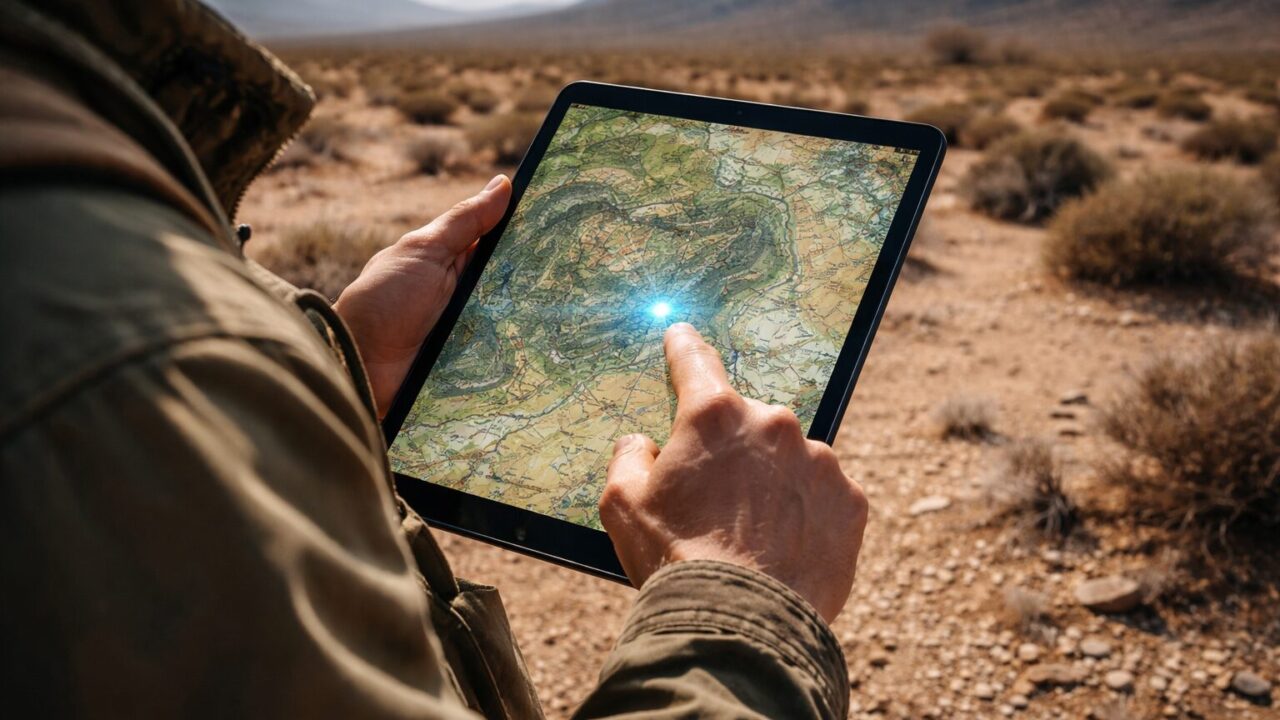
Planning a cross-country road trip or setting sail on open waters requires reliable navigation tools that will not fail when the signal drops. Many adventurers and professionals find themselves asking, does ipad gps work without wifi when they are miles away from the nearest cell tower or Wi-Fi hotspot? The answer to this question defines whether your tablet serves as a powerful, life-saving chart plotter or simply becomes a blank screen when you need it most. Understanding the specific hardware limitations of your device is crucial, because relying on the wrong model can leave you stranded without guidance. Whether you are a pilot needing precise coordinates in the cockpit or an off-roader exploring remote trails, knowing if does ipad gps work without wifi ensures you are fully prepared for any adventure. By choosing the right configuration or accessories, you can transform your iPad from a simple media player into a professional-grade navigational instrument that functions independently of the internet, guiding you safely to your destination.
The capability of an iPad to function as a standalone GPS unit is one of its most powerful yet misunderstood features. While the large, beautiful screen is perfect for maps, not all iPads are created equal under the hood. The difference lies in a single internal component that separates the casual living room device from the rugged field tool. If you have the right model, you gain access to global positioning that rivals dedicated units costing thousands of dollars. However, even if you own a model that lacks this internal capability, all is not lost. The ecosystem of accessories available today means that with a simple addition, any iPad can become a top-tier navigator. This guide will walk you through exactly how to unlock these capabilities, ensuring your location is always pinpointed, regardless of internet connection.
- Clarification on which iPad models contain a dedicated GPS chip.
- Explanation of how GPS functions independently of cellular data plans.
- Solutions for enabling GPS on Wi-Fi-only iPad models using external receivers.
- Top recommended iPads and accessories for offline navigation.
Decoding iPad GPS Capabilities Offline
- The Hardware Truth: Cellular vs. Wi-Fi Only Models
- Offline Navigation: The Critical Role of Map Data
- Solutions for Wi-Fi Only Models: External GPS Receivers
- Troubleshooting Common Location Issues
- Best Use Cases: From Marine to Aviation
1. The Hardware Truth: Cellular vs. Wi-Fi Only Models
The confusion surrounding “Do cellular iPads have GPS?” versus their Wi-Fi counterparts is the most common pitfall for buyers. To answer “Can you use GPS on an iPad without internet?” accurately, you must first identify your hardware. Apple maintains a strict distinction: only the Wi-Fi + Cellular models contain the internal GPS/GNSS (Global Navigation Satellite System) chip. This chip is integrated into the cellular modem architecture. Therefore, if you own a Wi-Fi-only iPad, it does not have a built-in GPS receiver. It determines your location using “Wi-Fi triangulation,” which estimates position based on a database of known Wi-Fi networks. Consequently, if you take a Wi-Fi-only iPad into a remote area without Wi-Fi signals, it cannot determine your location.
In contrast, a Cellular model communicates directly with satellites (GPS, GLONASS, Galileo, etc.). Crucially, you do not need an active cellular data plan for this GPS chip to work. The “Cellular” designation simply indicates the presence of the hardware. You can remove the SIM card, turn off cellular data, and disconnect from Wi-Fi, and the blue dot on your map will still track your movement accurately. This makes the Cellular iPad a self-sufficient navigation tool. For users asking “Does iPad Air have GPS?” or “Does iPad mini have GPS?”, the answer is always: Yes, but only if it is the Cellular version. This hardware reality is why the Cellular model commands a higher price; you are paying for the radio capability that includes satellite positioning. If your primary use is navigation, the Cellular model is the standalone solution, whereas the Wi-Fi model requires external help to function away from civilization.
2. Offline Navigation: The Critical Role of Map Data
Knowing that your hardware can track satellites answers “Can I still use GPS without WiFi?”, but it is only half the battle. A functional GPS chip provides your coordinates (latitude and longitude), but it does not provide the visual map. Without an internet connection to stream map tiles, a standard map app will show your accurate location as a blue dot on a blank, gray grid. To truly answer “Does iPad location work without WiFi?” effectively, you must understand the difference between location services and map data.
To navigate offline, you must download map data to your device’s storage before you leave the Wi-Fi zone. Apps like Google Maps, Apple Maps (in supported regions), Navionics for marine use, or ForeFlight for aviation allow you to save specific areas for offline use. When you are out in the field, the GPS chip places you on these downloaded maps. This combination is what creates a fully functional offline navigation system. If you fail to download the charts or maps, the GPS is working perfectly, but you have no context for where you are. Therefore, preparation is key. Always ensure you have sufficient storage space on your iPad and update your offline maps regularly to account for road changes or new marine hazards.
3. Solutions for Wi-Fi Only Models: External GPS Receivers
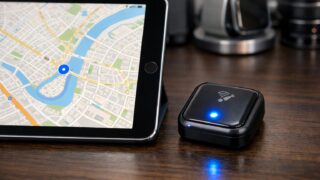
For those who already own a non-cellular tablet and are searching for “iPad mini GPS without cellular” or “Bluetooth GPS for iPad,” there is excellent news. You do not need to buy a new iPad. You can bridge the hardware gap by purchasing an External Bluetooth GPS Receiver. These dedicated devices connect to your iPad wirelessly and feed it precise satellite location data. In many professional scenarios, this setup is actually superior to the internal GPS of a Cellular iPad.
External receivers, such as those from Garmin or Bad Elf, often have higher refresh rates (updating position 10 times per second vs. 1 time per second for internal chips) and better antennas. This results in smoother tracking, which is vital for high-speed aviation or precise marine docking. The iPad essentially treats this external data as if it were coming from an internal chip, enabling location services across all apps. This is the professional workaround for “iPad with GPS for marine navigation” when using a Wi-Fi-only model. It separates the battery drain of GPS tracking from the iPad, potentially extending your tablet’s runtime during long trips.
4. Troubleshooting Common Location Issues
If you find your “iPad GPS not working” even with a Cellular model, there are several factors to check before assuming hardware failure. First, ensure that “Location Services” is enabled in your Privacy settings and that the specific navigation app has permission to access your location “While Using” or “Always.” Sometimes, toggling Airplane Mode on and off can reset the radio and force a new satellite lock.
Another common culprit is the physical environment. GPS signals are weak radio waves that cannot penetrate metal or thick concrete. If your iPad is in a case with magnetic closures or metallic backings, it might interfere with the antenna. Additionally, heated windshields in some cars or staying below deck on a boat can block the signal. In these instances, moving the iPad closer to a window or using an external Bluetooth GPS placed on the dashboard can resolve the issue immediately. Remember, the GPS needs a clear view of the sky to function correctly.
5. Best Use Cases: From Marine to Aviation
The versatility of an iPad with GPS extends far beyond Google Maps. For marine navigation, apps like Navionics transform the iPad into a chart plotter that rivals dedicated hardware costing thousands. Sailors prefer the iPad for its high-resolution touch interface, which allows for easy route planning and zooming. The “Cheapest iPad with GPS” (often the base Cellular model) is a popular backup system on many boats.
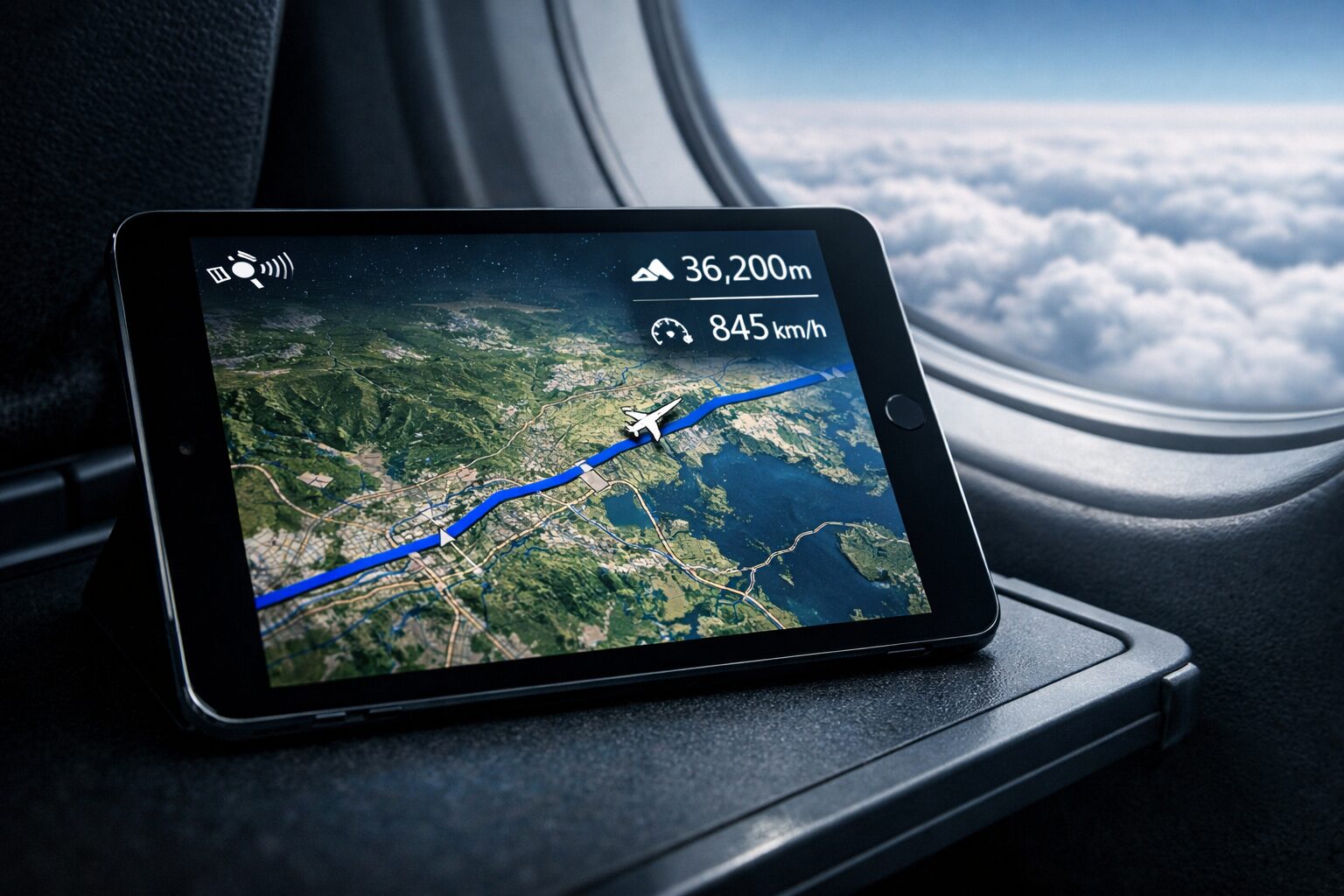
In aviation, pilots use iPads with apps like ForeFlight to visualize airspace, weather (when connected to ADS-B), and terrain. Here, accuracy is non-negotiable. Many pilots prefer using an external Bluetooth GPS even with a Cellular iPad to ensure redundancy and higher accuracy. Whether you are off-roading with Gaia GPS or flying a Cessna, the iPad’s ability to work without Wi-Fi makes it the ultimate copilot. It consolidates charts, manuals, and navigation into a single, portable slate that goes wherever you go.
Top 5 GPS Solutions for Every iPad User
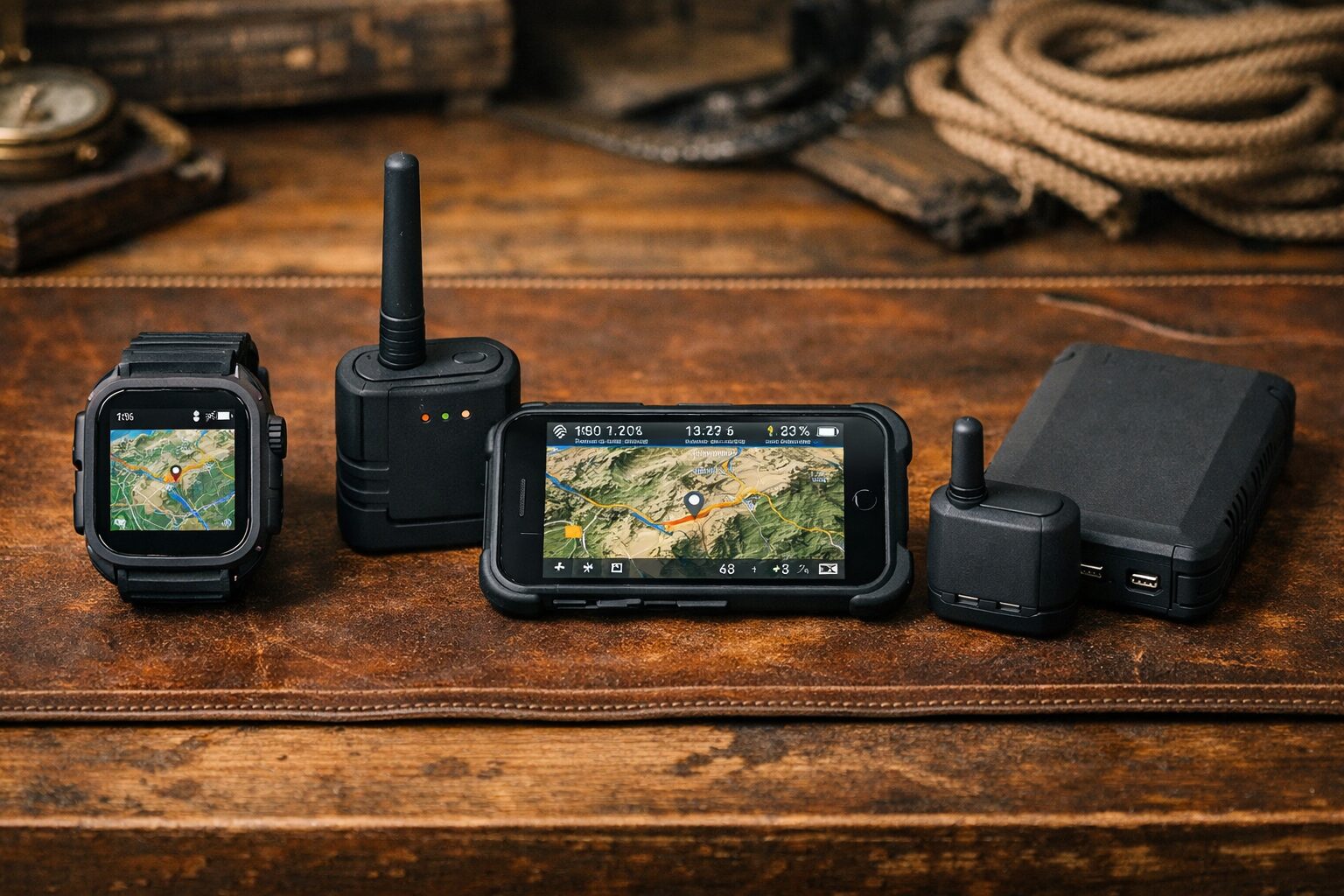
- Apple iPad (10th Generation) Wi-Fi + Cellular 64GB
- Garmin GLO 2 Bluetooth GPS Receiver
- Bad Elf GPS Pro+ External Bluetooth GPS Receiver
- Dual Electronics XGPS160 SkyPro GPS Receiver
- Apple iPad mini (A17 Pro) Wi-Fi + Cellular 128GB
1. Apple iPad (10th Generation) Wi-Fi + Cellular 64GB
The Apple iPad (10th Generation) Wi-Fi + Cellular represents the most accessible entry point for users seeking a built-in GPS solution. As the “Cheapest iPad with GPS” in the current modern lineup, it features the A14 Bionic chip which is more than capable of rendering complex 3D maps and marine charts smoothly. The 10.9-inch Liquid Retina display offers a large, bright canvas for navigation, making it easy to see details at a glance while driving or boating.
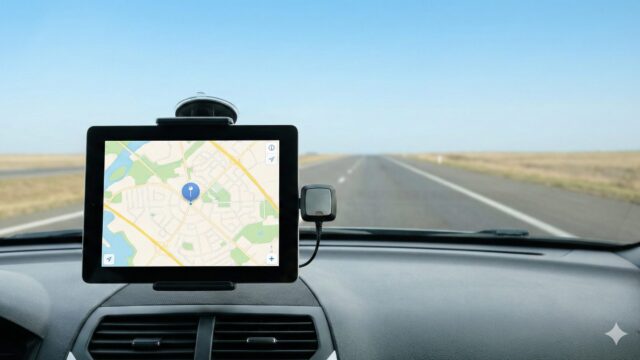
Because this is the Cellular model, it includes the dedicated GNSS receiver. You can mount this iPad in your car or boat, and it will track your location instantly without any external accessories or data contracts. It is the perfect all-in-one device for weekend warriors who want a reliable navigator that doubles as an entertainment device at the campsite. The shift to USB-C also means charging on the go is easier than ever with standard cables.
2. Garmin GLO 2 Bluetooth GPS Receiver
For owners of Wi-Fi-only iPads, the Garmin GLO 2 Bluetooth GPS Receiver is the industry-standard solution to the “iPad GPS not working” without internet dilemma. This compact device connects wirelessly to your iPad and provides professional-grade GPS and GLONASS satellite tracking. It updates its position 10 times per second (10Hz), which is significantly faster than the internal GPS found in tablets, resulting in a buttery-smooth movement on your map.
The GLO 2 has a 12-hour battery life, ensuring it lasts through the longest drives or flights. Its non-slip base allows it to sit securely on a dashboard, maintaining a clear view of the sky while your iPad stays cool in your hands or mount. It is the ultimate upgrade for anyone wanting to turn their existing Wi-Fi iPad into a precision navigation tool without buying a whole new tablet.
3. Bad Elf GPS Pro+ External Bluetooth GPS Receiver
The Bad Elf GPS Pro+ is designed for serious adventurers and professionals who demand more than just a location fix. Unlike simple receivers, this unit features a backlit LCD screen that displays your location, speed, altitude, and heading independently of the iPad. This capability makes it an excellent backup navigation instrument. It allows up to 5 devices to connect via Bluetooth simultaneously, meaning a pilot and co-pilot (or driver and passenger) can both receive GPS data on their separate iPads from this single unit.
Ideally suited for aviation and marine environments, the Bad Elf GPS Pro+ also features a built-in data logger. This allows you to record your trip for later analysis without draining your iPad’s battery or storage. With a rugged, splash-proof design and a 24-hour battery life, it is built to withstand rigorous use. If you need a “Bluetooth GPS for iPad” that offers redundancy and professional features, this is the top choice.
4. Dual Electronics XGPS160 SkyPro GPS Receiver
The Dual Electronics XGPS160 SkyPro is another high-performance receiver favored by pilots and race car drivers. Like the Garmin, it features a 10Hz update rate for high-precision tracking. However, it distinguishes itself with the ability to connect to up to 5 devices at once and works seamlessly with both iOS and Android. This universality makes it perfect for teams or families with mixed devices.
The XGPS160 comes with a non-slip pad and a 12-30V charging adapter, making it ready for cockpit or dashboard integration right out of the box. Its high-sensitivity WAAS-enabled GPS engine ensures it holds a signal even in difficult conditions like heavy tree cover or urban canyons. For users looking for a reliable, high-speed external GPS that can serve multiple tablets simultaneously, the SkyPro is a robust and proven contender.
5. Apple iPad mini (A17 Pro) Wi-Fi + Cellular 128GB
For those who need navigation in tight spaces, the Apple iPad mini (A17 Pro) Wi-Fi + Cellular is the ultimate cockpit and dashboard companion. Its 8.3-inch size is perfect for mounting without obstructing your view through the windshield. Powered by the new A17 Pro chip, it delivers blazing-fast performance for recalculating routes or rendering high-resolution topography. As a Cellular model, it possesses the critical built-in GPS chip.
This model is particularly popular for “iPad mini GPS without cellular” searches where users realize they need the Pro performance in a small package. The fully laminated display reduces glare, which is essential for outdoor visibility. With 128GB of base storage, you have ample room to download offline maps for entire continents. If you want the most powerful, portable, and capable standalone navigation device on the market, the new iPad mini Cellular is unrivaled.
Summary: Navigating with Confidence
 The question does ipad gps work without wifi has a clear and empowering answer: Yes, provided you have the right equipment. If you own a Wi-Fi + Cellular model, you already possess a standalone navigational powerhouse that requires only offline maps to guide you anywhere on Earth. The internal GPS chip functions independently of cell towers, offering freedom and safety in the most remote locations. For those with Wi-Fi-only models, the path to precision is equally accessible through External Bluetooth GPS Receivers. These devices not only enable navigation but often enhance it with superior accuracy and battery life.
Your next step is to assess your current hardware. Check if your iPad has the black or white plastic antenna band (or plastic distinct lines) on the back, indicating it is a Cellular model. If it is, download your offline maps today and test it in Airplane Mode. If not, consider investing in one of the recommended external receivers or upgrading to a Cellular model for your next journey. By ensuring your setup is correct, you transform your iPad from a passive screen into an active, reliable partner that ensures you never lose your way, no matter how far off the grid you travel.